

Azalea Health is a cloud-based EHR and practice management platform built for rural hospitals and small clinics. But does it hold up in day-to-day use?
I dug through dozens of real Azalea Health reviews, tested the platform, and talked to providers who use it. Here's what you need to know before signing a contract.
Quick Verdict
Azalea Health works well for small rural clinics that need a simple, all-in-one EHR and billing system at a lower price point. The interface is straightforward, and U.S.-based support gets decent marks.
But pricing transparency, cluttered workflows, and data integration issues show up across multiple Azalea Health reviews.
If your practice relies on pediatric-specific features like growth chart tracking, family relationship management, or automated pediatric billing codes, you'll likely outgrow Azalea fast.
What Is Azalea Health?
Azalea Health provides cloud-based EHR, practice management, revenue cycle management (RCM), and telehealth tools. The platform targets independent clinics, rural health centers, and small hospitals that need clinical charting, billing, and patient engagement in one system.
It includes AI-powered tools like a clinical assistant for ambient charting and a billing assistant for coding suggestions. Azalea also offers a native clearinghouse and SMART/FHIR API connections for labs, imaging, and HIEs.
If you're comparing EHR solutions for your practice, it's worth understanding where Azalea fits and where it falls short.
Features
Azalea Health bundles several core modules into its platform:
- Cloud-based EHR: Document SOAP notes, send orders, and capture billing from one screen. Accessible from any device.
- Revenue cycle management: Integrated claims management, eligibility verification, and clearinghouse. No separate vendor needed.
- Telehealth: HIPAA-compliant video visits with real-time charting built in.
- Patient portal: Patients can view records, message providers, request refills, and manage billing.
- Mobile access: Charts and task management are available on mobile devices.
The platform covers a lot of ground. But coverage and execution are two different things, and that gap is clear in Azalea Health reviews from real users. Practices already exploring other pediatric EHR options will notice many of these gaps right away.
Azalea Health Reviews: What Are Real Users Saying?
I pulled Azalea Health reviews from Capterra to get a balanced picture. Here's what stood out:
Pros:
✅ Easy to learn for basic tasks: Crysta B., a Medical Assistant, shared on Capterra that Azalea keeps all patient information on file and is easy to use overall. She had a positive overall experience after 6-12 months on the platform.
✅ Fair pricing for small clinics: Daphne S., a Nurse with 2+ years on the platform, called it a decent application with fair pricing. She noted it picked up where Soapware left off and has added features over time.
✅ Responsive U.S.-based support: Even John B., an Owner Surgeon who left a critical review, acknowledged that the support team is U.S.-based, friendly, and quick to respond.
Cons:
❌ Hidden fees and unclear pricing: John B. gave Azalea 2 stars on Capterra, warning that the quoted price didn't include add-on fees required to make the product functional. He said fees kept increasing and were non-refundable.
❌ Poor clinical functionality: A pediatrician rated Azalea 1 star on Capterra and described it as closer to a billing word processor than a clinical tool. She flagged a lack of chronological integration of notes, labs, and imaging, plus a cluttered prescribing interface.
❌ Serious service failures and rigid contracts: Bryan V., a Physician who used the software for 1-2 years, rated it 1 star on Capterra. He described implementation problems that left his practice unpaid for nearly five months.
He also reported being locked into a five-year contract that Azalea wouldn't let him exit.
Users appreciate basic ease of use and support staff, but many raise red flags about pricing surprises, limited clinical depth, and contract rigidity.
My Personal Take on Azalea Health
Azalea Health does a solid job at the basics.
If you're a small rural clinic moving from paper charts or an outdated legacy system, the learning curve is manageable. The cloud-based setup means no server maintenance, and the integrated clearinghouse removes at least one third-party vendor from your stack.
But the cracks show when you push past surface-level use. The clinical charting feels thin for providers who need specialty-specific workflows.
The pricing issue is also hard to ignore. When multiple users independently warn about unexpected add-on fees after signing, that's a pattern worth paying attention to. Azalea positions itself as affordable, but the total cost of ownership may look different once you're locked in.
For pediatric practices focused on building long-term family relationships, Azalea falls short. There's no family relationship management, no pediatric-specific templates for well-child visits, and no automated charge capture built around pediatric billing codes.
Is Azalea Health Right for You?
You might like Azalea Health if you:
- Run a small rural clinic or critical access hospital that needs an affordable, all-in-one platform
- Want cloud-based access without managing on-site servers
- Need basic EHR, billing, and telehealth in a single system
You should look elsewhere if you:
- Run a pediatric practice and need family-centered workflows, growth charts, and immunization tracking built into your EHR
- Want fully transparent, comprehensive pricing with no add-on surprises
- Need deep clinical functionality beyond SOAP notes and basic charting
- Care about improving your in-office patient experience with digital intake and self-service tools
Why Develo Is the Best Azalea Health Alternative for Pediatric Practices
If you're reading Azalea Health reviews because you're shopping for a better EHR, the right fit depends on your specialty.
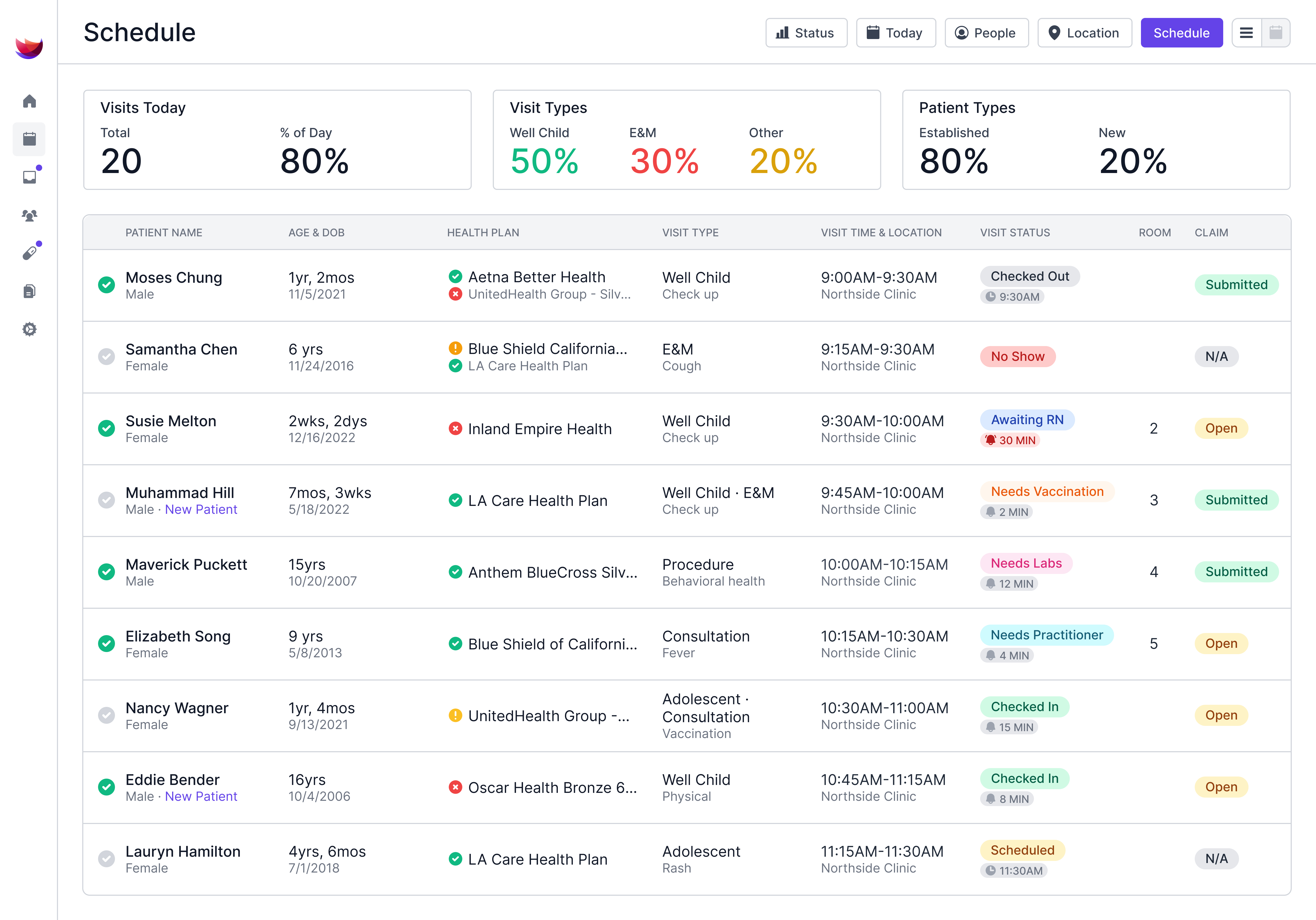
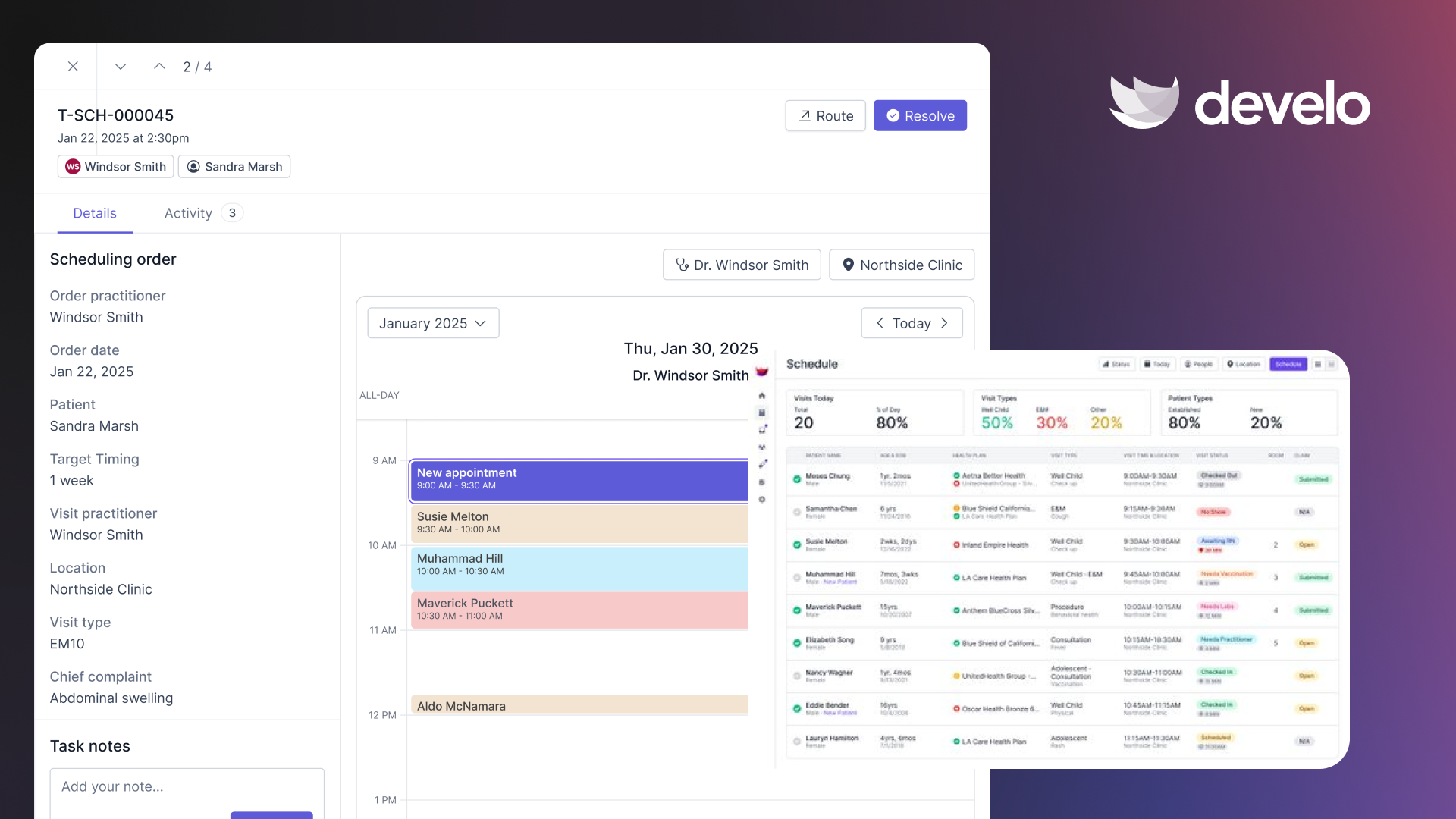
For pediatric practices, Develo is the AI-native operating system for pediatrics, built from the ground up for outpatient pediatric workflows, not retrofitted from a general-purpose system.
Unlike Azalea, Develo delivers pediatric-specific workflows across clinical care, billing, and family engagement in one modern platform.
Here's what that looks like:
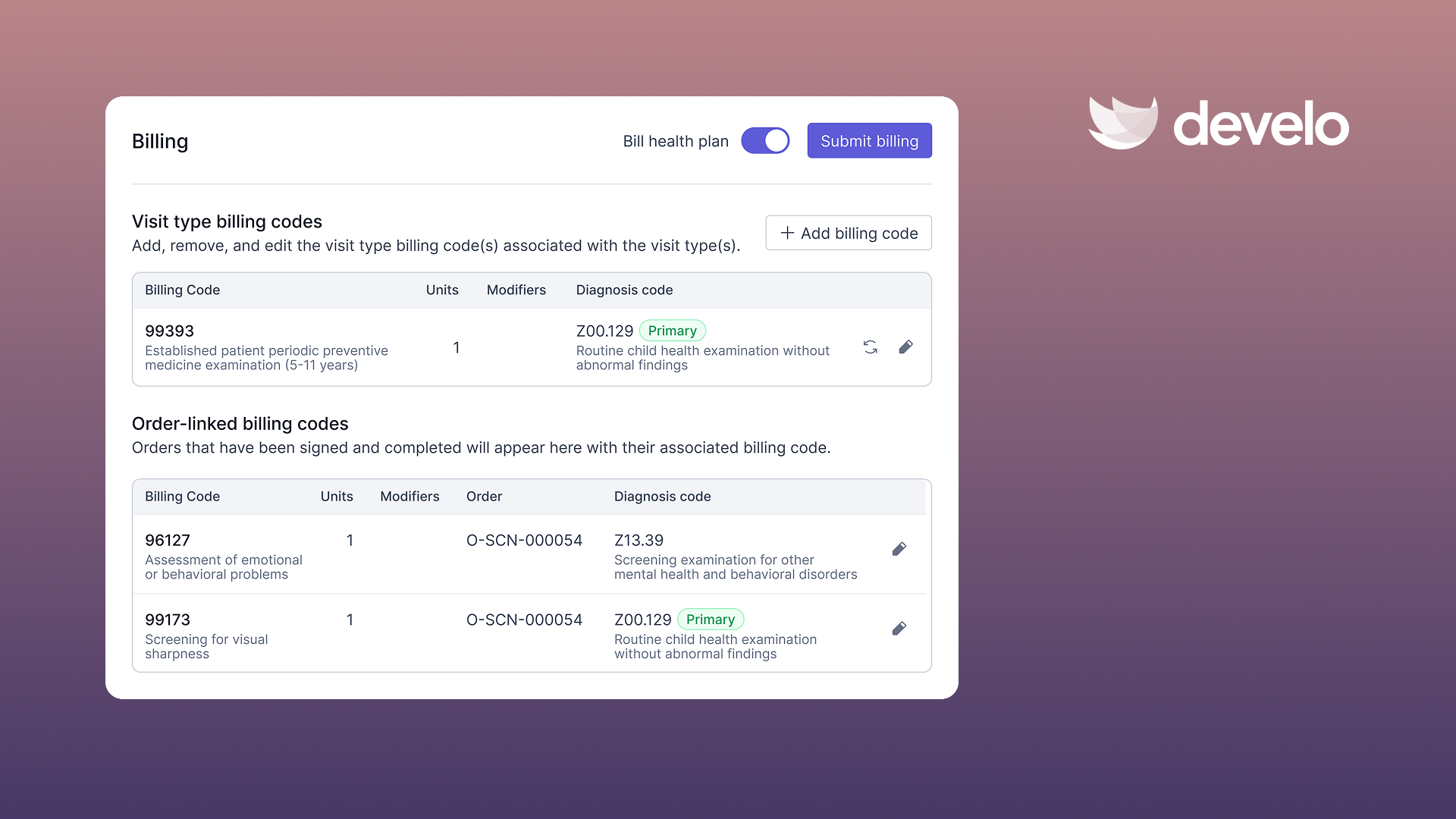
- AI-powered charge capture that automatically applies the correct pediatric billing codes (e.g., standalone vaccine counseling codes) based on visit documentation, patient age, and insurance type to improve practice financial performance
- Family-centered data architecture that manages siblings, guardians, blended families, and family-level balances without redundant data entry to streamline front desk workflows
- Built-in digital intake that lets families complete tasks from their phones before the visit, cutting wait times and front-desk workload through streamlined digital developmental and behavioral screens and demographics edits
- AI scribe with a pediatric context that generates visit notes using patient history and visit data (e.g., well child templates, vitals, in-house test results), so documentation is streamlined well before the next patient walks in
- Comprehensive pricing with no hidden add-ons and surprise cost increases after you sign, reducing the friction that comes with menu-based pricing
Azalea Health reviews consistently point to pricing confusion and clinical limitations. Develo eliminates both with a single platform fee that covers everything your pediatric practice needs.
Book a free demo and see how Develo handles your pediatric workflows from check-in to claim.
Final Verdict
If you need a basic EHR for a small rural clinic, Azalea Health works. But if you want a platform built around how pediatric practices actually run, Develo is the stronger choice.
Frequently Asked Questions
1. What Do Most Azalea Health Reviews Say About the Software?
Most Azalea Health reviews praise the ease of use and responsive support team. The most common complaints involve hidden add-on fees, limited clinical functionality, and a cluttered interface that disrupts clinical workflows.
2. Is Azalea Health Good for Pediatric Practices?
Azalea Health is a general-purpose EHR built for rural clinics and small hospitals, so it lacks pediatric-specific features like family relationship management, automated well-child visit templates, growth chart tracking, and pediatric billing code automation.
3. Does Azalea Health Include Telehealth?
Yes, Azalea Health offers a HIPAA-compliant telehealth module integrated with the EHR. Providers can conduct video visits and chart in real time during the session.
4. What Are the Biggest Downsides of Azalea Health?
Based on Azalea Health reviews, the most frequently cited downsides are unclear pricing after sign-up, limited depth in clinical charting tools, occasional platform glitches, and long-term contracts that are difficult to exit.
.png)


.png)
.avif)