
.avif)
Growth charts are the go-to screening tool for tracking weight, height, and BMI in children ages 2 to 20. The CDC also has a secondary option for tracking weight, height, and head circumference in children ages 0 to 3.
This guide breaks down what they measure, when to use them versus WHO charts, how to plot accurately, and where clinics run into trouble.
What Are CDC Growth Charts?
CDC growth charts are sex-specific percentile curves developed by the National Center for Health Statistics in 2000. They map the distribution of body measurements across U.S. children from age 2 through 20.
The underlying data comes from five nationally representative surveys conducted between 1963 and 1994. These include the National Health Examination Survey and multiple cycles of the National Health and Nutrition Examination Survey (NHANES).
Each chart displays smoothed percentile lines at the 5th, 10th, 25th, 50th, 75th, 90th, and 95th. The 85th percentile is for BMI-for-age and weight-for-stature, and corresponds to a commonly used threshold for healthy weight to overweight status.
You plot a child's measurements against these curves to see whether growth falls within a typical range or flags the need for follow-up.
Four chart types cover children ages 2 to 20:
- Stature-for-age tracks height relative to age and sex
- Weight-for-age tracks weight relative to age and sex
- BMI-for-age tracks body mass index relative to age and sex
- Weight-for-stature tracks weight relative to height by sex
CDC Growth Charts vs. WHO Growth Charts: Which One and When to Use Them
These two chart systems serve different age groups and represent different types of data. Knowing when to switch between them prevents misclassification and avoids unnecessary parent concern.
Here’s the current CDC recommendation:
- Birth to age 2: Use the WHO Child Growth Standard Charts
- Ages 2 to 20: Use CDC growth charts
- BMI above the 95th percentile: Use the 2022 CDC Extended BMI-for-Age Growth Charts
The distinction matters because WHO charts draw on data beyond the United States, with ~8,500 children across Brazil, Ghana, India, Norway, Oman, and the United States across multiple racial, ethnic, and cultural settings.
CDC growth charts are growth references that describe how U.S. children actually grew during a specific time period, based on national survey data.
The AAP supports this recommended growth chart use approach, and notes that the WHO standards use breastfed infants as the growth norm in alignment with national infant feeding guidelines to prioritize breastfeeding where possible.
Why the Transition Happens at Age 2
Age 24 months is the designated switch point from WHO charts to CDC growth charts.
The CDC's MMWR report explains that this transition aligns with three changes happening at once: the shift from recumbent length (measured lying down) to standing height, a different reference population, and a move from the weight-for-length chart to BMI-for-age.
You should expect percentile shifts during this transition. Standing height measures approximately 0.7 cm less than recumbent length, and the reference populations differ between the two chart systems.
A child's classification can change solely based on the chart switch, not on an actual change in growth. Communicating this to families ahead of time saves you from unnecessary concern at the 2-year well-child visit.
A Secondary Option: CDC 0 to 3 Growth Charts
The CDC offers a secondary set of growth charts covering birth to 36 months as an optional clinical reference. These are distinct from the WHO charts recommended for this age group, and include four chart types:
- Length-for-age tracks length relative to age and sex
- Weight-for-age tracks weight relative to age and sex
- Head circumference-for-age tracks head growth relative to age and sex
- Weight-for-length tracks weight relative to length by sex
These charts are particularly useful during the age-2 transition window.
Because the CDC 0-3 charts and the standard CDC 2-20 charts share the same U.S. reference population and measurement conventions, plotting a child on both during the 24-36 month period lets you plot growth continuity on a consistent baseline without the WHO-to-CDC chart switch that can produce a visible percentile shift.
This makes it easier to distinguish a chart-driven percentile change from a genuine shift in growth trajectory when speaking with parents and other caregivers.
How to Plot Measurements on Growth Charts
Accurate plotting starts with accurate measurement. Here’s the step-by-step process the CDC recommends:
- Measure correctly: For children ages 2 and older, use standing height (stature), not recumbent length. Weigh the child without shoes and in light clothing.
- Use the right measurement age: While today’s date is most common, make sure you capture the right measurement age for historical values.
- Select the correct chart: Use the age-matched, sex-specific growth chart that’s suitable for the patient, and focus on the growth chart types of interest.
- Plot the data point: Find the child's age on the horizontal axis. Find the measurement on the vertical axis. Mark the intersection, manually on paper or digitally.
- Read the percentile: If plotted on paper, identify which percentile curve the data point falls nearest, and if it lands between two curves, estimate the approximate percentile. Digital growth chart plotting will directly yield a corresponding percentile.
- Track over time: A single plot point is a snapshot. Multiple measurements across visits reveal growth velocity and trends, which bring significantly more clinical value.
5 Common Mistakes Clinics Make With Growth Charts
Growth chart errors create false alarms or missed flags. These are the most frequent problems:
- Using the wrong chart for the child's age: Plotting a 14-month-old on CDC growth charts instead of WHO charts inflates the percentile for breastfed infants and may wrongly suggest overweight status.
- Mixing up recumbent length versus standing height measurements: Recumbent length produces a longer measurement than standing stature (by approximately 0.7 cm on average). Using the wrong technique at the age-2 transition skews the plotted percentile.
- Ignoring the age-2 transition shift: When switching from WHO charts to CDC growth charts at age 24 months, a child's percentile can change due to the different reference populations and measurement methods. This shift does not mean the child's growth pattern changed. CDC 0-3 growth charts is a helpful secondary option for this transition period.
- Overreacting to a single data point: One measurement at the 15th percentile is not automatically concerning. A drop from the 60th to the 15th percentile over multiple visits is a different clinical story. Growth charts are built to track trends, not snapshots. Potential measurement and documentation errors should be ruled out in cases where there is a big jump up or down between two adjacent data points.
- Not accounting for prematurity: For premature infants under age 2, you should adjust for gestational age when plotting on WHO 0-2 as well as CDC 0-3 growth charts. The CDC charts for ages 2 to 20 do not require gestational age correction, but the preceding newborn growth charts should be used with corrected age plots.
What Do Percentiles Mean on Growth Charts?
A percentile indicates the percentage of children in the reference population who fall at or below a given measurement for their age and sex.
For example, a 5-year-old girl at the 60th percentile for weight weighs the same as or more than 60% of 5-year-old girls in the reference data.
Key thresholds for BMI-for-age:
These categories apply to children and adolescents ages 2 through 20. A single data point identifies where a child falls at one visit. Growth patterns across multiple visits tell the real clinical story.
BMI-for-age works differently from adult BMI. In adults, BMI is a fixed threshold (25 = overweight, 30 = obesity). In children, BMI changes with age and differs by sex. That's why pediatric BMI uses percentiles rather than absolute numbers.
The AAP recommends annual BMI screening for all children and adolescents starting at age 2. BMI-for-age does have limits, though. It correlates with body fatness but does not measure body fat directly.
A child who’s muscular and lean may have a high BMI-for-age percentile without excess fat. A child with low muscle mass and high body fat may fall within a normal-range percentile.
BMI is a screening tool, not a diagnostic one. Clinical judgment and additional assessments fill the gap.
The 2022 CDC Extended BMI-For-Age Growth Charts
In December 2022, the CDC released Extended BMI-for-Age Growth Charts to address a gap in the original 2000 charts. The originals capped at a plottable BMI of 37 kg/m² and had no percentile lines above the 95th.
With nearly 1 in 5 U.S. children living with obesity and severe obesity rates climbing from 1% in in 1971 to 1974 to 6.1% in 2017 to 2018, you need a way to track growth in children above the 95th percentile.
The extended charts add four percentile curves: the 98th, 99th, 99.9th, and 99.99th. They plot BMI values up to 60 kg/m² and are based on updated NHANES data from 1988 to 2016.
When to use the extended charts:
- BMI at or below the 95th percentile: Use the standard 2000 CDC growth charts
- BMI above the 97th percentile: Switch to the 2022 Extended BMI-for-Age Growth Charts (the extended charts offer the most precision above this threshold, especially for tracking severity over time)
The CDC notes that the extended charts can replace previous "percent of the 95th percentile" methods used in many EHR systems. They also include color-coded shading designed to support conversations with families about very high BMI and treatment planning.
Standard growth charts flatten out above the 95th percentile, making it hard to distinguish between a child at the 96th and one at the 99.9th. The extended charts solve this problem.
Which Growth Chart Downloads Does Your Clinic Need?
The CDC offers downloadable charts in two clinical sets for ages 2-20, both available from the CDC Growth Charts download page:
- Set 1 (5th and 95th percentiles): Includes stature-for-age, weight-for-age, BMI-for-age, and optional weight-for-stature charts for boys and girls ages 2 to 20. These are the most commonly used clinical charts.
- Set 2 (3rd and 97th percentiles): Same chart types with outer percentile curves at the 3rd and 97th instead of the 5th and 95th. It’s useful when you want to identify children at more extreme ends of the distribution.
There are an additional two clinical sets for CDC growth charts for ages 0-3, following a similar set of percentile offerings as noted above. All growth charts are available in English, Spanish, and French, along with press-ready versions for printing.
The CDC also offers WHO growth charts for download here.
These PDFs work for clinics still using paper charts. But modern pediatric clinics now rely on EMR systems that commonly calculate and plot growth data automatically, reducing the manual errors covered above.
Track Growth Charts Automatically With Develo
Plotting growth charts by hand introduces errors. Manual age calculations, misread percentile curves, and wrong chart selection slow your clinic down and create documentation gaps.
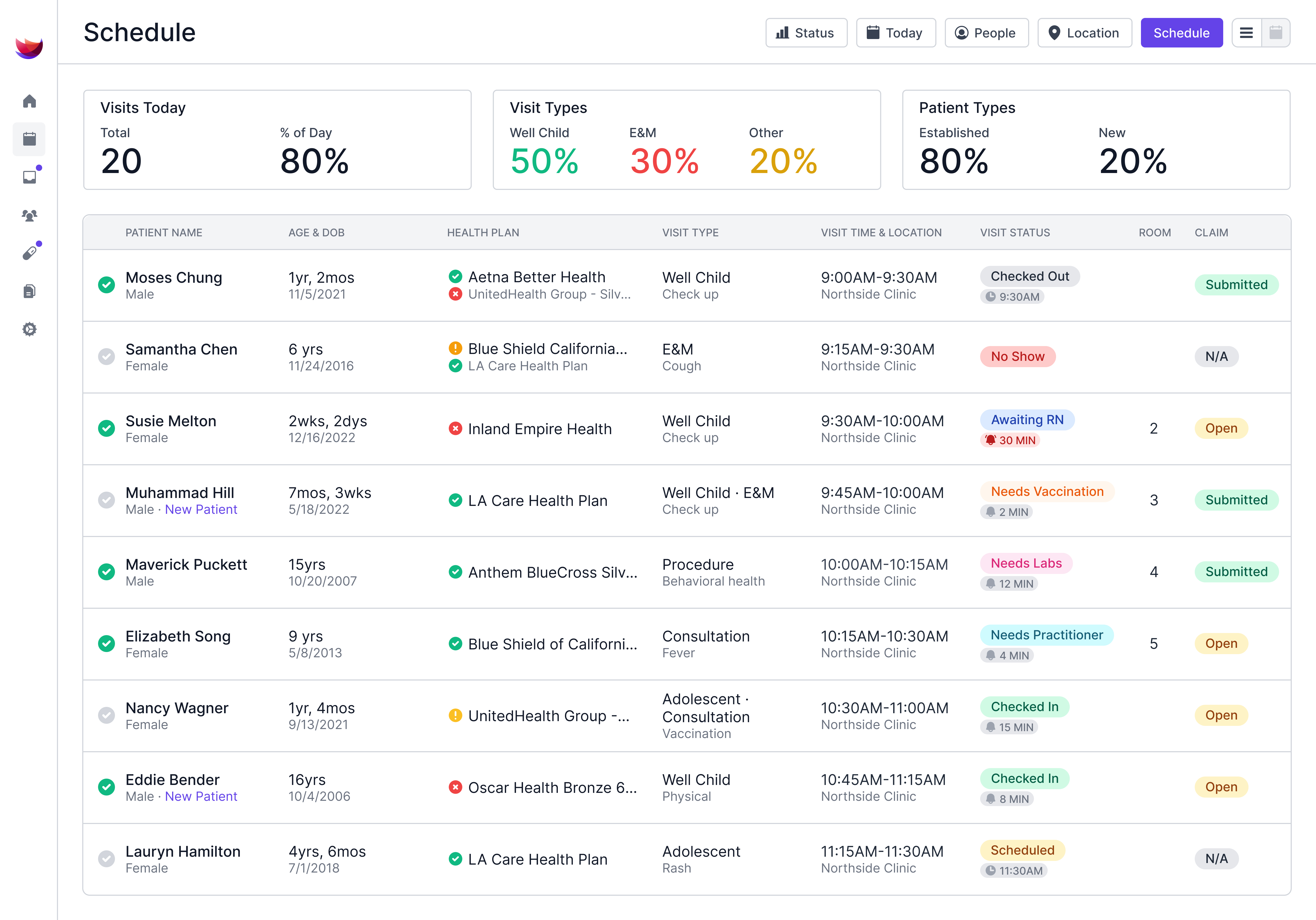
Develo is a modern, web-based EMR built exclusively for independent pediatric clinics. It automates growth tracking alongside every other part of your clinical workflow, including both your visits as well as chart review experiences.
Here is how Develo supports pediatric growth monitoring holistically beyond digital growth charts:
- Pediatric growth charts are built into the EMR, so height, weight, head circumference, BMI, and other growth charts plot automatically based on documented vitals, using the correct chart for the child's age and sex
- Expansive growth charts availability, beyond core WHO 0-2, CDC 2-20, and CDC 2-20 growth charts, Develo supports both corrected age plots for premature infants, as well as dedicated plots for Down Syndrome patients
- Automated BMI-for-age calculations with no manual math or separate calculators needed during well-child visits, as well as automated BMI diagnosis code addition to visits
- Pediatric-specific clinical templates pre-built for well-child checks, developmental milestones, and immunization documentation, so charting stays fast and accurate
- Embedded AI Scribe for visit documentation that captures the clinical conversation and generates structured notes inclusive of visit vitals and growth chart percentiles, giving you time back for patient interaction instead of after-hours charting
- Digital clinical screeners with age-appropriate developmental, behavioral health, and autism screeners built directly into the visit workflow
- Family relationship management that tracks siblings, blended families, and multiple guardians across a shared family record, so you have full context without re-entering data
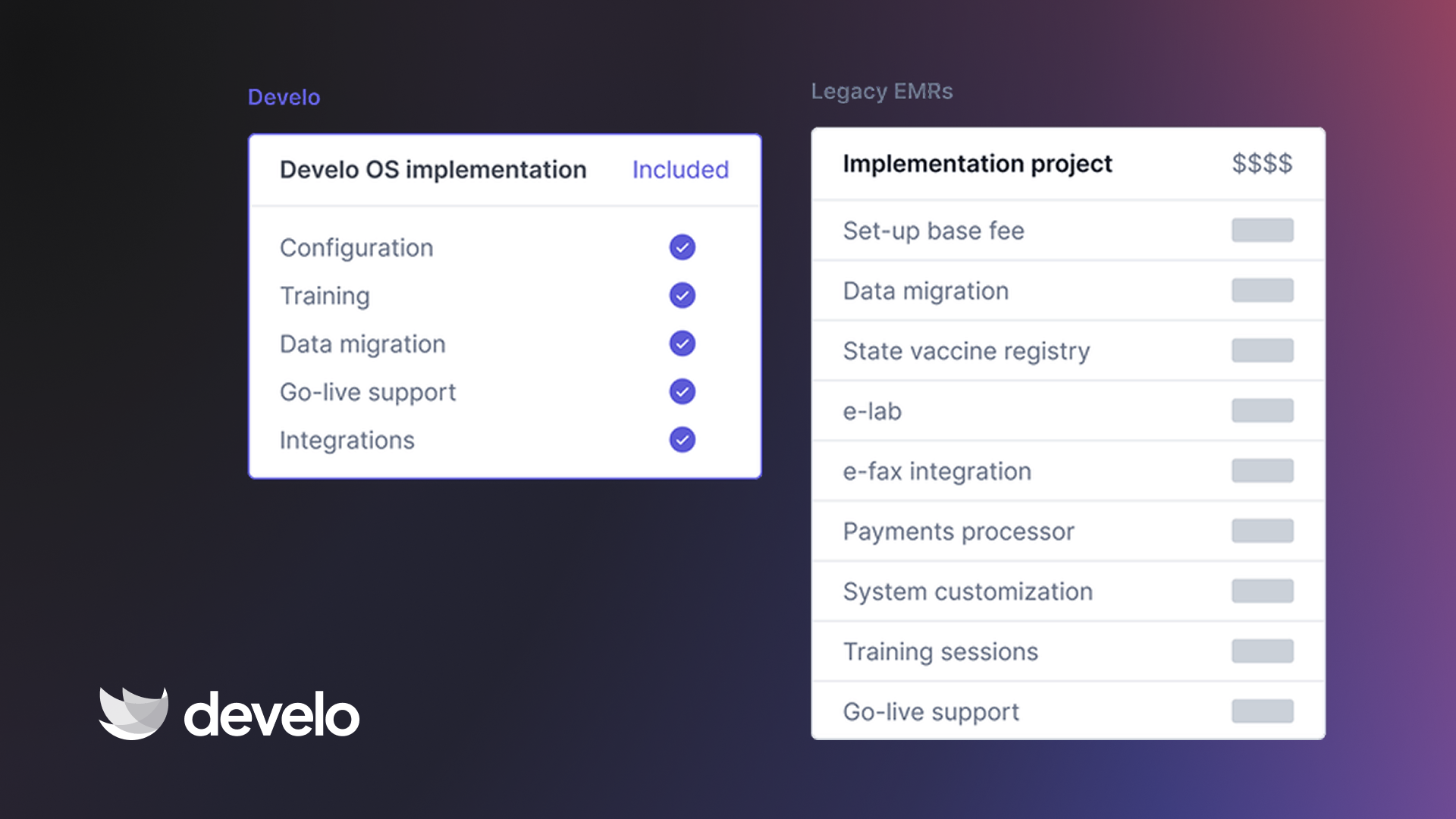
- Comprehensive pricing that includes scheduling, practice management, clinical charting, AI scribe, clinical screeners, billing, family portal, and family engagement experiences, all in one platform with no surprise add-on fees
Your clinic doesn't need separate growth-chart software, third-party digital screening tools, or a standalone billing system.
Develo brings it all into one pediatric-specific platform. Spending less time on admin also means more time for the parts of practice that keep families coming back and help you grow your patient base.
Book a free demo and see how Develo helps your pediatric clinic use cutting edge growth charts, streamline clinical documentation with an embedded AI scribe, and run more efficiently from check-in to claim submission.
Frequently Asked Questions
1. At What Age Do You Start Using CDC Growth Charts?
CDC growth charts apply to children ages 2 through 20. For birth to age 2, the CDC recommends WHO Child Growth Standards. The transition happens at 24 months, which aligns with the shift from recumbent length to standing height measurement.
2. How Do You Handle the WHO-to-CDC Transition Without Alarming Parents?
Expect a percentile shift when you switch charts at 24 months. Standing height measures approximately 0.7 cm shorter than recumbent length, and the reference populations differ.
Flag this for families ahead of time so a "drop" in percentile doesn't trigger unnecessary concern. Plot on both charts during the transition window (24 to 36 months) if you need to show continuity.
The CDC also has a secondary option for tracking weight, height, and head circumference in children ages 0 to 3. In Develo, this is readily available alongside the core WHO 0-2 and CDC 2-20 growth charts.
3. Which Growth Charts Should You Use for Premature Infants?
Use WHO growth charts with corrected gestational age for premature infants under age 2. Subtract the number of weeks born early from the child's chronological age before plotting.
Most experts recommend correcting for at least 24 months. Once you transition to CDC charts at age 2, gestational age correction is generally no longer applied.
In Develo, corrected age growth plots is a single selection option for premature infants, and can be visualized alongside chronological age growth plots.
4. Can You Use Standard Growth Charts for Children With Growth Disorders?
No, standard CDC growth charts may not accurately reflect expected patterns for children with conditions like Down syndrome, Turner syndrome, or achondroplasia.
Condition-specific growth charts have been developed for several of these populations and should be used when available. If no condition-specific chart exists, plot on the standard chart but interpret results in the context of the child's diagnosis.
Develo features dedicated growth charts for Down syndrome patients, with automated selection of the right corresponding growth chart series based on documented Down syndrome diagnosis and the patient’s sex.
5. What Should You Do When a Child's Percentile Drops Significantly?
A strong percentile drop warrants clinical follow-up, but a single drop doesn’t automatically indicate a problem. Review the measurement technique first, and then the documented value since both errors are fairly common, especially for data points corresponding to a significant change versus baseline.
Then consider recent illness, dietary changes, or psychosocial factors. Serial measurements over three or more visits give you a much clearer picture than any two-point comparison.
.png)