The best medical scheduling software in 2026 is NexHealth for online self-scheduling that syncs to your EMR, Zocdoc for pulling in new patients, and Phreesia if you want scheduling and intake in one flow. Used well, each one cuts phone tag and fills more slots without adding front-desk work.
I worked through product pages, pricing pages, and verified reviews for all seven, judging each the way a front-office lead would. By the end, you'll know which one fits your front desk, what it actually costs, and which ones to skip.
7 Best Medical Scheduling Software: TL;DR
- NexHealth: Best for online self-scheduling that writes back to your EMR in real time.
- Phreesia: Best for combining scheduling with patient intake.
- Zocdoc: Best for attracting new patients through a marketplace.
- Luma Health: Best for scheduling wrapped in automated patient outreach.
- Weave: Best for small practices that want scheduling plus phones and texting.
- Clearwave: Best for high-volume specialty practices.
- Develo: Best for independent pediatric practices.
How I Compared These Scheduling Tools
I evaluated each platform the way a front-office lead would: how easily patients can book, how reliably the calendar syncs in both directions, and how reminders, waitlists, and intake tie into the same schedule. Pricing came from vendor pages and verified review sites.
Here's what I weighed:
- Patient booking: whether patients can self-schedule 24/7 from a website, text, or search result.
- EMR sync: how reliably new bookings and changes flow into your existing system.
- Reminders and waitlists: whether automation fills cancellations and cuts no-shows without staff effort.
- Intake and payments: how much of check-in and collection happens before the visit.
- Security and compliance: whether the vendor signs a BAA, logs who opens patient data, and protects records while two systems run side by side during a migration.
- Family and pediatric workflows: whether only caregivers authorized for a child can book for them, reminders reach the right one, and well child recalls follow the child's age rather than a fixed interval.
- Fit and price: whether the tool suits a small practice or is built for enterprise volume.
That mix separates the tools that fill a small practice's calendar from the ones priced for a hospital system.
Quick Comparison: How the Seven Tools Stack Up
Pricing correct as of October 2026 and mostly quote-based. Verify with each vendor.
The Trade-Off With Add-On Scheduling Tools
A standalone scheduling tool can cover real gaps in a legacy EMR: online booking, automated reminders, a waitlist. But every add-on is a second system that has to stay in sync with the first, and that's where the problems show up:
- Not everything makes it back. Some scheduling details never reach the EMR, so staff check two screens to see the real day.
- Duplicate patients. A self-booked patient visit that doesn't match an existing chart can create a second record that someone then has to manually merge. This issue compounds if the duplicate issue isn't caught early.
- Visits that can't be booked online. If the add-on can't read a visit type or scheduling rule from the EMR, that visit booking stays a phone call.
- Three schedules that disagree. The add-on, the EMR, and the EMR's own portal can each show a different version of the same day. Each comes with its own competing scheduling experience.
Traditional pediatric EMR vendors take this route. In August 2026, PCC, which serves more than 300 independent pediatric practices, partnered with Luma Health for visit reminders and two-way messaging rather than building them. As PCC's CEO put it, "Our job isn't to build every piece of technology ourselves."
Scheduling built into the EMR avoids the sync problem entirely. In Develo, self-scheduling, reminders, and recall run in the same system as the chart, so there's no second calendar to reconcile, and no separate vendor contract and invoice to manage.
1. NexHealth: Best for Online Self-Scheduling
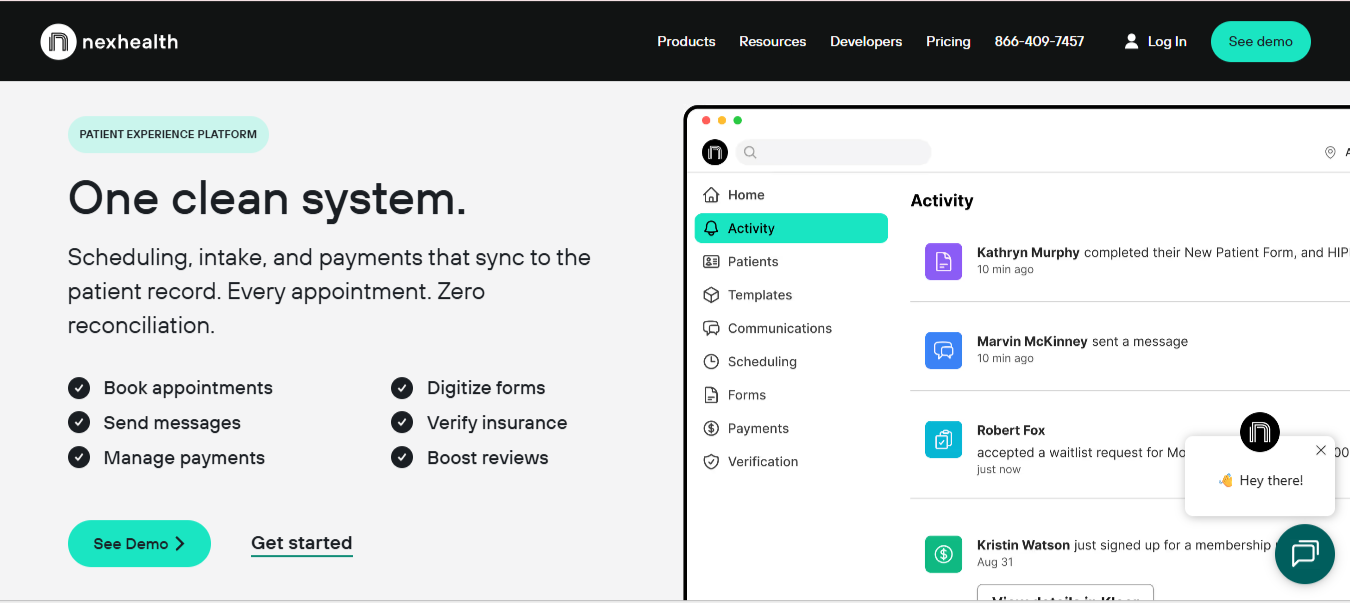
What it does: NexHealth is an EMR-integrated booking platform. Its Synchronizer technology reads and writes to your health record in real time, so online bookings show up on the schedule right away.
Best for: Practices that want patients to book 24/7 from a website, text, or recall link without creating double-entry for the front desk.
Real-time sync is the whole pitch here. In practice, that means a patient books online, the slot closes on your calendar, and staff don't have to reconcile two systems. The automated waitlist that fills last-minute cancellations is the feature offices tend to notice first.
Key Features
- Real-time two-way sync: bookings and changes flow between NexHealth and your EMR in seconds.
- 1-Click Recalls: patients rebook follow-ups by SMS or email without a portal login.
- Automated waitlists and recalls: cancellations are backfilled without the front desk having to chase anyone.
Pros and Cons
Pros
✅ Real-time sync that keeps one source of truth for the schedule.
✅ Self-booking that works from a website, text, or search without a portal.
✅ Strong two-way texting that is efficient and ideal for daily use.
Cons
❌ Marketing and integrations lean dental-first, so confirm support for your medical EMR before you sign.
❌ Support can be hard to reach once you're an established customer.
What Users Say
"Excellent onboarding and ongoing customer service."
— Joanne T., Office Administrator on Capterra
"The service is down for several weeks every two months."
— TP, on Trustpilot
Pricing
NexHealth doesn't publish rates and quotes each practice individually. See NexHealth pricing.
Bottom Line
NexHealth is the pick when real-time self-scheduling into your EMR is the whole point. Small offices should weigh the cost and test how reachable support is before signing.
2. Phreesia: Best for Scheduling Plus Intake
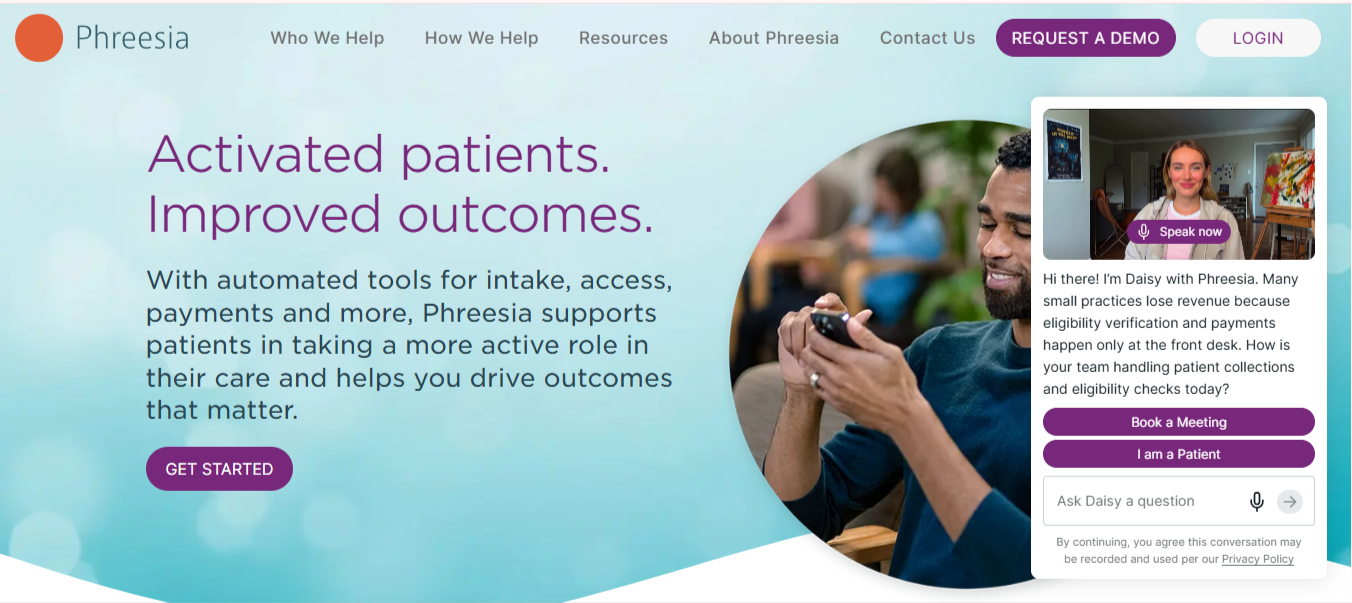
What it does: Phreesia pairs visit scheduling with digital patient intake, insurance verification, and payments, so the schedule and check-in run as one workflow.
Best for: Practices where intake is the bottleneck, and you want forms, eligibility, and payment handled before the patient arrives.
Phreesia built its business on intake, and scheduling arrived on top of it later. Patients book or request a visit, then complete forms and payment on their own device ahead of time. For front desks drowning in clipboards and copay collection, that pre-visit handoff is the draw.
Key Features
- Self-scheduling and requests: patients book or request visits from their own device.
- Digital intake and eligibility: forms and real-time insurance checks happen before arrival.
- Pre-visit payments: copays and balances are collected before the visit.
Pros and Cons
Pros
✅ Strong intake and check-in that lifts a real load off the front desk.
✅ Insurance verification and pre-visit collections in the same flow as scheduling.
✅ Well-regarded support and a long track record in patient intake.
Cons
❌ Reviewers describe implementation as cumbersome and slow to get right.
❌ Reviewers report that self-scheduling can create duplicate charts.
What Users Say
"Any questions or requests are handled quickly."
— Sara Kinder on Trustpilot
“Critical information collected via Phreesia is not transferred to Office Practicum as discreet data”
— Martin J., Verified Reviewer on Software Advice
Pricing
Phreesia is subscription-based and quote-driven, priced by practice size and volume. See Phreesia pricing.
Bottom Line
Phreesia earns its place when scheduling and intake need to work as one flow. Expect a heavier setup, and test how self-scheduled bookings match existing charts before go-live.
3. Zocdoc: Best for Attracting New Patients
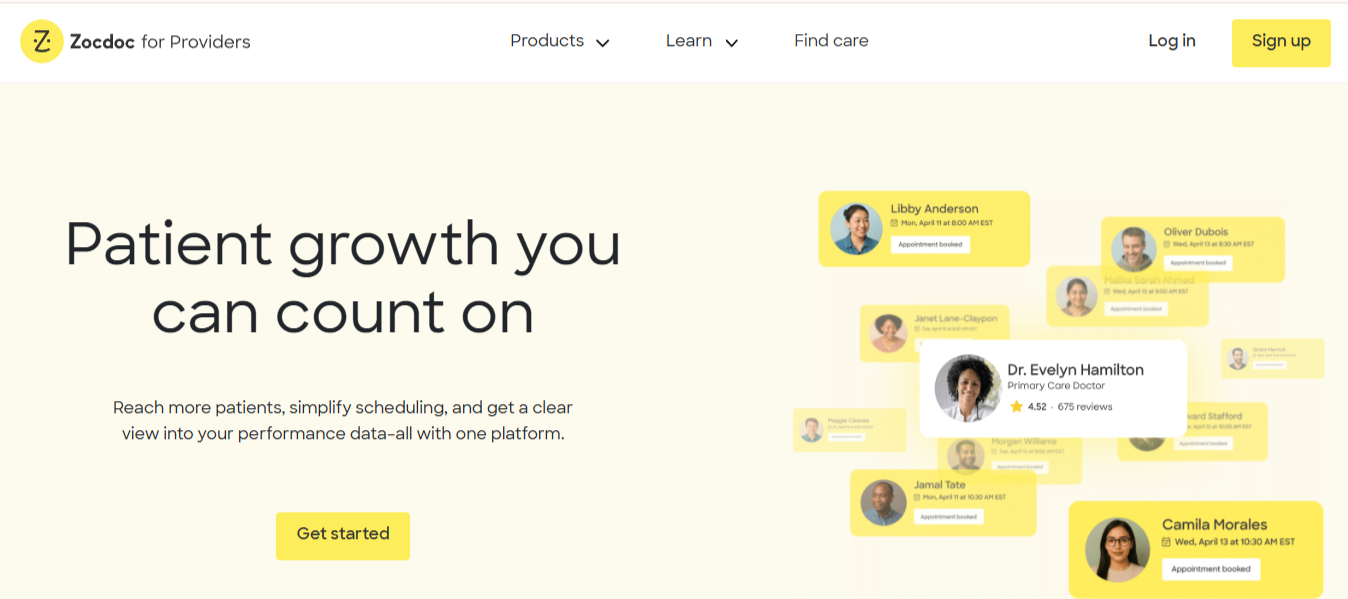
What it does: Zocdoc is a patient-facing marketplace where people search for providers by specialty and insurance and book online. Providers list their availability and pay per new-patient booking.
Best for: Practices in busy metros that want a steady flow of new patients, filling slots you'd otherwise lose.
Zocdoc is less a scheduling tool and more a demand channel. Patients discover you, check that you take their insurance, and book. It still moves real volume in dense markets, especially for filling last-minute and routine check-up slots.
Key Features
- New-patient marketplace: millions of patients search and book by specialty and insurance.
- Book Online button: 24/7 booking from your own site and Google Business Profile.
- Intake and reminders: pre-visit forms and automated reminders reduce no-shows.
Pros and Cons
Pros
✅ Genuine new-patient acquisition from people who've never called you.
✅ There's no subscription or upfront fee, and a monthly spend cap keeps new-patient costs predictable.
✅ Free booking channels for your website and Google profile.
Cons
❌ You compete against nearby providers in the same search results, so a booking can go to whoever shows up first.
❌ You don't own the channel, and disputes over what counts as a billable new patient come up.
What Users Say
“Zocdoc appears to penalize providers for circumstances that are entirely outside of their control.”
— Cleopatra Zhonga on Trustpilot
“Excellent and Easy to Navigate.”
— Frederick Taylor on Trustpilot
Pricing
Zocdoc has no subscription or upfront fee. You pay a one-time fee when a new patient books you through the marketplace, set by specialty and location. See Zocdoc for providers.
- Free bookings: existing patients, plus bookings from your website's Book Online button and your Google Business Profile.
- New-patient bookings: a one-time fee per new patient who finds you on the marketplace, charged at booking even if the patient doesn't show.
- Optional add-ons: Sponsored Results for higher placement, and Practice Solutions at a per-provider monthly fee.
Bottom Line
Zocdoc suits practices that need new patients more than they need a better calendar. It moves real volume in dense markets, though you're paying per booking for an audience you don't own, so track your cost per new patient.
4. Luma Health: Best for Automated Outreach
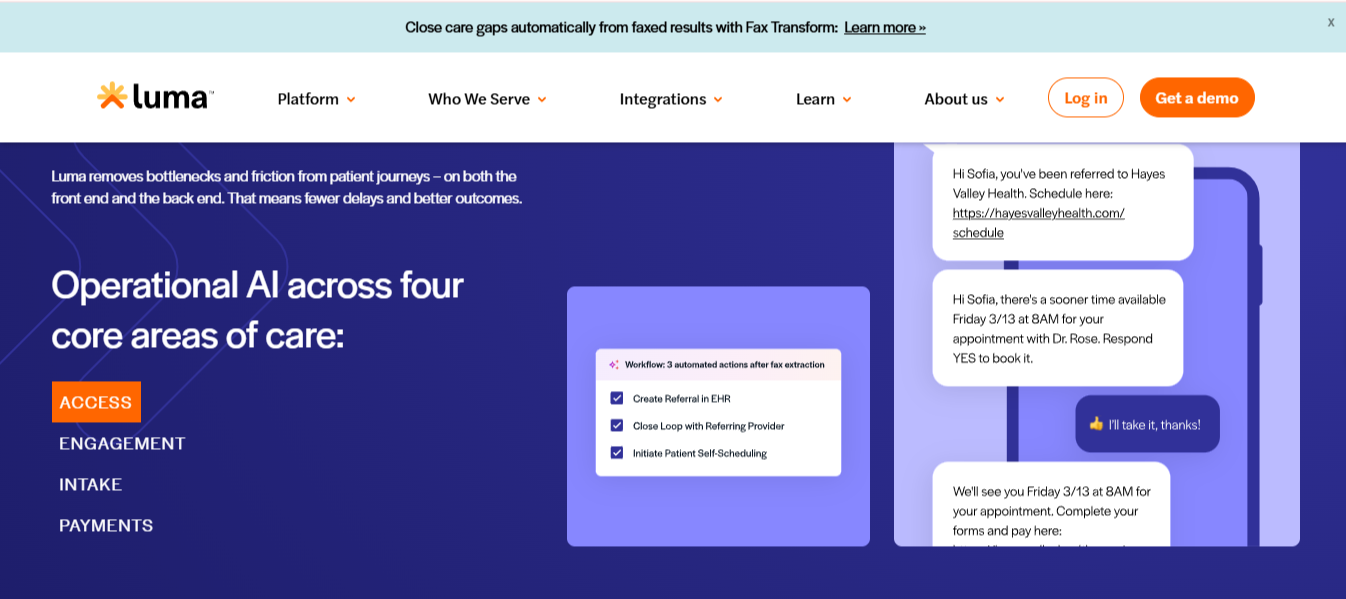
What it does: Luma Health is a patient engagement platform where self-scheduling sits alongside automated reminders, recalls, referral outreach, and two-way messaging, all tied to your EMR.
Best for: Practices and groups that want scheduling as one piece of a broader, automated patient-communication system.
Booking is the smallest part of what Luma does. It chases referrals, reminds people to schedule overdue visits, and handles multilingual messaging. It scales up to health systems and FQHCs, so it's built for volume and breadth.
Key Features
- Self-scheduling and waitlist: patients book online, with automated backfill for openings.
- Automated recalls and referrals: outreach nudges lapsed and referred patients to schedule.
- Two-way messaging: HIPAA-compliant chat, reminders, and multilingual support.
Pros and Cons
Pros
✅ Deep automation across scheduling, reminders, and referral outreach.
✅ Bi-directional EMR integration and a no-code workflow builder.
✅ Strong review sentiment for ease of use and cutting no-shows.
Cons
❌ Built for larger organizations, so it's more than a solo office needs.
❌ Pricing is quote-based and scales with providers and patient volume.
What Users Say
“Luma Health's reminder system is reliable, easy to configure, and greatly reduces no-shows."
— Aquiles N., Patient Access on Capterra
“Sometimes the system can be a bit slow during peak hours”
— Ziyad B., Clinic Administrator on Capterra
Pricing
Luma Health is quote-based and doesn't publish rates. Price scales with providers and patient volume.
Bottom Line
Luma fits practices that want scheduling wrapped in automated outreach and can grow into a broader platform. A single-provider office will find it more than the job needs.
5. Weave: Best for Small Practices
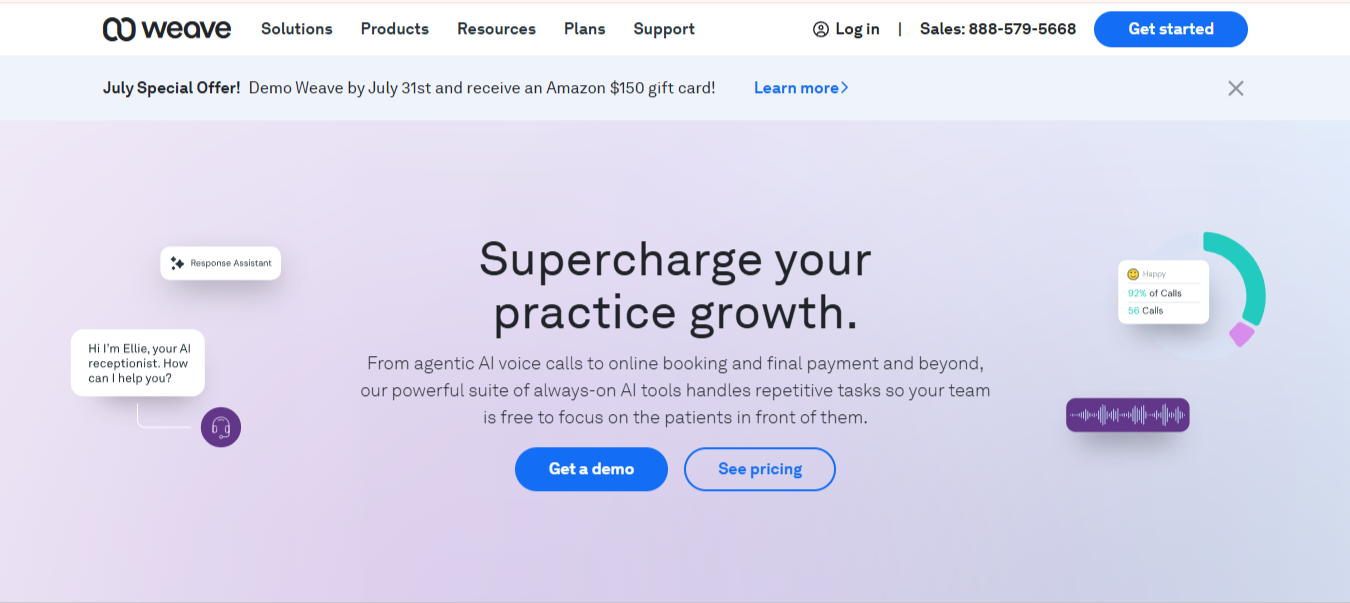
What it does: Weave bundles scheduling with the practice phone system, two-way texting, reminders, and reviews in one app.
Best for: Small practices that would rather run scheduling, patient texting, and the phones from a single tool than stitch several together.
Scheduling, phones, and texting usually live in three different systems. Weave replaces all three, so the app that books the visit also texts the patient, handles missed calls, and requests a review. Scheduling is one of the features in that suite.
Key Features
- Scheduling with reminders: online booking and automated reminders reduce no-shows.
- Unified phones and texting: VoIP phones, two-way SMS, and team chat in one app.
- Reviews and payments: automated review requests and text-to-pay built in.
Pros and Cons
Pros
✅ Scheduling, phones, texting, and reminders in one app, so a small front desk works from a single screen.
✅ Missed calls trigger an automatic text, so patients still book even when the line is busy.
✅ Quick to learn, so a small front desk is up and running without heavy training.
Cons
❌ Needs the Weave phone/VoIP setup to get full value, so it's a bigger switch than a simple add-on.
❌ Weave is built for communication first, so its scheduling is lighter than a dedicated booking tool.
What Users Say
“Very helpful. Walked me through step by step.”
— Shani on Trustpilot
“Occasional technical issues can interrupt workflow”
— Casey W., Associate publisher on Capterra
Pricing
Weave publishes three plans, Pro, Elite, and Ultimate, starting from $199 per month. Multi-location organizations can request custom enterprise pricing. See Weave pricing.
Bottom Line
Weave makes sense for a small practice that wants scheduling, texting, and the phones in one app. Just go in knowing the full value depends on moving your phones to Weave, and its scheduling is lighter than a dedicated booking tool.
6. Clearwave: Best for High-Volume Specialty Practices
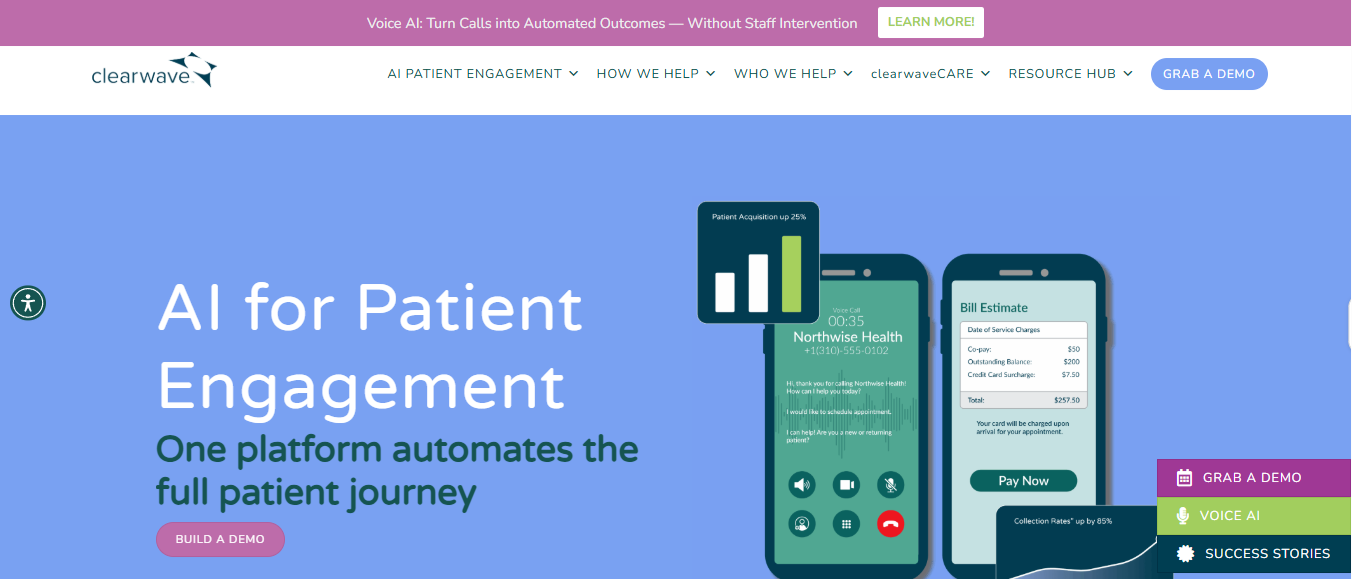
What it does: Clearwave is a patient-led platform built around self-scheduling, self-check-in, real-time insurance eligibility, and automated communications.
Best for: High-volume specialty practices that want patients to handle booking, check-in, and eligibility themselves to free up the front desk.
Clearwave moves the work to the patient. People book online through several channels, check in at a kiosk or on a phone, and have their insurance verified in real time, which takes routine tasks off staff. That model works best when visit volume is high and front-desk time is tight.
Key Features
- Multi-channel self-scheduling: online, phone, call center, and Reserve with Google booking, with an automated waitlist.
- Real-time eligibility: insurance verification runs automatically before the visit.
- Self-check-in and payments: kiosk and mobile check-in with point-of-service collection.
Pros and Cons
Pros
✅ Multiple booking channels (online, phone, and Google) let patients schedule however they prefer, with an automated waitlist filling cancellations.
✅ Insurance eligibility is automatically checked before the visit, so coverage issues surface days in advance.
✅ Built for high-volume specialty practices, where letting patients self-serve saves the most staff time.
Cons
❌ Built for specialty and high-volume practices, so it's heavier than a small, low-volume office needs.
❌ Custom, quote-based pricing with no public rates, so budgeting means a sales call first.
What Users Say
“Easy to use and to teach new staff how to use.”
— Megan T. on Software Advice (reviewing Odoro, which Clearwave acquired in 2020)
“We have had interface issues, communication issues, payment issues.”
— Karen M., Administrator on Capterra
Pricing
Clearwave uses custom, quote-based pricing and doesn't publish rates. Pricing tracks practice size, specialty, and the modules you turn on.
Bottom Line
Clearwave shines in high-volume specialty offices where letting patients do the booking and eligibility themselves saves real front-desk hours. It's overkill for a small, low-volume practice.
7. Develo: Best for Independent Pediatric Practices
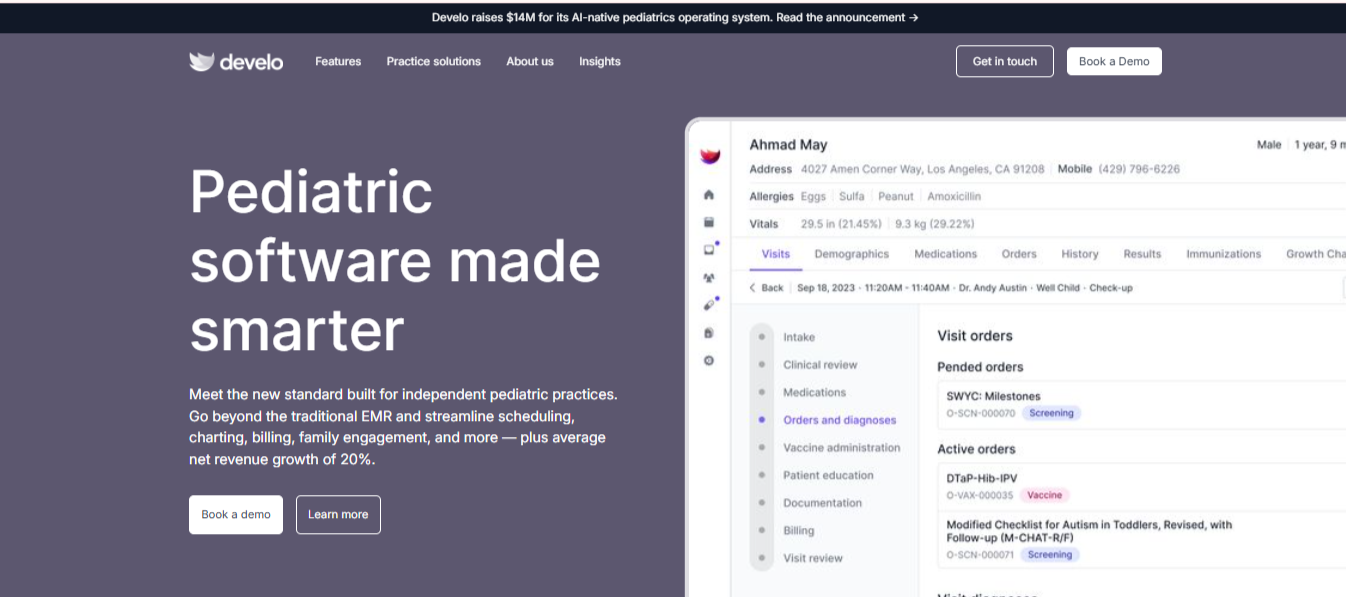
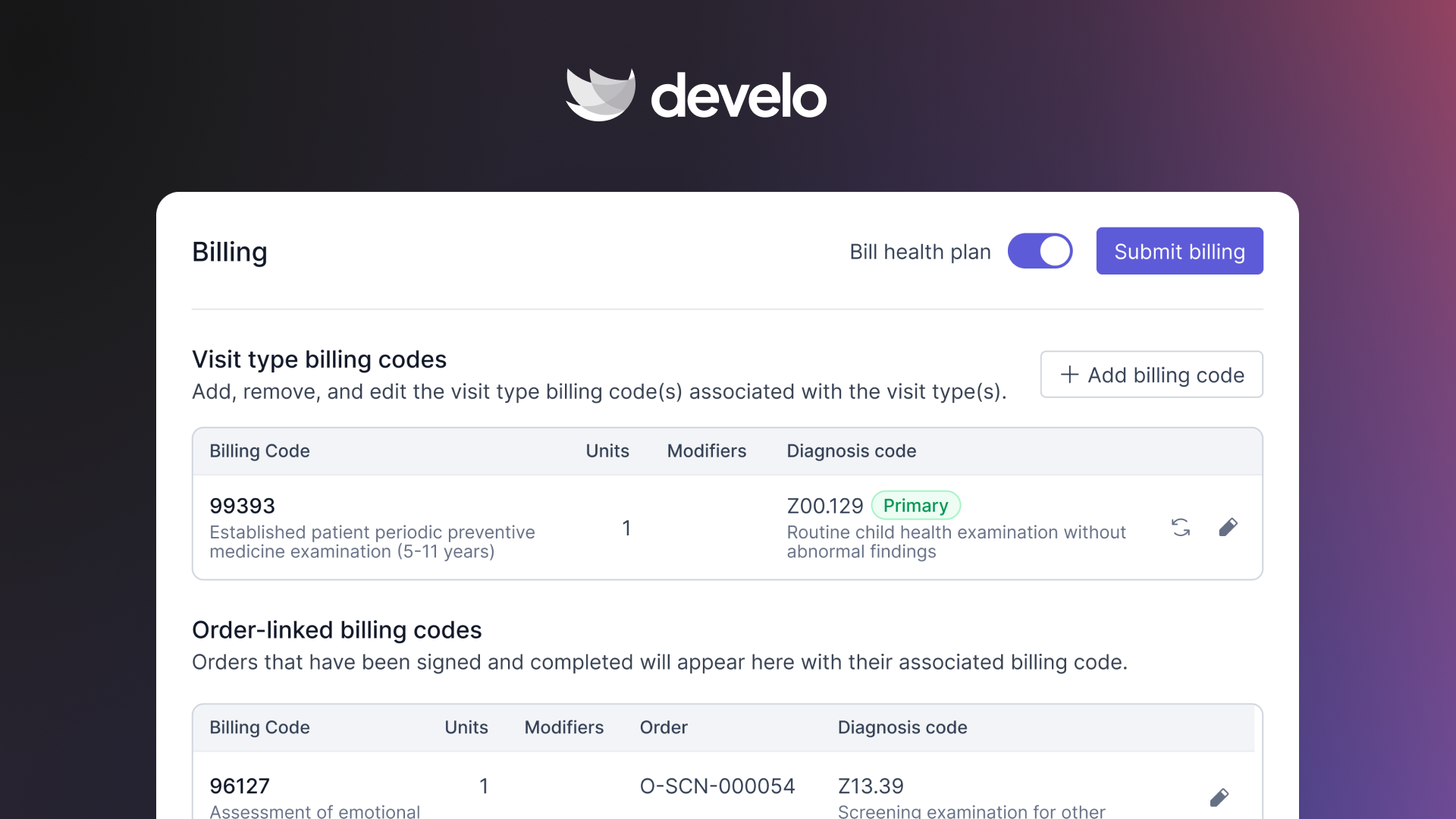
What it does: Develo is the AI-native pediatric operating system built solely for independent pediatric practices, with scheduling built into the same system that runs charting, billing, practice management, and family engagement.
Best for: Independent pediatric practices looking for a single system where scheduling is built around families, not individual adult patients.
Scheduling is one piece of Develo's pediatric operating system. Built for practices consolidating their tech stack, Develo tracks each caregiver's relationship to each child, not just the patient and a guarantor, so only a caregiver authorized to act for that child can book their visits. A family's records, balances, and payments sit in one view, and every visit connects directly to pediatric intake and billing.
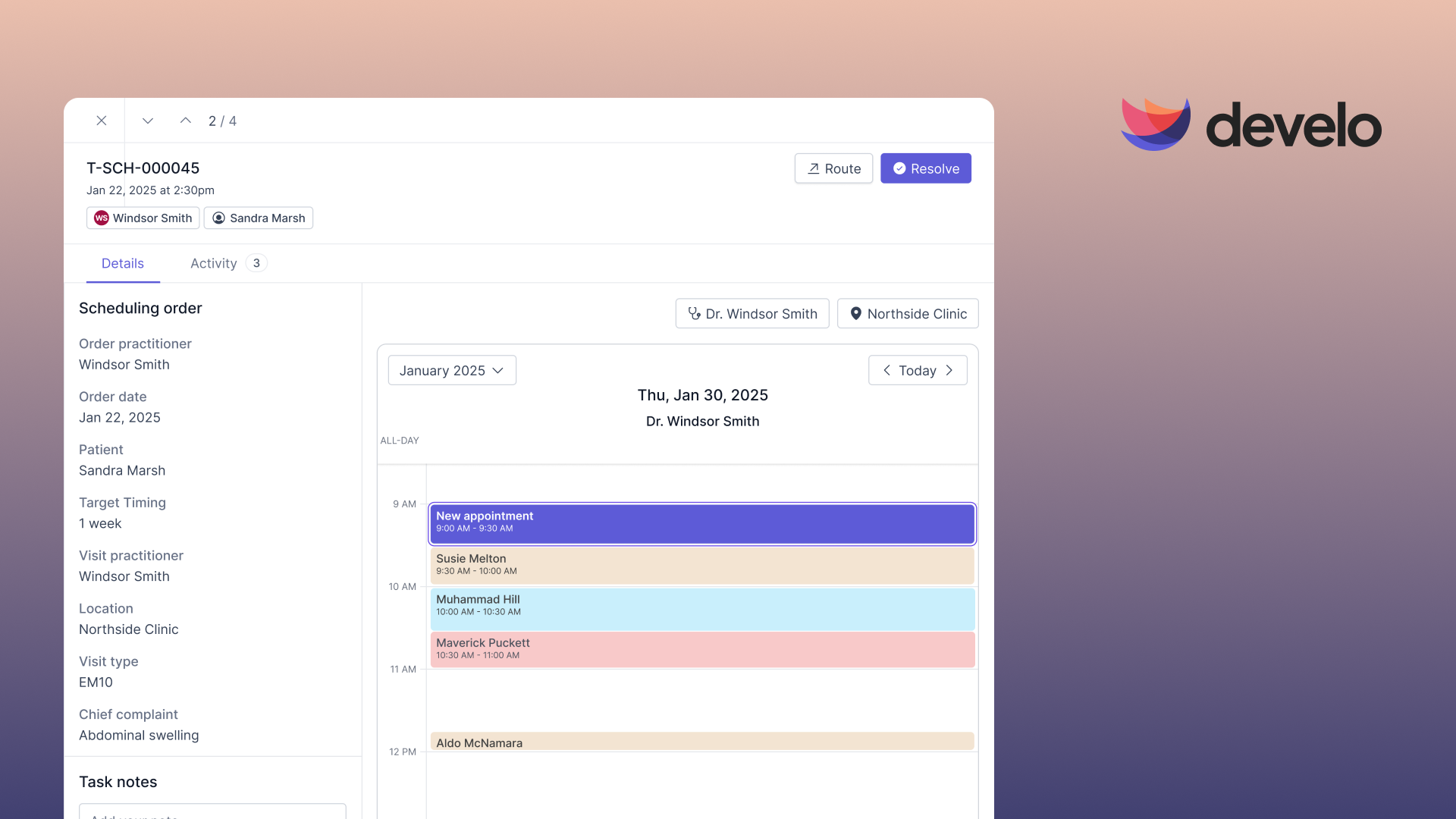
Self-scheduling is set up one visit option at a time: the practice decides which visits families can book online, which providers, locations, days, and times each one offers, how long it runs, and how soon or how far ahead it can be booked. Visit length can even vary by membership tier for direct primary care and concierge practices.
Key Features
- Self-scheduling across pediatric visits: families book well child, sick, nurse, vaccine, and flu clinic visits online, and recalls, scheduling orders, and reschedule requests land in automated task queues.
- Reminders and intake on the family's phone: automated visit reminders reach patients and caregivers, or only the teen for a confidential visit, and intake forms go out by text when a visit is booked, with no app or portal login required.
- Connected billing: visits link to automated pediatric charge capture and family payments.
Pros and Cons
Pros
✅ Each caregiver's relationship to each child is tracked, so only an authorized caregiver can book for that child.
✅ Visits are booked in the same system that runs the chart and billing, so there's no sync to fail: no duplicate patients, no visit details lost between systems, and no second calendar to reconcile.
✅ Develo signs a BAA with every practice, and record access is audit-logged under its ONC certification.
Cons
❌ It's a full operating system, not a standalone scheduler, so it only fits if you're replacing your whole stack.
❌ Pediatrics only, and as the newest vendor here, it has a limited public review footprint, which means less independent feedback to check before you commit.
What Users Say
Develo is newer than the other tools here, so its public review base hasn't built up yet. Ask for references from practices your size during a demo.
Pricing
Develo uses comprehensive, quote-based pricing that bundles implementation, support, and weekly product upgrades.
Bottom Line
For a pediatric office replacing its whole stack, Develo folds scheduling into an operating system built around families and vaccines. If you only want a scheduling add-on, one of the point tools above will be a better fit.
What to Verify Before You Buy
Integration quality and data handling are where these tools differ most, and neither shows up on a pricing page. Ask every vendor the same five questions before you sign.
- Will you sign a BAA, and what's in it? Any vendor touching patient data needs a business associate agreement. Ask what happens to your data if you leave.
- Is my exact EMR supported, and how deeply? "Integrates with" can mean real-time two-way sync or a nightly file drop. Ask for a named reference practice on your specific system.
- Who can see patient records, and is access logged? Audit logging matters most during a migration, when two systems run side by side, and more people have access than usual.
- What happens when the sync fails? Ask how you'd know, how long a backlog takes to clear, and who fixes it.
- What's the real total after year one? Confirm implementation fees, per-provider costs as you hire, and what triggers a tier upgrade.
If you run a pediatric practice, ask four more:
- Does recall follow the well child schedule? Pediatric visits are keyed to age under the AAP Bright Futures periodicity schedule (3 to 5 days, then 1, 2, 4, 6, 9, 12, 15, 18, 24 and 30 months, then yearly from age 3), not to a fixed interval since the last visit. A recall built around six-month dental cleanings misses most of the first two years.
- Who gets the reminder for an adolescent confidential visit? A text about an adolescent's confidential visit sent to a parent's phone discloses the visit. Ask whether reminders can route to the teenager alone.
- Is VFC eligibility known before a vaccine visit? The eligibility category (Medicaid-eligible, uninsured, underinsured, American Indian or Alaska Native) decides which stock the nurse draws from, so it belongs in intake as discrete data, not sorted out at the point of injection. Proper insurance verification is critical for getting VFC eligibility right.
- Who is allowed to book for this child? In pediatrics, the person scheduling is rarely the patient. Separated parents, foster and kinship placements, a grandparent who handles pickups: each can have different authority to consent to care, see the child's information, and book visits. Systems built for adult patients track the patient and, at most, a guarantor, the person who pays the bill, which says nothing about who can act for the child. Ask whether the system records each caregiver's relationship to each child, and whether self-scheduling blocks a caregiver who isn't authorized.
Which Medical Scheduling Software Should You Choose?
The right tool depends on whether you want to fill your existing calendar, attract new patients, or replace a wider set of systems.
Choose NexHealth or Luma Health if you:
- Want reliable online self-scheduling that syncs to your EMR.
- Value automated reminders, waitlists, and recalls.
Choose Zocdoc if you:
- Need new patients more than you need a scheduling system.
- Work in a dense metro and can track cost per booking.
Choose Phreesia or Clearwave if you:
- Want scheduling tied to intake, eligibility, and pre-visit payments.
- Run enough volume to benefit from patient-led check-in.
Choose Weave if you:
- Run a small practice and want scheduling, phones, and texting in one app.
Choose Develo if you:
- Run an independent pediatric practice and want self-scheduling, reminders, and recall inside one pediatric system.
Skip a dedicated scheduling tool if:
- Your current EMR already has booking and reminders that meet your volume, in which case a separate platform may be more than you need.
- You're a solo provider on a tight budget. Every tool here is built for practice volume, and a general-purpose booking app that signs a BAA will cost a fraction of the price.
My Final Verdict
NexHealth is the one I'd put in front of most practices. Real-time write-back to the record is what this whole category gets wrong, and it's the difference between a scheduling tool and a second calendar that someone reconciles every morning.
The caveat is support. Reviewers who've been customers a while describe it getting harder to reach, and a few report multi-week outages, so test both before you sign rather than after.
There are two exceptions. If new patients are the problem, Zocdoc solves a different job, and no amount of sync will fill an empty calendar.
And if you run a pediatric practice, family-linked records and vaccine tracking aren't features a general tool adds later, which is why Develo belongs in that conversation.
See Develo's Scheduling, Built for Pediatrics
Develo's scheduling is built around families rather than individual patients, so well child recalls run automatically and reminders reach the caregivers who actually book. It's the AI-native operating system for pediatrics, with charting, billing, practice management, and family engagement in one place.
Book a demo to see how recalls, reminders, and intake run from one schedule, and how each visit flows straight into charting and billing using your own visit types.
Frequently Asked Questions
What Is The Best Medical Scheduling Software?
The best medical scheduling software is NexHealth for online self-scheduling that syncs to your EMR, Zocdoc for attracting new patients, and Phreesia when scheduling and intake need to work together.
Can Patients Schedule Their Own Visits?
Yes, patients can schedule their own visits. Most modern tools, including NexHealth, Luma Health, and Clearwave, let them self-schedule 24/7 from a website or text link. Those bookings sync straight to your EMR, which removes double-entry and helps lower phone volume.
Does Scheduling Software Integrate With My EMR?
Most medical scheduling software integrates with common EMR systems, though the degree of integration varies. NexHealth emphasizes real-time two-way sync, while others update on a delay or need a specific connector. Confirm your exact EMR is supported before you buy, and ask how the tool handles duplicate patients and visit types it can't book. Develo avoids the sync entirely because scheduling runs in the same system as the chart.
Is There Scheduling Software Built For Pediatric Practices?
Yes, there is scheduling software built for pediatric practices. Develo is built specifically for independent pediatric clinics, handling family workflows that generic tools miss: each caregiver's relationship to each child is tracked, only an authorized caregiver can book for that child, and visits link directly to pediatric intake, vaccine tracking, and billing.
.png)
.png)
.avif)