.avif)
A pediatric visit asks more from a note than most adult visits do. At a 4-month well child check, growth percentiles, vaccines, and screening results all need to land in the same record, often while a parent is asking questions.
This overview compares five medical documentation software platforms, ranging from a free open-source system to enterprise hospital software. It draws on vendor-published pricing and product pages, plus public user reviews.
By the end, you'll know which platforms belong on your shortlist and what to test in each demo.
5 Best Medical Documentation Software: TL;DR
- Develo: Best for independent pediatric practices, where documentation has to be pediatric-specific from the start.
- Epic: Best for large hospital systems and academic medical centers.
- MEDITECH Expanse: Best for community hospitals that want a cloud-native enterprise system.
- OpenEMR: Best for practices wanting a free, open-source system they can self-host.
- AdvancedMD: Best for mid-sized practices wanting per-provider pricing over an enterprise contract.
How We Compared These Medical Documentation Software Platforms
Pricing here comes from each vendor's own site. When the larger platforms don't publish it, that's stated plainly, since third-party estimates often contradict each other.
Review quotes come from Capterra, Software Advice, and Software Finder, with extra weight on what clinicians report about everyday charting.
We factored in:
- Documentation experience: How many steps a note takes, and whether an AI medical scribe writes into the chart or sits in a separate window.
- Pricing transparency: What's published versus what only surfaces in a sales conversation.
- Certification and compliance: Whether the platform is ONC-certified, and how certification applies to AI documentation features.
- Specialty fit: How well each platform's templates handle a specific patient population's documentation needs. In pediatrics, the hardest test is a well child visit where a new problem also gets addressed, since the note has to separate the preventive and problem-oriented work clearly enough to support a separately billed problem visit with modifier 25.
Running these four criteria against every platform showed which ones treat documentation as a core design problem and which treat it as one module among many.
5 Best Medical Documentation Software: Quick Comparison
| 💻 Platform | ⚡ Strengths | 💰 Pricing | 🎯 Best For |
|---|---|---|---|
| Develo | Pediatric-native documentation, AI scribe | Per-provider monthly fee | Independent pediatric practices |
| Epic | Deep customization, wide adoption | Custom quote | Large hospital systems |
| MEDITECH Expanse | Cloud-native, mobile-first | Custom quote | Community hospitals |
| OpenEMR | Free, open-source, self-hosted | Free (self-hosted) | Practices wanting full ownership |
| AdvancedMD | Per-provider pricing, multi-specialty | $429–$1,070/provider/mo (medical) | Mid-sized practices |
1. Develo: Best for Independent Pediatric Practices
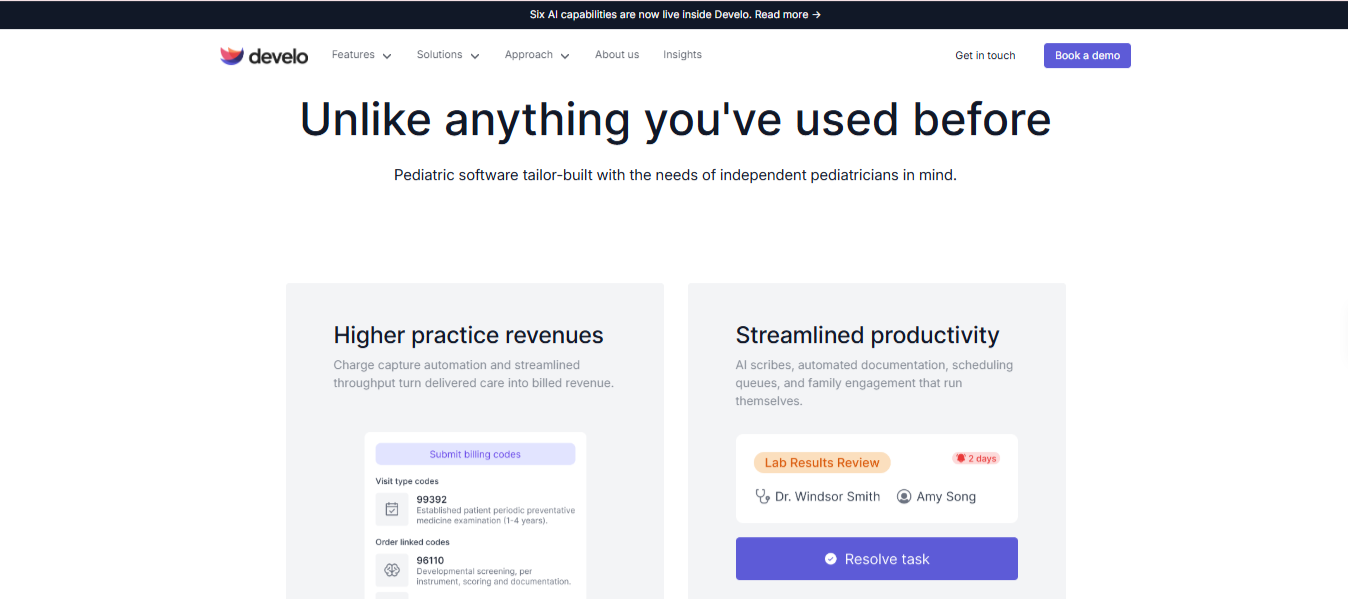
What it does: Develo is the AI-native pediatric operating system built solely for independent pediatric practices, unifying charting, billing, practice management, and family engagement, with documentation built around pediatric visit types.
Best for: Independent pediatric practices where generic adult-visit templates create daily friction around growth data, vaccine coding, and family structure.
Choosing an EMR for pediatrics means weighing documentation against the rest of the system, since most platforms on this list started as general-purpose or hospital-scale systems and added specialty templates later.
Develo's documentation starts from the pediatric visit itself, so a well child visit and a sick visit each prompt for the information that specific visit type needs. The platform is also ONC-certified.
Key Features
- Develo AI scribe: Writes into the existing visit note at intake and in the exam room, drawing on pertinent chart data such as growth, immunizations, and screening results. It works across dozens of languages, returns the note in English, suggests visit diagnoses, and keeps no visit audio. A clinician approves every section.
- A suite of AI, not one scribe: Ask Develo catches a clinician up on a patient's chart before the visit, and Develo doc intel files incoming e-faxes and uploaded documents to the right chart by patient and document type.
- Pediatric visit templates: Carry orders, diagnoses, and billing codes along with the note text. Growth data plots with integrated percentiles and Z-scores.
- Automated charge capture: Rules set billing codes, units, and modifiers by visit type at the point of care, and the provider makes the final coding call.
- Connected intake: Patient intake software feeds history and screening answers into the same chart the documentation draws from.
Pros and Cons
Pros
✅ The AI scribe follows whichever visit template is selected, including sick-and-well splits, so existing templates stay in use. It also suggests diagnoses from the visit and, on sick-and-well visits, brings in the E&M code alongside the preventive visit, with the provider making the final coding call.
✅ Vaccine and administration codes bill by age, VFC eligibility, and visit type, the same factors our pediatric coding guidelines walk through.
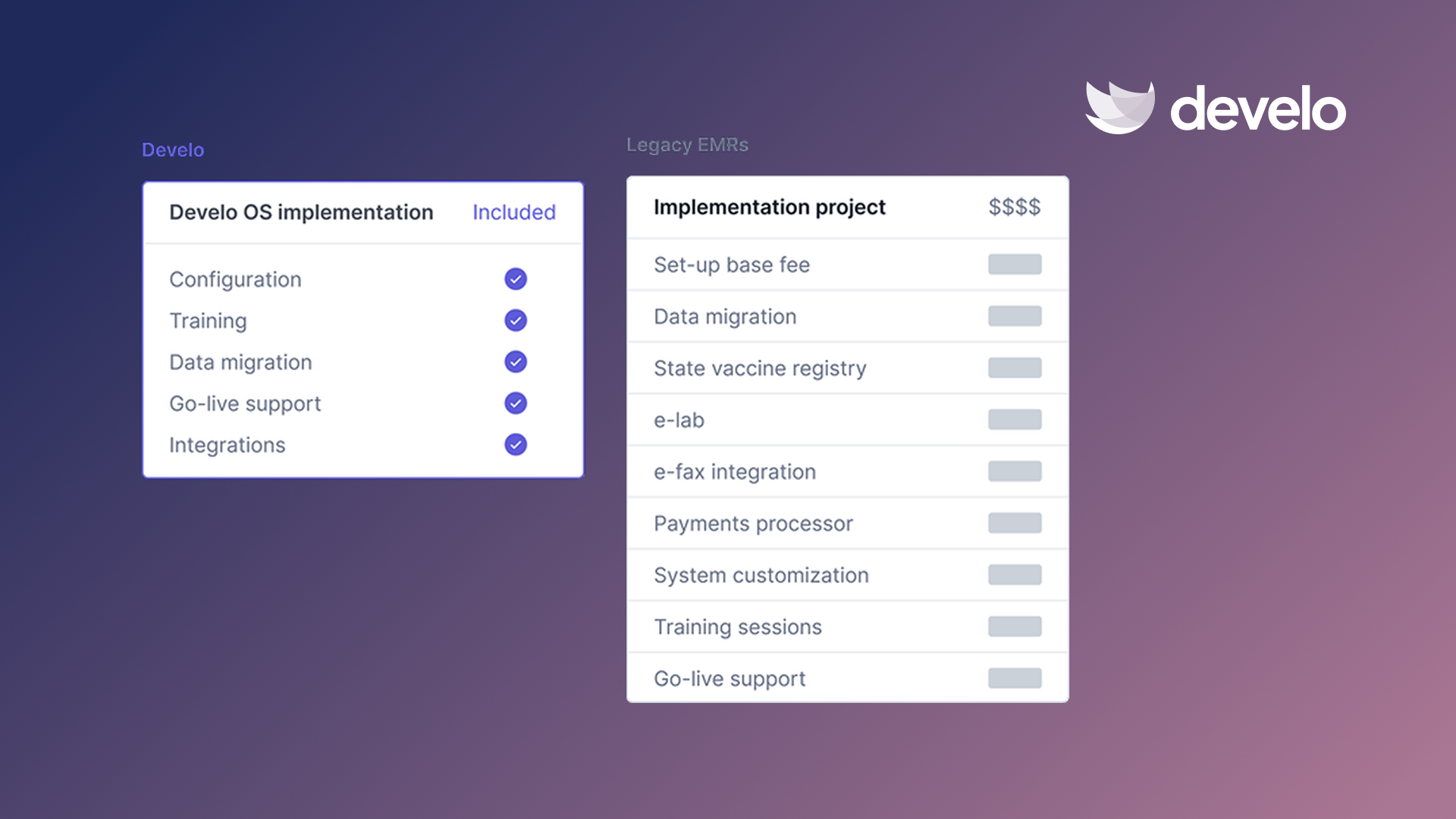
✅ Configuration, training, and data migration are bundled into the subscription, with no implementation fee.
Cons
❌ There's no Capterra or G2 score to point to yet, since Develo is newer to public review platforms than the established systems on this list.
❌ There's no self-serve trial, so evaluation starts with a guided demo.
Pricing
Develo quotes comprehensive pricing sized to the practice rather than publishing rates: charting, billing, practice management, and family engagement are bundled into a per-provider monthly fee, with implementation, training, and data migration included. Optional billing services are priced as a percentage of collections, and Develo AI scribe is priced separately.
Bottom Line
Develo fits a pediatric practice where generic templates slow down well child documentation. Its public review record is still short, since the company was founded in 2022, so ask to see a full visit charted live, from intake through charge capture, before you commit.
2. Epic: Best for Large Hospital Systems
What it does: Epic is an enterprise EMR platform used by hospitals and large health systems. It covers charting, order entry, and billing across an entire organization.
Best for: Large hospital systems and academic medical centers with the budget and IT infrastructure to support a multi-year implementation.
Epic is built for organizations that can staff their own build team. Analysts configure templates, order sets, and workflows in-house, so the documentation experience can look different from one Epic site to the next.
Key Features
- SmartPhrases and templates: Highly customizable documentation shortcuts that speed up repetitive charting once built.
- Care Everywhere: Exchanges more than 30 million patient records daily, and around half of those exchanges involve organizations on a different EMR.
- MyChart patient portal: Integrated patient access tied directly to the same clinical record.
Pros and Cons
Pros
✅ Handles enormous scale and complexity, supporting large multi-site health systems with a single unified record.
✅ Epic's Hello World platform sends automated texts and voice calls that keep patients connected to their care teams.
✅ AI tools are built directly into Epic, including one that helps clinicians explain test results to patients.
Cons
❌ Capterra reviewers describe a steep learning curve for new users, so training time adds to the implementation plan.
❌ Epic doesn't publish pricing, and its cost puts it out of reach for most independent outpatient practices. Practices that do run Epic usually get it through a health system's Community Connect program, where the hospital extends its own instance and can cover part of the cost under federal EHR donation rules.
What Users Say
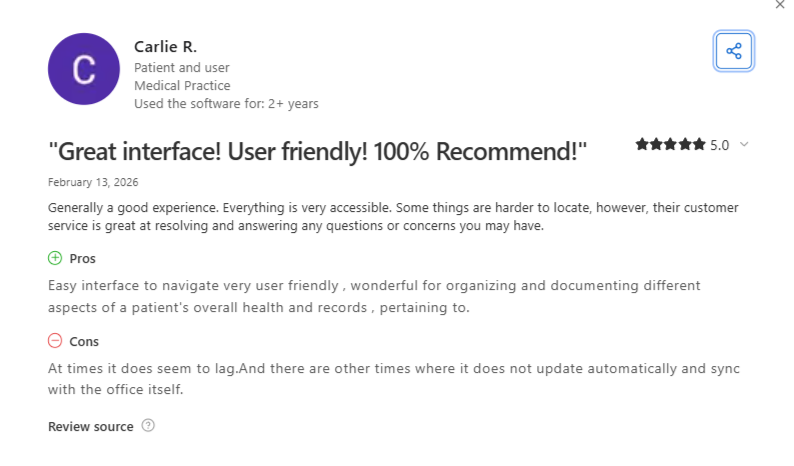
Carlie R., Patient and User on Capterra: "Wonderful for organizing and documenting different aspects of a patient's overall health and records."
Tabatha W., Supervising Nurse on Capterra: "Can feel overly complex and difficult to learn, especially for new users."
Pricing
Every contract is negotiated individually, so a cost estimate starts with a conversation with Epic's sales team.
Bottom Line
Epic makes sense for an organization with the scale and budget to absorb a multi-year implementation and negotiate its own contract.
For an outpatient practice, the configuration workload and cost put Epic out of reach unless a health system extends and subsidizes it.
3. MEDITECH Expanse: Best for Community Hospitals
What it does: MEDITECH Expanse is an EMR built for hospitals and health systems, with AI documentation tools embedded in the platform.
Best for: Community hospitals and regional health systems that need an enterprise EMR across several care settings.
MEDITECH sells Expanse as a cloud-native platform and also offers a hosted MEDITECH-as-a-Service option, which takes server management off a hospital's own IT team.
Key Features
- Mobile-first design: Physicians and nurses can chart from smartphones and tablets while moving between patients.
- Embedded ambient documentation: Captures and summarizes patient conversations into physician documentation.
- Unified chart search: Searches structured and unstructured data, including scanned documents, in seconds.
Pros and Cons
Pros
✅ Scales from rural Critical Access Hospitals to HCA Healthcare, which runs Expanse across 182 hospitals.
✅ AI-generated hospital course summaries cut discharge documentation time from 12.5 to 5.5 minutes per patient at Fraser Health Authority, according to MEDITECH.
✅ Acute and ambulatory sites can share one platform, as Willis Knighton Health does across four community hospitals and 132 clinics.
Cons
❌ Ambient listening for nurses is still listed as coming soon, so the AI documentation tools currently center on physicians.
❌ Pricing isn't public, so comparing Expanse against an ambulatory platform's cost takes a sales conversation.
What Users Say
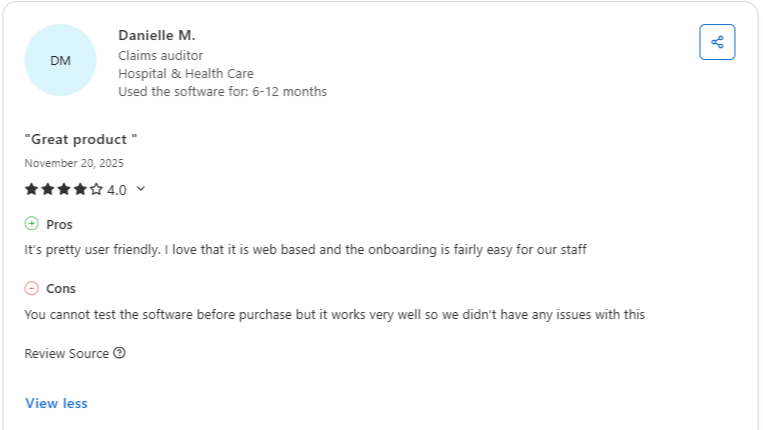
Danielle M., Claims Auditor on Capterra: "I love that it is web based and the onboarding is fairly easy for our staff."
Hallye N., Clinic Manager on Capterra: "Customization can feel limited for complex needs, third-party integrations aren't always seamless."
Pricing
Contracts are negotiated individually based on organization size and scope.
Bottom Line
MEDITECH Expanse fits a community or regional hospital that wants AI documentation tools and a hosted option from one vendor. Ask to see nursing documentation specifically during the demo, since that's where the ambient tools are still rolling out.
4. OpenEMR: Best for Free, Open-Source Documentation
What it does: OpenEMR is a free, open-source, ONC-certified EMR and practice management system that a practice can self-host and customize directly.
Best for: Practices with the technical capacity to self-host and customize a system, in exchange for paying nothing for the software itself.
OpenEMR flips the enterprise model above: the practice runs the hosting and configuration, and the license costs nothing.
Key Features
- Free and open-source: No licensing cost, with the source code available to modify directly.
- ONC certified: The certified release meets federal health IT certification criteria, and the project publishes its certification details on its wiki.
- Self-hostable: Runs on your own infrastructure or a cloud host of your choosing, including a one-click AWS deployment.
Pros and Cons
Pros
✅ The free core already includes e-prescribing, lab integration, and integrated billing.
✅ Data ownership stays with the practice, since the records live on infrastructure it controls.
✅ Available in more than 30 languages, and practices can customize it to add more.
Cons
❌ Support is mostly community-based, through forums and volunteer help, unless the practice pays a professional support vendor.
❌ Staying certified means implementing upgrades to keep active certification.
What Users Say
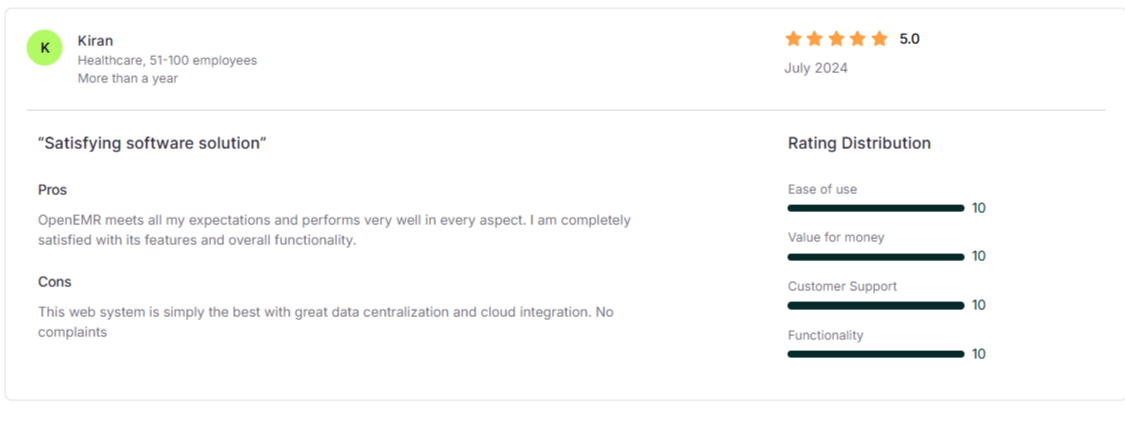
Kiran on Software Finder: "OpenEMR meets all my expectations and performs very well in every aspect."
Alfredo J., Verified Reviewer on Software Advice: "The code can be a bit complicated to work with."
Pricing
OpenEMR itself is free. Costs come from hosting, and optionally from hiring a consultant for customization or support beyond what the community forum covers.
Bottom Line
OpenEMR suits a practice with in-house technical skills and a strong preference for owning its software. Without someone to manage hosting, upgrades, and certification, the savings on licensing tend to shift into IT time.
5. AdvancedMD: Best for Mid-Sized Practices
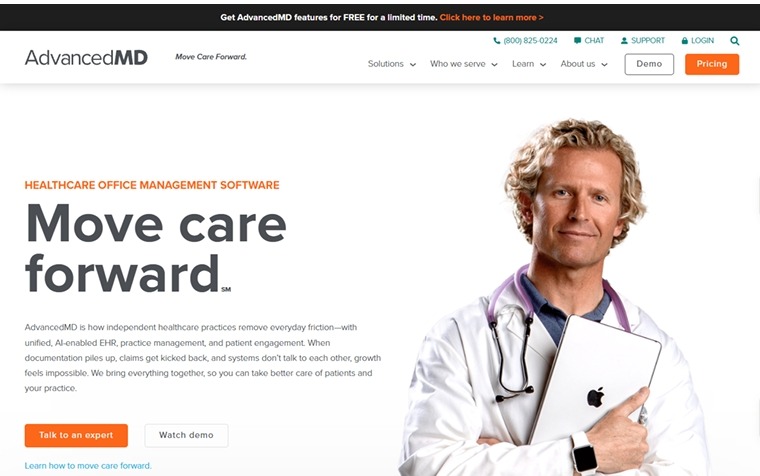
What it does: AdvancedMD is a cloud EMR, practice management, and revenue cycle platform for independent ambulatory practices, with published per-provider pricing.
Best for: Mid-sized, multi-specialty practices that want pricing they can see up front.
AdvancedMD sets its rates by specialty and offers a bundle builder that returns a customized quote in under five minutes.
Key Features
- Revenue cycle management service: Optional managed billing at 4% to 8% of collections, with the core software included at no extra charge.
- Customizable templates: Built to flex across many specialties at once.
- AI Clinical Assistant: An add-on for ambient note drafting, pre-visit summaries, and suggested chart actions.
Pros and Cons
Pros
✅ Encounter-based pricing lets a low-volume practice pay $1.08 to $2.17 per claim for bundled practice management and EMR, which suits a practice billing a few hundred claims a month.
✅ Multi-provider discounts are available, which helps a growing group keep per-provider costs in check.
✅ The AI Clinical Assistant costs $100 per provider per month for unlimited encounters, or $0.99 per encounter, so the cost can follow patient volume.
Cons
❌ Customization takes real setup time, since the templates arrive general and need building out before they fit how a practice documents.
❌ Software onboarding typically takes about 90 days, and one-time data migration runs $800 to $2,000 for practice management data, with clinical EMR data quoted separately.
What Users Say
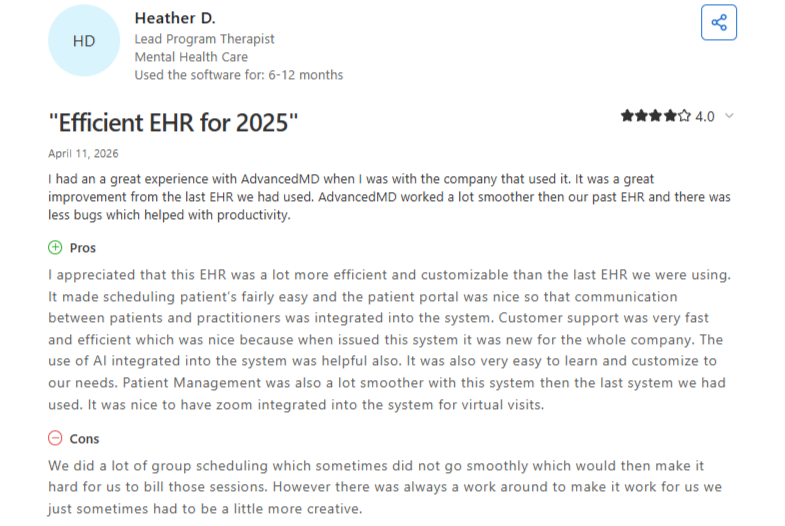
Heather D., Lead Program Therapist on Capterra: "It made scheduling patient's fairly easy."
Scott S., Owner, CFO on Capterra: "Template setup takes some time to complete."
Pricing
AdvancedMD publishes its rates, starting at $130 per provider per month for mental health practices and $429 per provider per month for medical specialties, rising to $1,070, depending on the modules selected.
Bottom Line
AdvancedMD suits a mid-sized practice that wants a published price and the flexibility to configure documentation across multiple specialties. Before signing, ask which specialty templates come prebuilt for your practice type.
Which Medical Documentation Software Should You Choose?
The right platform depends more on your organization's scale than any single feature.
Choose Develo if you:
- Run an independent pediatric practice, from a solo clinic to a multi-site group, and want charting, billing, practice management, and family engagement in one system
- Want pediatric visit types, growth tracking, and vaccine coding built in from the start
Choose Epic or MEDITECH if you:
- Run a hospital or large health system with the budget and IT staff for a multi-year implementation
- Need interoperability across a large, multi-site organization more than a fast, simple setup
Choose AdvancedMD if you:
- Want published pricing you can compare without a sales call
- Run a mid-sized, multi-specialty practice with time to configure templates properly
Choose OpenEMR if you:
- Have in-house technical staff to manage hosting and upgrades
- Want to own your records and modify the code yourself
Documentation is one piece of a larger day. Our EMR documentation best practices cover what a strong pediatric note needs, and our pediatric office workflow guide covers how charting fits into everything else that happens during a visit.
Final Verdict
Among these five medical documentation software platforms, Develo is the pick for an independent pediatric practice, since it's the only one built around pediatric visit types from the start.
A practice with in-house IT skills and no budget for licensing will get the most from OpenEMR.
If you're not a pediatric practice, AdvancedMD wins on pricing transparency, and Epic or MEDITECH fit if you're operating at hospital scale.
Try Medical Documentation Software Built for Pediatrics
Independent pediatric clinics carry a documentation load that adult-focused systems weren't designed around: sibling records, adolescent confidentiality, and a well child schedule that runs from newborn visits through the teen years. Develo brings charting, billing, practice management, and family engagement into one AI-native system built for that work.
Develo AI scribe drafts each note section from the visit conversation and the child's chart for clinician approval, and automated charge capture turns the finished note into codes the provider confirms. To see how it would fit your clinic's visit flow, book a demo.
Frequently Asked Questions
What's the Best Medical Documentation Software for Pediatric Practices?
Develo is the best medical documentation software for pediatric practices because it was designed for outpatient pediatrics from day one, so well child visits, adolescent confidentiality, and family relationships are part of the core record. PCC and Office Practicum are the other pediatric-specific options, and both bring real pediatric depth, but both were built as traditional EMRs decades before AI, with AI and family-facing tools layered on afterward. Develo is an AI-native operating system instead: charting, billing, practice management, and family engagement share one record, so the note, its codes, and the family's intake, balance, and messages live together rather than in separate modules and partner tools.
How Much Does Medical Documentation Software Cost?
Medical documentation software costs anywhere from $0 for OpenEMR's license to $1,070 per provider per month for AdvancedMD's top medical tiers, while Epic and MEDITECH negotiate enterprise contracts privately.
Is Free Medical Documentation Software Reliable?
Yes, free medical documentation software can be reliable: OpenEMR is ONC-certified and released version 8 in 2026. Reliability also depends on who maintains your installation, since upgrades and security patches fall to the practice.
Does Medical Documentation Software Need to Be ONC-Certified?
Not by law, but certification shapes what a practice can report to Medicare. The Promoting Interoperability Program sets the certified technology standards that an EMR must meet, and the HTI-1 final rule added transparency requirements for AI and predictive algorithms in certified health IT. Ask each vendor for its current certification status and which AI documentation features fall under that rule.
How Should Documentation Software Handle Adolescent Confidentiality?
Under the 21st Century Cures Act information blocking rules, delaying a patient's access to clinical notes without an applicable exception can count as information blocking, and in pediatrics the person reading those notes is often a parent with proxy access. Ask each vendor how a clinician marks part of an adolescent's note as confidential, what a parent's proxy account shows afterward, and which exception the practice relies on when it withholds that section. A system that can only release or hold back the whole note forces a choice between the teen's privacy and the parent's access.
Can One Platform Handle Both Documentation and Billing?
Yes, every platform on this list combines documentation with practice management and billing to some degree, though how tightly they're unified varies.
.png)
.avif)