Medical billing software for small businesses has to be simple enough for a lean team to run, and almost none of it comes with a published price. We sat through demos, compared published rates against quote-only pricing, and checked every Capterra score in September 2026. Here are the five that hold up, including where each one falls short.
5 Best Medical Billing Software for Small Businesses: TL;DR
- Tebra (formerly Kareo): Best for solo and small independent practices that want fast setup and unlimited non-clinical staff at no extra cost.
- DrChrono: Best for mobile and iPad-first practices that chart on the go.
- CureMD: Best for practices that want their billing run as a service.
- AdvancedMD: Best for growing multi-provider practices that need room to scale.
- Develo: Best for independent pediatric practices.
How We Researched and Tested These Medical Billing Tools
Every platform here got the same treatment: a demo, a read of the vendor's own pricing page, and a check of its Capterra reviews as they stood in September 2026.
Here's what we weighed:
- Claims and billing tools: How well it scrubs claims, checks eligibility, and works denials before they cost you money.
- Ease of use: Whether front-desk and billing staff can learn it fast, or whether it needs weeks of paid training.
- Pricing transparency: The real per-provider cost, plus setup, contract length, and percentage-of-collections fees.
- Support quality: Whether you reach people who understand billing, especially after a vendor is acquired.
- Fit for small practices: How the tool performs in a 1- to 6-provider office, including a small pediatric practice.
Two tools came close without making the list. PracticeSuite is worth a look if you want modular pricing and expect to add features one at a time, and CareCloud fits if you want coding, credentialing, or transcription handled alongside the software.
That's how we separated the tools that hold up in a small practice from the ones that only look good on paper.
5 Best Medical Billing Software for Small Businesses: Quick Comparison
Ratings verified September 2026 on Capterra. Pricing correct as of September 2026. Verify with each vendor.
1. Tebra: Best for Solo and Small Independent Practices
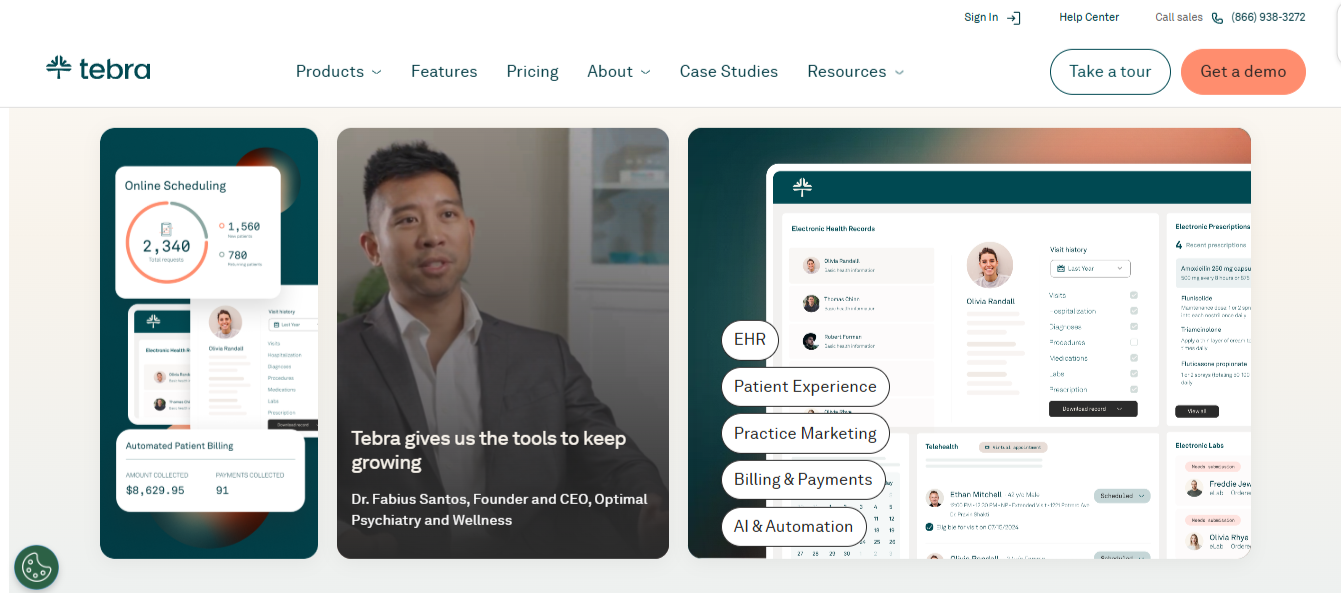
What it does: Tebra (merger of Kareo and PatientPop) combines practice management, EMR charting, and medical billing in one cloud platform built for independent practices.
Best for: Solo practitioners and practices with 1 to 5 providers who want functional billing without enterprise cost.
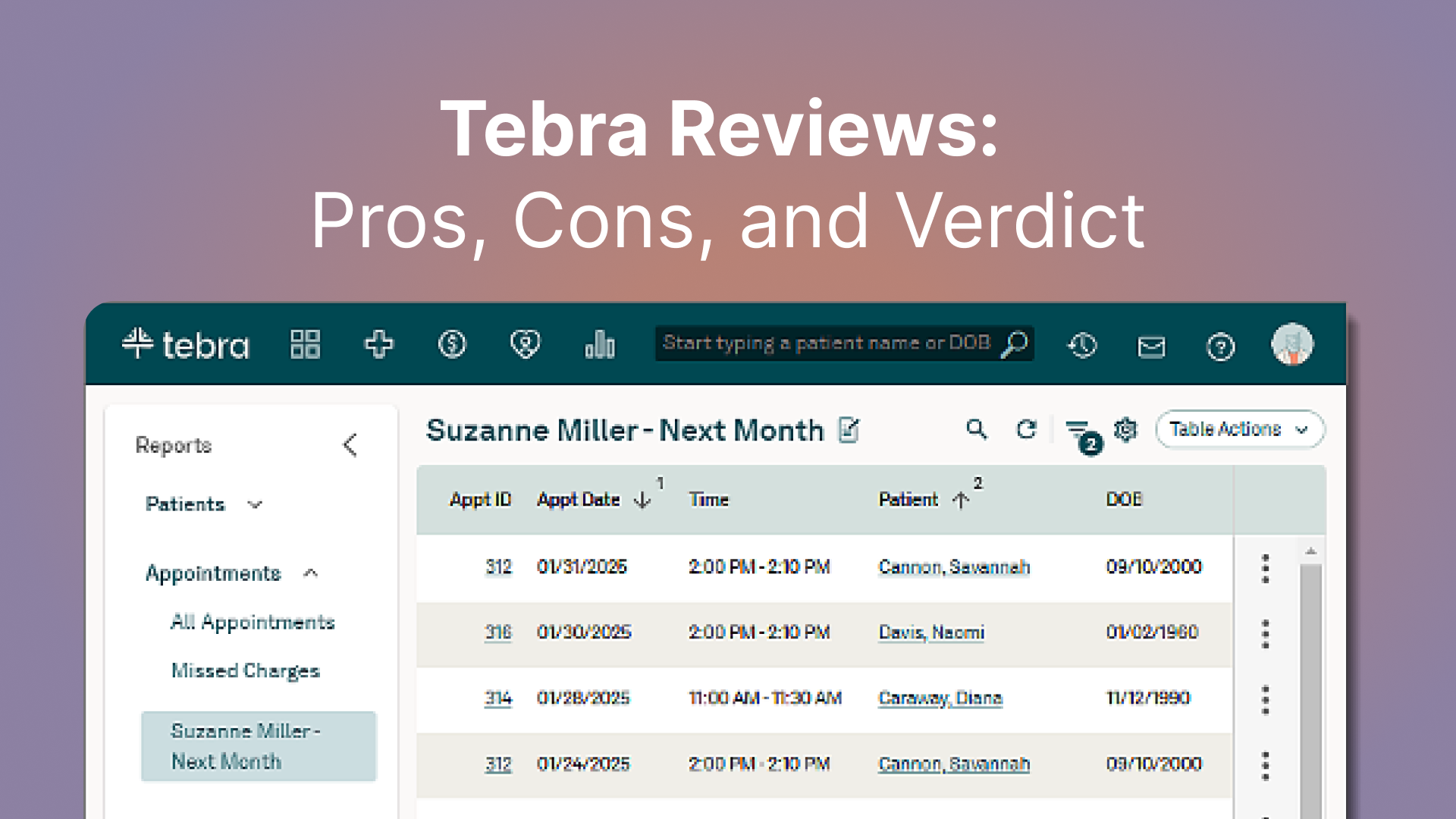
Tebra holds a 3.9 out of 5 rating on Capterra based on 1,382 reviews, verified September 2026. It has built its name on billing software that is easy to set up, priced around clinical providers rather than seat licenses.
The claims workflow is approachable for non-technical staff, so a front desk without a dedicated biller can still keep claims moving.
Key Features
- Rules-based claim scrubbing: Catches coding errors before claims are sent, reducing rejections and rework.
- Insurance eligibility checks: Verifies coverage ahead of visits so you bill correctly the first time.
- Managed billing option: Hand off some or all of your billing to Tebra's billers if you don't have in-house staff.
Pros and Cons
Pros
✅ Lower tier for low volume: Tebra's pricing includes a lower tier for providers billing 100 claims or fewer a month, which suits a small practice still building volume.
✅ Per-provider pricing: Admin and front-desk staff accounts are included, so extra non-clinical users cost nothing.
✅ Add billing when ready: A practice can start on self-service billing and hand claims to Tebra's team later, without switching platforms.
✅ EMR-agnostic: It connects to a range of clinical systems, so a practice that likes its current EMR can keep it and add billing.
Cons
❌ Navigation takes time during routine lookups: Finding specific information requires moving between areas of the system, so simple tasks take longer than they should.
❌ Support divides opinion: Tebra scores 3.8 out of 5 for customer service on Capterra, against 4.1 for ease of use. Some long-tenured practices still rate the service highly; others describe a decline since Kareo and PatientPop merged.
What Users Say
"Cost-effective, great support. Love that it integrates with various EMRs." (Debbie D., medical practice, Software Advice)
"Navigation and finding specific information could be improved. It can take longer than expected to find exactly what I am looking for." (Michelle C., CEO, Capterra)
Pricing
Tebra quotes per practice, with pricing scaling by provider count, specialty, and claim volume. Its pricing page lists five named plans: All in One, EHR+, Patient Experience + Marketing, EHR Starter, and Billing Starter.
For evaluation, Tebra groups those into two bundles. Practice Essentials covers billing, EMR, and telehealth. Practice Automation adds patient engagement on top.
Bottom Line
Start here if you're a solo or small office outside pediatrics. You get working billing tools, no charge for front-desk and billing staff seats, and the option to hand claims to Tebra's team later. What pushes practices elsewhere is how long routine lookups take. A busy front desk running back-to-back visits will feel it most.
2. DrChrono: Best for Mobile and iPad-First Practices
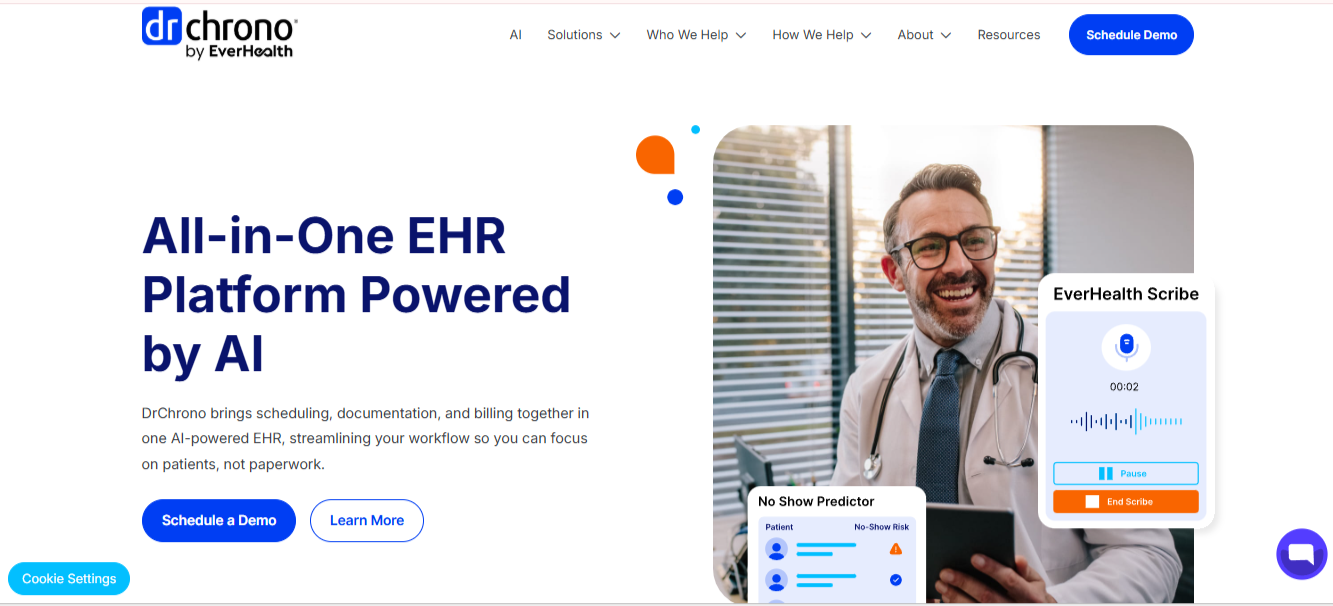
What it does: DrChrono (now part of EverHealth) is a cloud EMR, practice management, and billing suite. It launched in 2009 and shipped its native iPad app within a week of the iPad's 2010 release, so it was one of the first EMRs built for the device.
Best for: Providers who chart on a tablet or phone and want billing tied directly to mobile clinical workflows.
DrChrono has a 3.9 out of 5 rating on Capterra based on 492 reviews, verified September 2026. It still leads on mobility.
If your providers move between rooms or locations and want to chart, order labs, and trigger billing from an iPad, few tools match it. The open API also makes it a fit for practices that want custom integrations.
Key Features
- iOS-native charting: Full charting on iPad and iPhone, with the same fields the desktop has.
- Integrated billing and RCM: Coding support and claims processing built into the same system as your notes.
- OnPatient portal: Included in all tiers for intake forms, messaging, and online bill pay.
Pros and Cons
Pros
✅ Chart in the room: Providers finish notes on the iPad during the visit, so evenings stay free of catch-up documentation.
✅ Open API and integrations: It connects to outside tools and custom builds, which is useful for a growing practice.
✅ Possible free data migration: Depending on your current data format, DrChrono may migrate your records at no charge.
✅ Charges follow the visit: Because coding sits in the same screen as the note, a busy provider captures what was done before moving on.
Cons
❌ Support slipped after the acquisition: Slow responses have drawn criticism in user reviews since EverHealth took over.
❌ Reminders have limits: Text and phone reminders are capped by tier, with per-message overage fees above the cap.
What Users Say
"I was really glad to find something customizable that worked well for my chiropractic clinic." (Jeffrey F., owner, Capterra)
"Difficulty getting great reporting, financial metrics... difficulty getting specific access for users." (Larisa F., hospital and health care, Software Advice)
Pricing
DrChrono doesn't publish plan prices, and all three tiers on its pricing page are quote-based:
- Plans: Foundation, Growth, Premium (request a quote for your provider count).
- Tier limits: Text and phone reminders are capped at 250/100 (Foundation), 500/250 (Growth), and 1,000/750 (Premium), with 500, 1,000, and 2,000 e-faxes per month, respectively.
- Add-on: Extended lab integration is sold as an add-on.
- Overages: $0.05 per text, $0.07 per faxed page, $0.10 per phone call.
- Statements: $0.59 per electronic patient statement.
- Data migration: Free or fee-based, depending on your data format.
Bottom Line
iPad-based practices should shortlist DrChrono. Nothing else here ties billing to mobile charting as tightly. Desktop-bound teams, or those that send many phone reminders, will get less out of it.
3. CureMD: Best for Practices That Want Billing Services Included
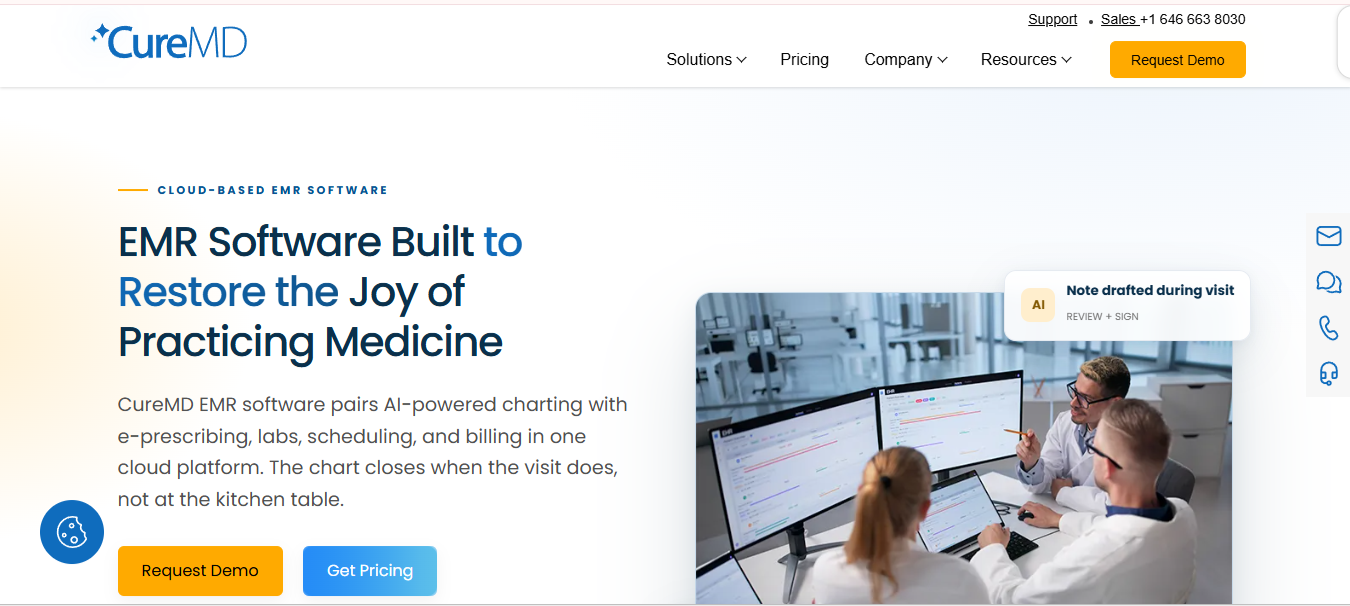
What it does: CureMD is a cloud EMR, practice management, and medical billing suite that also offers billing-as-a-service, priced as a percentage of collections.
Best for: Small and specialty practices that prefer to outsource the billing work rather than staff it in-house.
CureMD has a 3.6 out of 5 rating on Capterra based on 88 reviews, verified September 2026. Its pitch is that you hand billing to a team and pay for the collected result.
The vendor reports a clean claim rate of 98%, and it handles setup, electronic data interchange implementation, and training at no additional cost for billing clients.
That keeps the entry cost down for a small office without a biller on payroll. Specialty templates for many disciplines make it a workable fit across practice types.
Key Features
- Percentage-of-collections billing service: CureMD's team handles claims, denials, and A/R recovery in exchange for a percentage of collections.
- Specialty templates: Prebuilt content for many specialties speeds up documentation.
- Integrated EMR and patient portal: Records, scheduling, and billing live in one system.
Pros and Cons
Pros
✅ Billing done for you: A small practice can skip hiring an in-house biller and leave the day-to-day claims work to CureMD.
✅ Low up-front cost: Setup and training are free for billing clients, so there's no implementation bill before the first claim goes out.
✅ Broad specialty coverage: Niche practices that general tools handle poorly can start from a ready-made template set.
Cons
❌ Fixes can be slow: Users report waiting on CureMD's development team when something needs resolving.
❌ Cost rises with your revenue: The billing service is priced as a percentage of collections, so the fee grows as the practice grows.
What Users Say
"Billing and reimbursements are faster, and telemedicine is readily available for our patients." (Keisha D., Trustpilot)
"It sometimes takes longer to get the development team to come up with a solution." (ToniAnn C., Software Advice)
Pricing
CureMD pricing is quote-based:
- Plans: Personalized quotes by specialty and provider count, across Practice Management, Electronic Health Records, and All-in-One plans.
- Billing services: As low as 3% of collections, including a dedicated account manager, claim processing, patient statements, and follow-up and appeals.
- All-in-One adds: Document management, referral management, an iPad app, and full phone, email, and ticket support on top of the practice management and EMR features.
Bottom Line
CureMD makes sense if you want a fully managed, hands-off medical billing solution. The trade-off is the pricing model, since paying a percentage of collections means the bill climbs as your practice grows, so compare it against the cost of an in-house biller.
4. AdvancedMD: Best for Growing Multi-Provider Practices
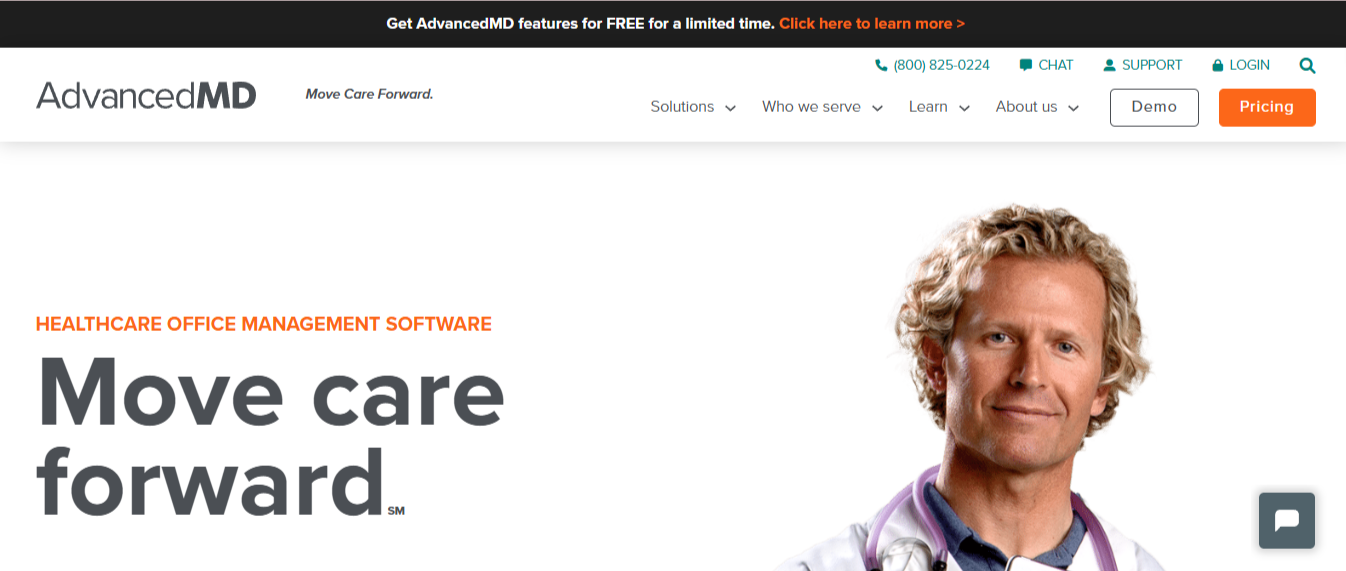
What it does: AdvancedMD is a cloud suite of EMR, practice management, billing, telehealth, and analytics tools that practices assemble into a custom bundle.
Best for: Growing practices that want room to add providers and locations, and can configure their own specialty workflows.
AdvancedMD has a 3.6 out of 5 rating on Capterra based on 466 reviews, verified September 2026. It's the heavyweight of this list, built for general ambulatory care across many specialties.
Its Claim Inspector automatically scrubs claims against carrier requirements, HIPAA, and Medicare fee schedules, and its clearinghouse connects to roughly 1,800 payers. That depth is why growing practices pick it, though it's more than a bare-bones solo office needs.
Key Features
- Claim Inspector scrubbing: Automated checks against payer, HIPAA, and Medicare rules before submission.
- Build A Bundle pricing: Pay only for the modules you use, from EMR to telehealth to reporting.
- Encounter-based option: A per-claim option for low-volume practices.
Pros and Cons
Pros
✅ Scales with the practice: Deep billing and reporting grow as you add providers and locations, so you're unlikely to outgrow it.
✅ Flexible pricing: A low-volume office can start on a per-encounter rate and move to a monthly bundle as claim volume grows.
✅ Large clearinghouse network: It connects to a wide range of payers, which means cleaner claim submission and fewer routing errors.
✅ Built-in payer rules: AdvancedMD's knowledge base covers Medicare, Medicaid, and commercial payers, so your team isn't tracking each payer's edits by hand.
Cons
❌ Gets expensive fast: Pricing climbs quickly, and the top tiers are steep for a small office.
❌ Complex to implement: Onboarding takes real effort, with a steeper learning curve than lighter tools.
What Users Say
"It made scheduling patients fairly easy, and the patient portal was nice." (Heather D., Software Advice)
"Template setup takes some time to complete, and sometimes it can be cumbersome to navigate." (Scott, owner and CFO, Capterra)
Pricing
AdvancedMD publishes per-provider monthly price ranges (a provider is a mid-level clinician or higher), with up to 40% off when you bundle EMR, practice management, and patient engagement tools:
- Software by specialty: Medical runs $429 to $1,070, Mental Health $130 to $399, Physical Medicine $399, Addiction Medicine $399, and MedSpa $278 per provider per month.
- RCM services: 4% to 8% of collections, with core software included and discount options available.
- Billing services: $229 to $1,070 per provider per month, with multi-client tiered and volume discounts.
- Bundles: Build a bundle, then fine-tune it with à la carte features for an instant, shareable quote.
Bottom Line
Pick AdvancedMD if you can see yourself adding more providers or locations in the future. It has the depth to grow into. A lean solo office counting every dollar will find it heavier and pricier than the job calls for.
5. Develo: Best for Independent Pediatric Practices
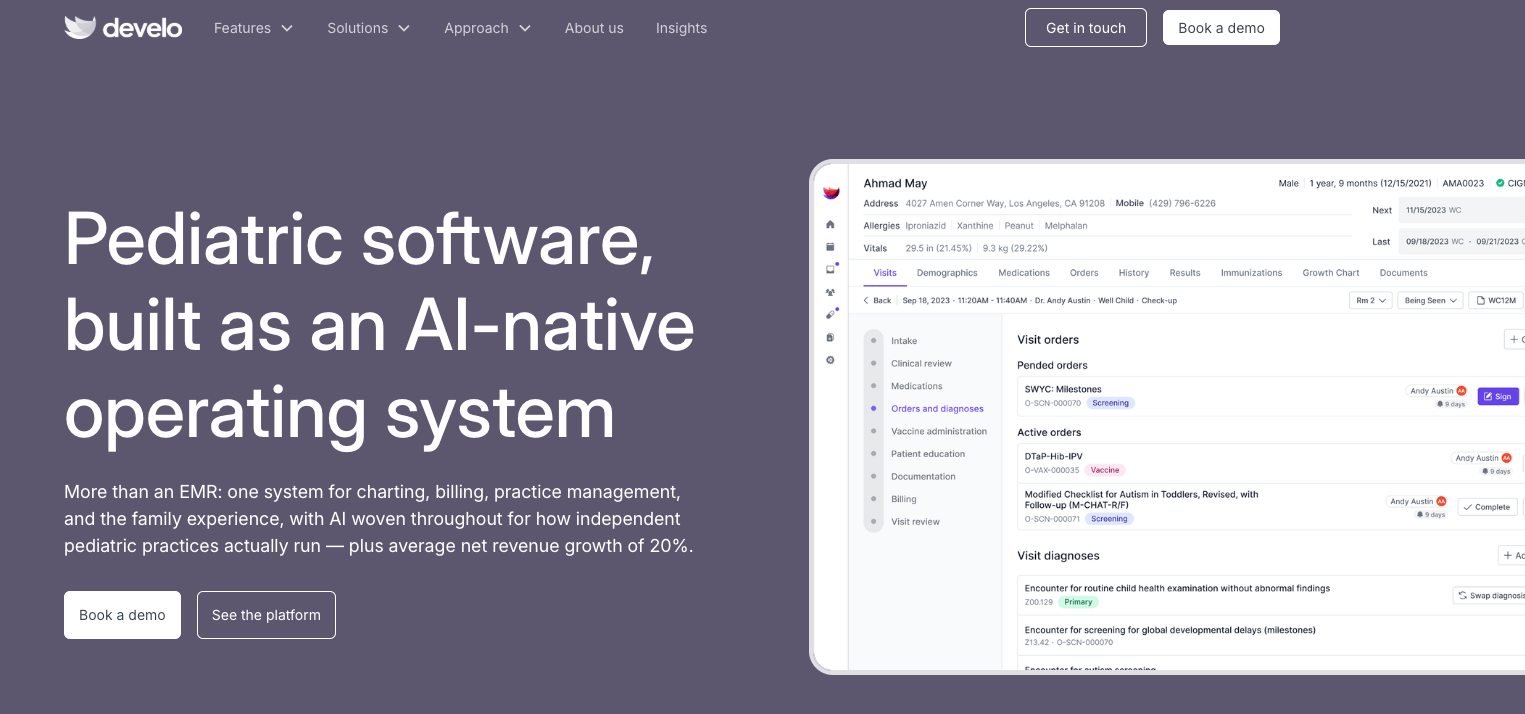
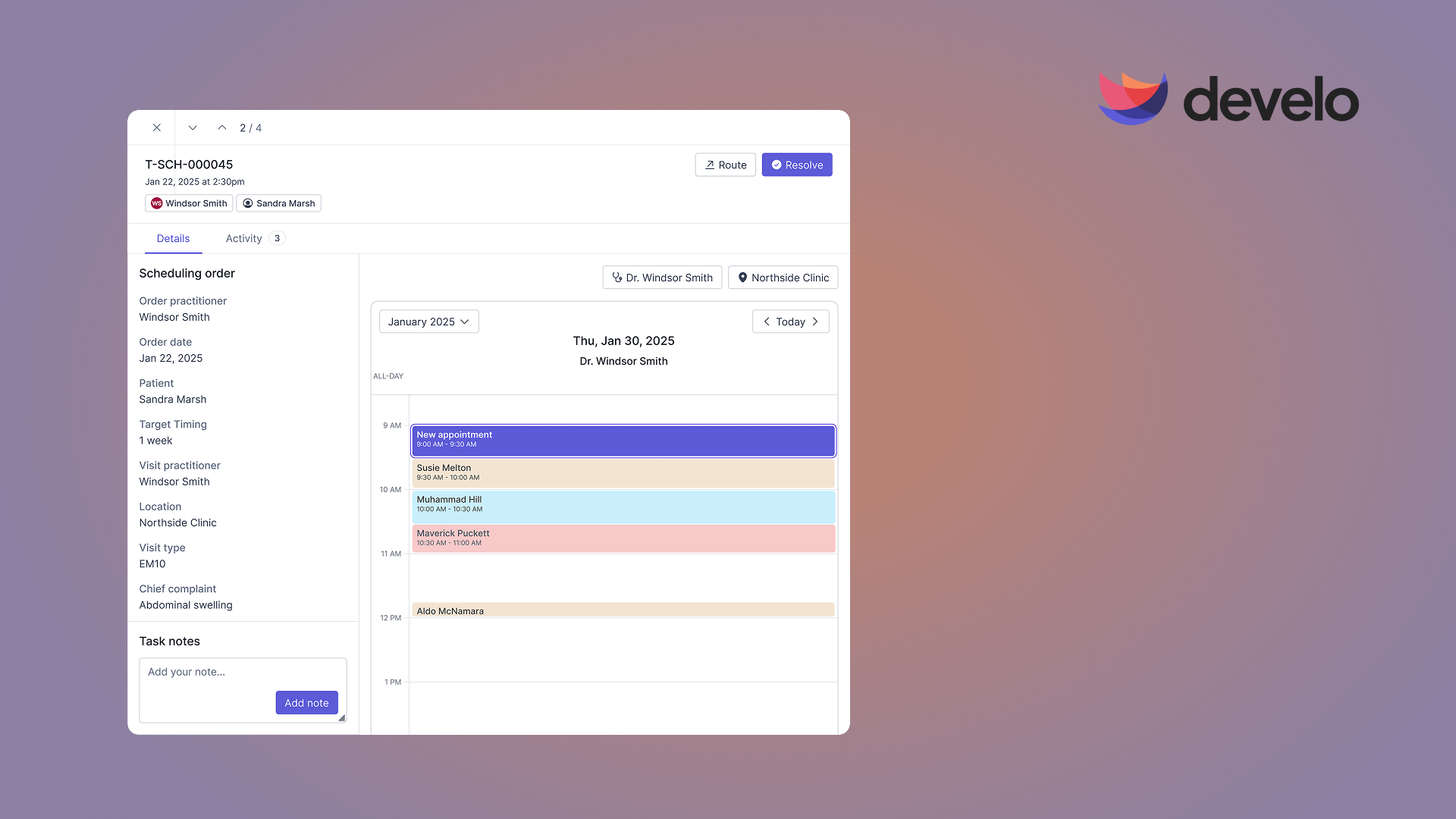
What it does: Develo is the AI-native operating system for pediatrics, built solely for independent pediatric practices. It unifies charting, billing, practice management, and family engagement in one platform.
Best for: Independent pediatric practices of all shapes and sizes that want billing built around pediatric coding rules from the start.
Its billing is built around pediatric realities: automated charge capture, well child visit workflows, and vaccine-heavy coding. It pairs billing with an embedded AI scribe and family engagement tools. Pediatric practices have already moved to Develo from Tebra, AdvancedMD, and dozens of other systems, with insurance and visit history carried over. Pediatric charge capture rules are pre-loaded before your first login.
Key Features
- Automated charge capture: Rules set pediatric billing codes, units, modifiers, and diagnoses for each visit, and flag orders normally billed with well child and sick visits before the claim goes out.
- Claim scrubbing and eligibility checks: A rules engine scrubs claims and surfaces issues before submission, and real-time eligibility runs at scheduling and check-in.
- Family-first billing: Automated text reminders carry payment links for the whole family's real-time balance, so a caregiver pays for every child at once.
Pros and Cons
Pros
✅ Built for pediatric billing: Charge capture and coding are designed around pediatric visits like vaccines and well child checks.
✅ One connected platform: Billing, charting with Develo AI scribe (priced separately), practice management, and family engagement live in one cloud-based system, so you run fewer third-party tools.
✅ Optional billing services: An onshore, pediatric-only billing team can work your claims, denials, Level-1 appeals, and A/R inside the same system, priced as a percentage of insurance collections.
✅ Hands-on support: A US- and Canada-based team, the same customer success manager from setup onward backed by pediatric billing specialists, a 24/7 on-call engineer for critical issues, and weekly product upgrades.
Cons
❌ Pediatrics only: Develo is built exclusively for pediatric practices, so other specialties and general practices are out of scope.
❌ No public reviews or list price: There's no Capterra or G2 score yet, and the per-provider rate comes through a demo, so you have less outside evidence to weigh before you commit.
Pricing
- There's no public per-provider rate.
- Develo uses comprehensive pricing: a per-provider monthly fee that covers data migration, configuration, training, and go-live support, with no implementation fee. AI capabilities such as Develo AI scribe are priced separately, and optional billing services are priced as a percentage of insurance collections.
Bottom Line
For a pediatric office, Develo is the one built around how pediatric billing really works: vaccines, well child visits (including well-sick visits), and family balances. Run a general practice and any of the tools above will serve you better.
Which Medical Billing Software Should You Choose?
The right tool depends on how much billing work you want to keep in-house and how much room you need to grow.
Choose Tebra if you:
- Run a solo or small non-pediatric practice and want pricing built around providers, not staff seats.
- Prefer fast setup and the option to add managed billing later.
Choose DrChrono if you:
- Chart on iPads and want billing tied to mobile workflows.
- Need an open API for custom integrations.
Choose CureMD if you:
- Want to outsource billing rather than staff it.
- Prefer paying a percentage of collections over managing claims yourself.
Choose AdvancedMD if you:
- Expect to add providers or locations and want a system that scales.
- Value deep reporting and a long track record.
Choose Develo if you:
- Run an independent pediatric practice and want billing built for pediatric coding.
- Want the option of Develo's own onshore, pediatric-only billing team working your claims inside the same system.
Skip this category entirely if:
- You're a single provider with very low claim volume, where a standalone clearinghouse or your existing EMR's built-in billing may be enough before you pay for a dedicated platform.
Final Verdict
For most small practices shopping for medical billing software, Tebra is the easiest place to start, and DrChrono is best for tablet-based teams. To hand off billing entirely, CureMD is the pick. AdvancedMD gives growing practices the most room to add providers and locations.
Pediatric offices are the exception. Their coding, vaccines, and family billing work differently: well and sick visits billed on the same day, vaccine administration and counseling codes, and balances that span siblings. Develo is built for all three, so they don't depend on manual work in a general billing tool. Practices that would rather hand off billing entirely can give it to Develo's own onshore, pediatric-only billing team, which works inside the same system.
Match the tool to your specialty and your appetite for in-house billing.
See Develo's Billing, Built for Pediatrics
If your practice sees only children, a general billing tool can miss charges that pediatric visits generate every day.
Develo is the AI-native operating system for pediatrics, with charting, billing, practice management, and family engagement on a single platform. Book a demo to see how automated charge capture and pediatric coding work on your own visit types.
Frequently Asked Questions
What's the Best Medical Billing Software for Small Business Practices?
For most solo and small offices outside pediatrics, Tebra is the best starting point: quote-based pricing, free non-clinical staff seats, and an ease-of-use score of 4.1 on Capterra, above its 3.9 overall.
DrChrono fits iPad-based charting. For any pediatric practice, from a solo office to a multi-site group, Develo is the better fit, because its billing is built around pediatric charge capture automation, vaccines, and family balances, with pediatric billing tied directly into both scheduling and clinical workflows.
Is There Free Medical Billing Software for Small Businesses?
Every platform on this list charges a fee, though a few vendors, such as Office Ally with Practice Mate, offer no-cost practice management and charge for add-ons. Kareo, now Tebra, once offered a free EMR, but as a way to bring practices onto its paid billing service.
Entry-level options that do exist typically cap claim volume or limit support, so most practices quickly move to a paid tier.
Does Medical Billing Software Work for Pediatric Practices?
Yes, medical billing software works for pediatric practices, but pediatric claims carry rules that general tools aren't built around. A dose supplied through the Vaccines for Children program bills only the administration fee, not the vaccine itself, and the counseling-based administration codes 90460 and 90461 apply only through age 18.
Develo builds those rules into charge capture, so the right administration and counseling codes reach the claim without a separate billing pass.
Eligibility is the other pediatric gap. Medicaid and CHIP coverage can lapse at renewal between two well child visits with no notice to the practice, and a newborn is often seen before a member ID exists, billed under the mother's policy until the baby's own coverage is added, typically back-dated to birth. Develo runs real-time eligibility at scheduling and check-in, so a lapsed plan surfaces before the visit rather than on a denial.
How Much Does Medical Billing Software Cost?
For software alone, the one published price list on this page runs from $130 to $1,070 per provider per month, depending on your specialty.
AdvancedMD is the only vendor here that publishes per-provider software rates: $429 to $1,070 per provider per month for medical specialties, or 4% to 8% of collections for its RCM service, which includes the core software. Tebra, DrChrono, CureMD, and Develo all quote per practice. Managed billing is commonly charged as a percentage of collections, and CureMD starts on the low end at 3%.
Two caveats apply when comparing quotes. First, some vendors charge per claim, either instead of a monthly rate, as with AdvancedMD encounter-based pricing at $0.87 to $1.74 per claim, or on top of it, as with the $1.00 fee DrChrono charges per paper claim. Second, many platforms bundle billing with charting, practice management, and patient or family engagement, so a higher per-provider price can replace several separate subscriptions. Develo uses comprehensive pricing that covers all four in one platform, with select AI capabilities priced separately.
.png)
.avif)