
.avif)
Pediatric clinics see 30+ patients per provider per day, and paper clipboards still slow most of them down. Here's how digital patient intake changes that and where most tools miss the mark for pediatrics.
What Is Digital Patient Intake?
Digital patient intake replaces paper forms with online registration, screening questionnaires, and insurance verification that families complete before they walk through the door.
Instead of handing a parent a clipboard at check-in, you send them a link. They fill out demographics, confirm insurance info, and complete age-specific screeners from their phone at home the night before the visit.
The data flows directly into the patient chart. No scanning. No transcribing. No asking the same questions twice.
For pediatric clinics running high-volume schedules with a mix of well child visits, sick visits, and follow-ups, that time savings adds up fast.
Why Pediatric Clinics Need a Different Digital Patient Intake Approach
Pediatric intake is more complex than adult intake. A generalized digital patient intake tool won't account for the workflows that make pediatrics unique.
Here’s what separates a digital intake approach:
- Family structures matter: You're not treating a single adult patient. You're managing children, caregivers, guardians, and blended families, each with different insurance, contact info, and access levels.
- Screening changes by age: A 9-month-old needs to complete the ASQ-3. A 16-year-old needs a PHQ-A. General intake tools don't automate screener delivery based on the child's age and visit type.
- Volume is relentless: The AAP recommends 11 well child visits before age 3. Add sick visits and follow-ups, and a pediatric provider can see 30+ patients a day. Every minute saved at check-in compounds across the schedule.
- Demographics go stale quickly: Parents change jobs, switch insurance, and move frequently, especially in the first few years of a child's life. Digital patient intake catches those changes before they become denied claims.
What Digital Patient Intake Looks Like in a Pediatric Clinic
Digital patient intake isn't one step. It's a pre-visit workflow that replaces several manual tasks your front desk handles today.
Here's the typical sequence when it works well:
- Before the visit: The caregiver receives a link via text or email. They update demographics, confirm or upload new insurance cards, and complete any required consent forms.
- Screeners auto-deploy: Based on the patient's age and visit type, the system sends the right clinical screeners. M-CHAT-R for toddlers, CRAFFT for adolescents, and so on. Results are auto-scored and attached to the chart.
- Digital forms go out: Any visit-specific forms, like medication lists, history updates, or specialist referrals, are sent alongside the intake. Completed forms are saved in the patient's chart and remain accessible through the family portal.
- Day-of check-in: When the family arrives, the front desk confirms the intake is complete, reviews flagged changes, and checks the patient in. No clipboard. No data entry.
- Real-time eligibility runs: Insurance coverage gets verified automatically, so staff can flag co-pays or coverage gaps before the visit starts, not after.
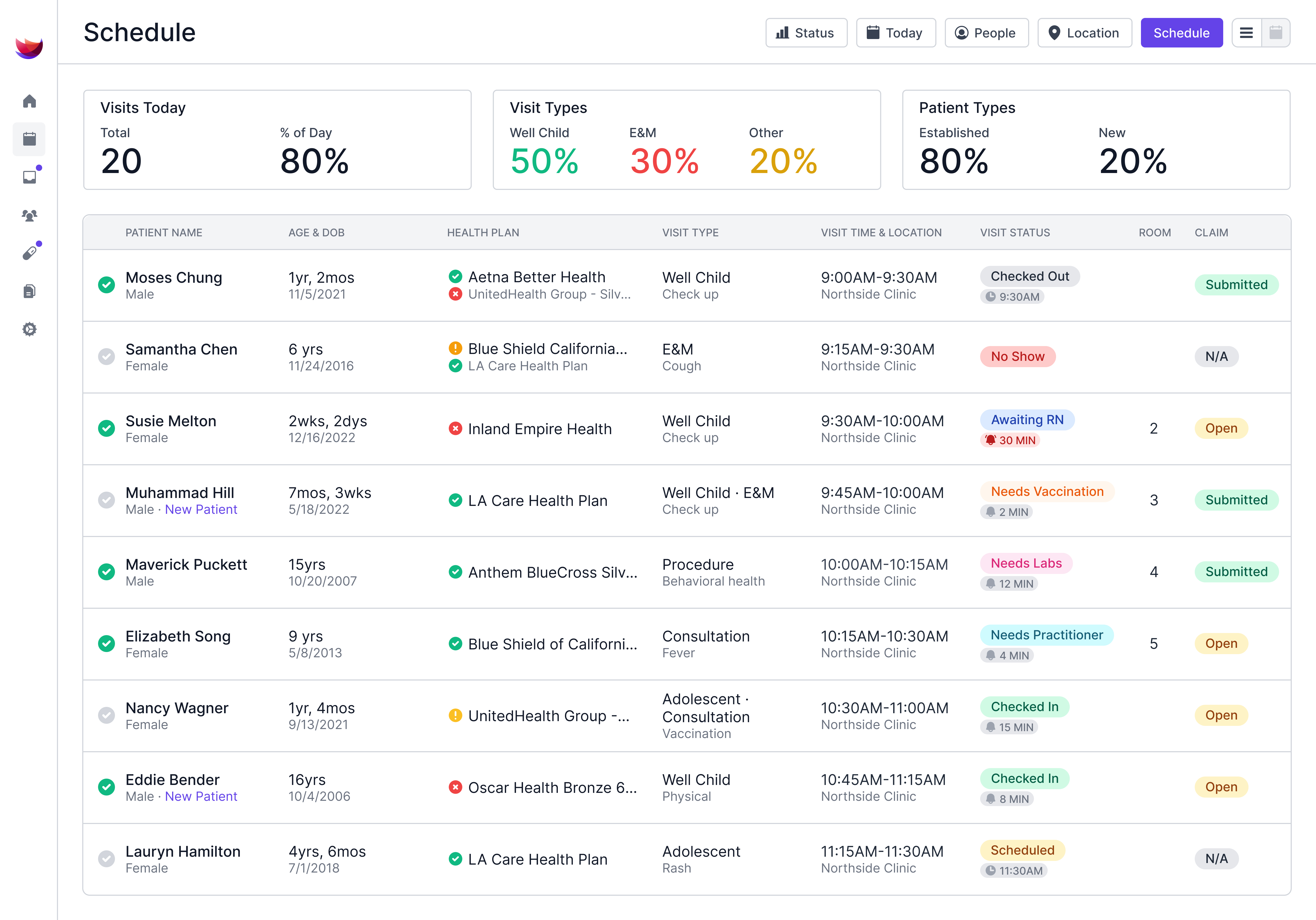
This workflow cuts waiting room time for families and gives providers a complete picture before they enter the exam room. For clinics trying to rethink the waiting room experience, that's a big deal.
5 Digital Patient Intake Features That Improve Throughput
Not all digital patient intake tools deliver the same results. These five features separate the ones that save time from the ones that create new headaches:
1. Age-Based Screener Automation
The system should send the correct behavioral or developmental screener based on the patient's age and visit type, with no manual selection by staff.
Auto-scoring matters too. If your team still hand-scores an M-CHAT-R or tallies a PHQ-A, you're losing minutes per patient that add up across a full schedule.
2. Pre-Visit Demographics and Insurance Capture
Stale demographics cause claim denials. A good digital patient intake workflow prompts caregivers to confirm or update their contact details, address, and insurance info before every visit.
This catches errors upstream, before they become rejected claims your billing team has to chase for weeks.
3. Caregiver-Specific Intake Targeting
Pediatric intake involves caregivers, not patients. Your digital patient intake tool should direct forms to the right caregiver, whether that's a parent, guardian, or custodial grandparent.
This gets tricky fast with blended families, divorced parents, and shared custody. A pediatric-specific system handles these dynamics natively. A general-purpose tool forces workarounds.
4. Digital Forms That Save to the Chart
Consent forms, medication lists, and history questionnaires should be completed digitally and saved directly into the patient's chart. They should also be accessible on the family portal after the visit.
If your intake tool generates PDFs that staff have to upload manually, you've traded one bottleneck for another.
5. Check-In Status Visibility for Staff
The front desk needs a real-time view of which families have completed intake and which haven't. This lets staff proactively follow up on incomplete registrations rather than discover gaps when the family arrives.
A clear check-in dashboard also helps practices manage patient flow. You can anticipate slowdowns instead of reacting to them.
Where Most Digital Patient Intake Tools Fall Short in Pediatrics
Most digital patient intake software wasn't designed for pediatrics. It was built for adult primary care or multi-specialty practices, then retrofitted with a few pediatric add-ons.
These are the most common issues that surface in pediatrics:
- General intake tools ignore family relationships: They treat each patient as an isolated record. In pediatrics, you need to connect siblings, track multiple guardians, and manage family-level insurance and payment info across patients.
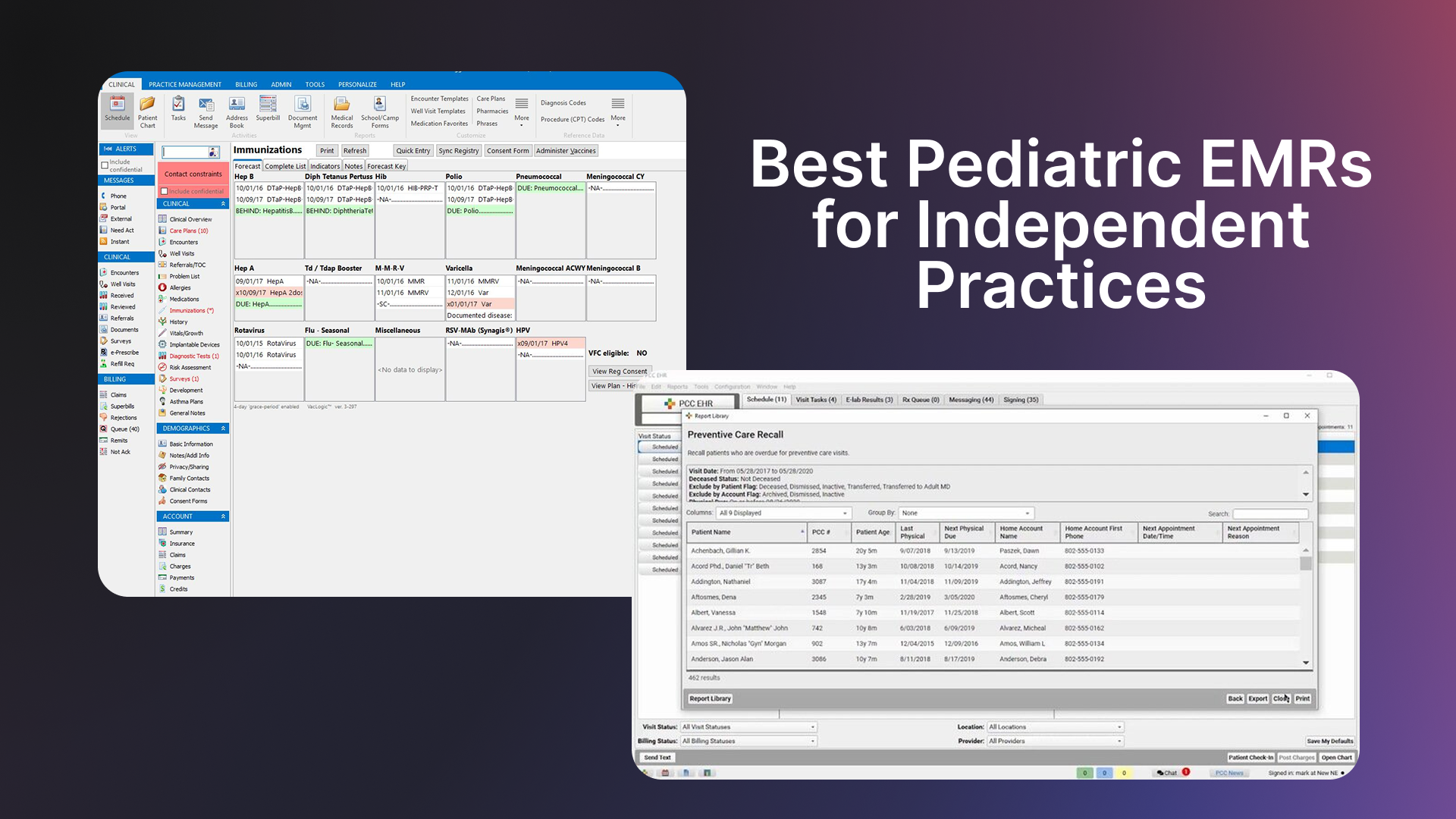
- Third-party bolt-ons create data gaps: Many pediatric clinics use one system for their EMR and a separate tool, like Phreesia or IntakeQ, for intake. Phreesia is a solid product, but it's a general-purpose intake platform rather than one built around pediatric workflows.
When your intake tool lives outside your EMR, data has to sync between two systems. That sync is never perfect. Demographics update in one place but not the other. Screener results need manual review. Staff toggle between screens.
- Screener logic is often manual: General intake software may support questionnaires, but it rarely auto-selects and auto-scores them based on patient age and visit type the way a pediatric-specific solution does.
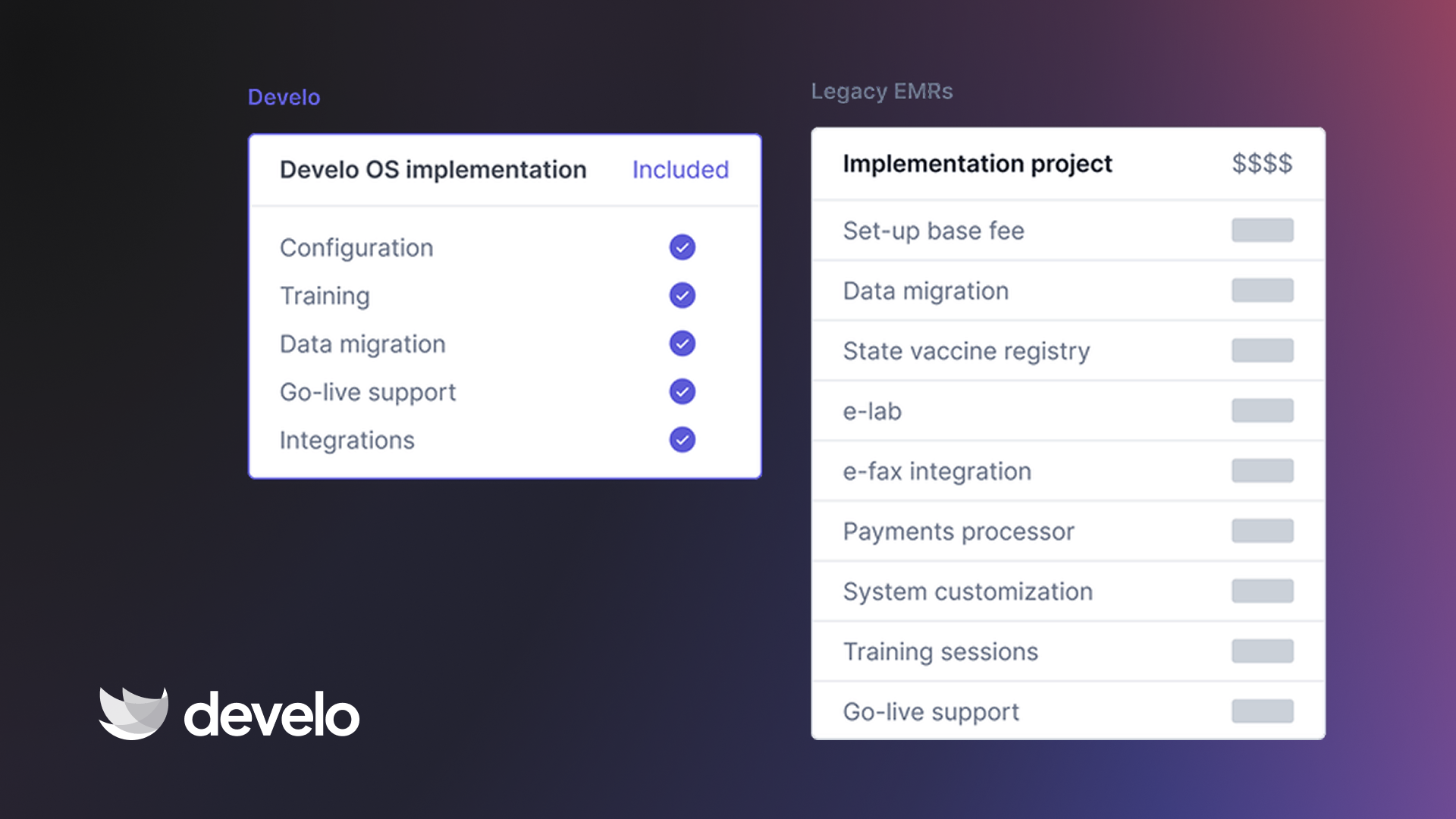
- The cost adds up: Paying for a standalone intake platform on top of your EMR and your clinical screener tool means three separate vendors, three invoices, and three support teams. Consolidating those tools into one pediatric-focused platform removes that overhead.
Extra tip: For pediatric practices already focused on growing their patient base, tighter intake workflows protect the revenue from patients you already have.
What to Look for in a Pediatric Digital Patient Intake Solution
Choosing the right digital patient intake tool comes down to how well it fits pediatric workflows, not how many features it lists on a marketing page.
Here’s what to analyze:
- Pediatric-specific design: The tool should handle family relationships, age-based screeners, and caregiver-level intake natively, without workarounds or third-party add-ons.
- EMR integration (or better, built-in intake): The closer your digital patient intake lives to your clinical and billing workflows, the fewer data gaps you'll deal with. Built-in intake beats bolted-on intake every time.
- Comprehensive pricing: Watch for platforms that charge separately for intake, screeners, messaging, and portal access. Those per-feature charges add up quickly, especially for growing practices.
- Auto-scoring and auto-billing for screeners: If your team still manually scores questionnaires or manually attaches billing codes to screeners, the tool isn't doing enough.
- Family portal access: Caregivers should be able to see completed forms, review visit summaries, and access their child's growth charts and immunization records through a single portal. This reduces inbound calls and improves the overall family experience.
- Staff dashboard for check-in status: Your front desk needs a clear, real-time view of intake completion to manage flow proactively.
Handle Digital Patient Intake and Everything Else From One Platform
Develo is a full-stack pediatric EMR that builds digital patient intake directly into the platform, with no third-party bolt-ons, no extra invoices, and no data sync headaches.
If you're running a pediatric practice and want to stop stitching together separate tools for intake, screeners, billing, and family communication, here's what Develo brings to the table:
- Digital pre-visit check-in and new patient registration that prompts caregivers to confirm demographics and insurance before every visit
- Age-based screener automation that sends, auto-scores, and auto-bills developmental and behavioral questionnaires like the EPDS, M-CHAT-R, PHQ-A, and CRAFFT
- Digital forms that complete on a caregiver's phone, save into the chart, and stay accessible on the family portal
- Real-time eligibility checks that flag insurance gaps before the visit starts, not after the claim is denied
- AI charge capture that reads visit context and applies the right billing codes, reducing under-coding and biller workload
- A family portal where caregivers self-schedule, view growth charts and immunization records, message the practice, and process payments
You don't need a separate intake tool, a separate screener platform, and a separate patient portal stitched together with imperfect integrations.
Book a free demo and see how Develo handles digital patient intake from registration to revenue, all in one place.
Frequently Asked Questions
1. What Is Digital Patient Intake in Pediatrics?
Digital patient intake in pediatrics is the process of collecting registration, demographics, insurance, consent forms, and clinical screeners electronically before a child's visit. Caregivers complete everything from their phone or computer, and the data saves directly to the patient's chart.
2. How Does Digital Patient Intake Improve Throughput?
Digital patient intake improves throughput by moving registration and screening out of the waiting room. When families arrive with completed intake, check-in takes seconds instead of minutes. That time savings compounds across a full day of 30+ visits.
3. Can Digital Patient Intake Handle Different Screeners for Different Ages?
Yes, pediatric-specific digital patient intake tools auto-select screeners based on the patient's age and visit type. An 18-month-old coming in for a well child visit gets an M-CHAT. A 15-year-old gets a PHQ-A. The system automatically sends, scores, and records the results.
4. Does Digital Patient Intake Help With Claim Denials?
Digital patient intake reduces claim denials by catching outdated demographics and insurance info before claims are submitted. When caregivers confirm their details at every visit, billing errors from stale data drop significantly.
5. What's the Difference Between General and Pediatric-Specific Digital Patient Intake?
The main difference is specificity.
General digital patient intake treats every patient as an individual adult. Pediatric-specific intake manages family structures, caregiver-level forms, age-based screener automation, and child-specific consent workflows. Pediatric clinics need that specificity to run efficiently.


.avif)