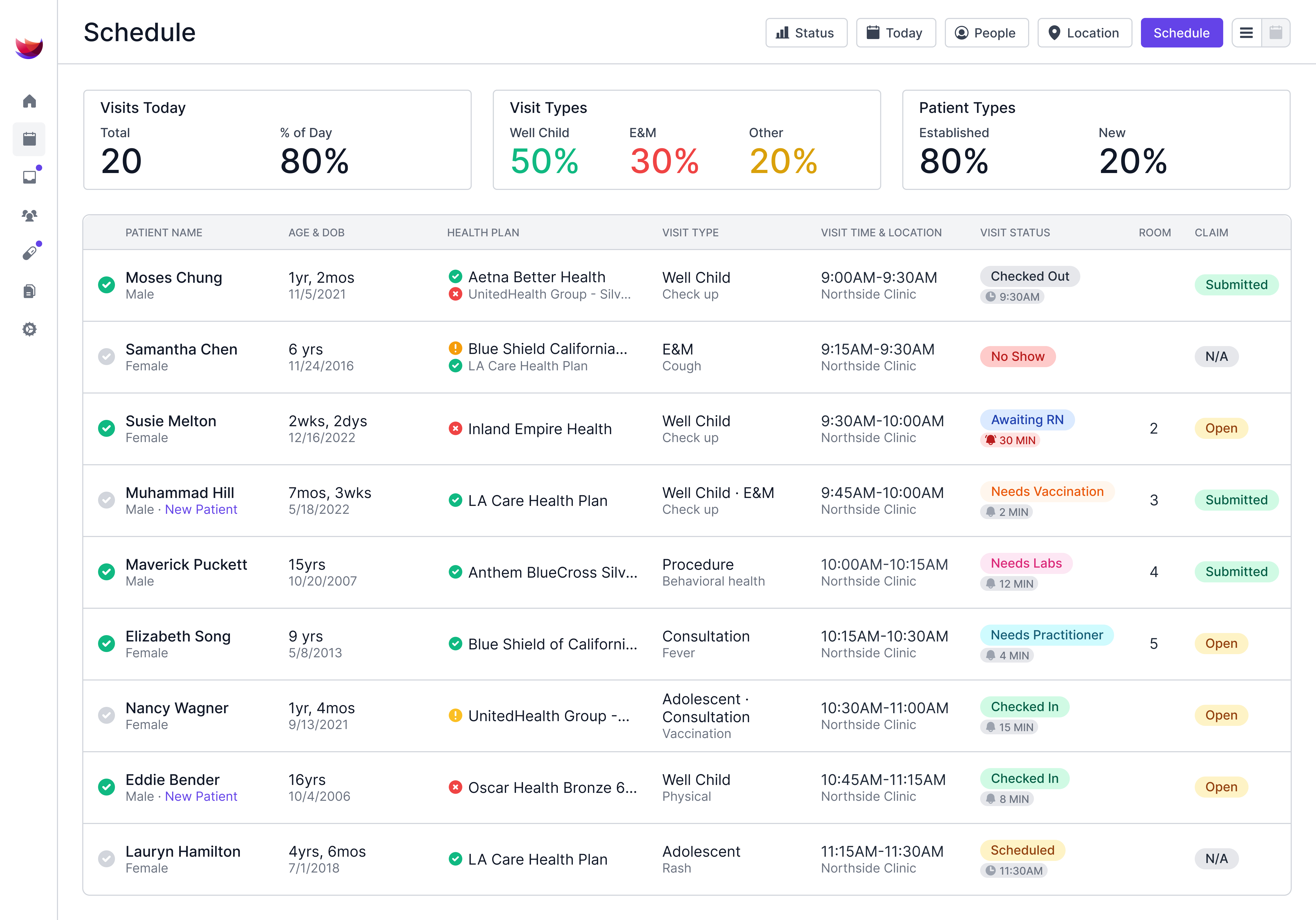


Switching to a new EMR system affects the front desk, the exam rooms, and the billing office all at once. Each of those teams has to change how it works while families still need care.
An EMR implementation plan can keep the switch organized, with a named owner and deadline for every task. Pediatric practices also have added challenges to account for, like vaccine histories that need to move over dose by dose, sibling charts that have to stay linked, and back-to-school physicals that can collide with an August launch.
The six steps below build on published studies of clinics and health systems that have changed EMRs, and they show who owns each phase, what to check, and when to move to the new system.
What Is an EMR Implementation Plan?
An EMR implementation plan is the written roadmap a practice follows to replace its current system. It spells out the work, who handles each part, and when it's due, from signing with a vendor to the first month after launch.
A strong plan covers three areas: the people doing the work, the records moving over, and the system and workflows your team will use after launch. A 2020 review of EMR-to-EMR transitions identified 10 areas where switches run into trouble, from financial burden and staffing demands to cybersecurity.
Our guide to common EMR implementation challenges covers typical problems and how to prevent them. With one shared document, every team in the clinic works from the same dates and checklists.
How to Build an EMR Implementation Plan Step by Step
To create an EMR implementation plan, break the switch into smaller phases and give each one a person in charge, a due date, and a sign-off before the next phase begins. Work through them in order, starting with the people who'll run the project.
1. Name the Team and Set Goals
Start with a small team: a practice manager, a provider lead (the physician or other provider who speaks for the clinicians), and a super user from the front desk, nursing, and billing teams. The practice manager owns the timeline and vendor calls. The provider lead makes charting decisions for the providers and keeps them involved.
Super users learn the system early. Once the clinic switches over, they become the first stop for questions. In a practice with one to three providers, you may not need dedicated super users, since the provider lead and practice manager usually fill that role. One person may also hold two roles, as long as each job has one clear owner.
Set a few measurable goals before setup starts, such as same-day chart closure, claim denial rate, or average check-in time. Record today's numbers so you can compare them to what you log after launch.
Set a budget alongside those goals. Beyond the vendor's quote, count the staff hours that training and a lighter launch schedule will use. Our breakdown of EMR implementation costs shows which fees to plan for.
Pick your go-live date (the day you'll start seeing patients on the new system). Plan around your busiest months, like school physical season or cold and flu peak periods, so slower first weeks don't land on a packed schedule.
2. Map Current Workflows
Workflow mapping shows how each visit moves through your clinic today, so the new system can be set up around how your team works.
Trace one well child exam and one sick visit from scheduling to payment, and note every handoff, paper form, and workaround.
Split your pediatric office workflow into stages, from the front office through the provider visit to checkout, then flag the steps you want to drop.
Paper intake forms, hand-scored screeners, and manually built superbills (sheets that turn an encounter into billing codes) are good places to find work a new system could automate.
3. Plan the Data Migration
A data migration plan decides which records move to the new EMR, in what format, and who checks them after they land. It also sets when each piece moves relative to your go-live date. Demographics and visits need to be in before go-live so the front desk can schedule and check in patients on day one, while some clinical data, especially documents, usually comes over after go-live, since the old system keeps receiving final notes, faxes, and uploaded files until it's retired.
Ask the vendor which fields arrive as structured data (individual data points that the system can search) and which arrive as scanned files. These scans can't usually feed reports, alerts, or growth charts.
Give pediatric charts extra checks in key areas, such as:
- Immunization histories: Every dose with its date, lot number, and funding source, so Vaccines for Children doses stay separate from private stock.
- Growth data: Past heights, weights, and head circumferences, so percentile curves carry over.
- Family links: Siblings, guardians, and guarantors, so each household stays connected across charts.
- Due lists: Each child's next well child visit and any catch-up vaccines due, so recall doesn't stall while the new system builds its own history.
- Confidential adolescent records: Visits and notes marked confidential for teens, so they stay hidden from parent proxy access after the move.
Move a small batch of charts first and compare it against the old system before the full EMR data migration. Include patients with long or complicated vaccine histories in that test group.
Keep read-only access to the old system for a set period after the switch. That same 2020 review lists limited access to past records as a patient safety threat in EMR-to-EMR moves, along with errors that creep in while data migrates.
4. Configure and Test the System
Setup is where templates, billing rules, and outside connections get tailored to your clinic's workflows. This step can reveal whether a system was built as an EMR for pediatrics or adapted from adult care.
For a pediatric practice, check that setup includes:
- Age-based well child and sick visit templates
- Clinical screeners that load by age and score automatically
- Charge capture rules (which add billing codes based on what was documented) for vaccine administration and screenings
- Connections to your state immunization registry and outside labs
- E-prescribing and a clearinghouse
Test your own patient scenarios before staff training starts. Book a 4-month well child visit for a baby with two guardians, record two vaccines, and follow the claim to the clearinghouse. Fix anything that fails before launch. Start state immunization registry onboarding early. Test messages and production approval run on the state's schedule, not the vendor's, so ask when the submission goes in, not just whether the connection exists.
5. Train Each Role
Plan hands-on sessions for each job, and schedule them close to go-live so skills stay fresh. In a 2019 study of more than 72,000 clinicians across 156 healthcare organizations, training quality was the leading predictor of how clinicians rate their EMR. Clinicians who reported better training were also more likely to say the EMR helped them deliver high-quality care.
Use practice tasks that mirror each person's day. Give front-desk staff check-ins for households with several children. Have nurses document vaccines from order to registry, and let billers work test claims. Super users go through training first, so they can coach peers on launch day.
Bring families into the process ahead of time. Send family portal invites and digital intake forms before launch, so the first visits on the new system can start with paperwork already done.
6. Go Live and Stabilize
Expect visits to run a little slower in the first weeks on the new EMR. Studies of EMR switches, mostly at hospitals and health systems, show productivity can dip right after go-live. With a well-planned go-live and an EMR built for pediatrics, aim to have visit productivity back to baseline within a month, and potentially sooner.
In interviews at four U.S. health systems that had recently switched EMRs, clinicians recommended reduced workload expectations during go-live, plus one-on-one support and dedicated in-house help. Trim each provider's schedule for the first two to four weeks and add slots back as visit times recover.
Keep super users free from their normal duties so they can help staff side by side. Hold a short huddle each morning to log issues, assign fixes, and share workarounds.
Each week, compare your goal metrics against your pre-launch numbers. Same-day chart closure and claim denial rate, two goals from the first step, can point to problems early. When the schedule is back to normal, move from daily fixes to a monthly review of templates and workflows.
Make Switching Pediatric EMRs Easier With Develo
The vendor you choose affects how much of an EMR implementation plan your own staff has to carry. Develo shares that load with your team as part of every rollout. Develo builds out the implementation plan with your practice, drawing on experience from hundreds of pediatric practice go-lives, including moves off an existing EMR and its stack of bolt-on tools.
As the AI-native pediatric operating system, Develo unifies charting, billing, practice management, and family engagement in one platform built solely for independent pediatric practices.
Develo's white-glove implementation takes on much of the work in an EMR switch, including:
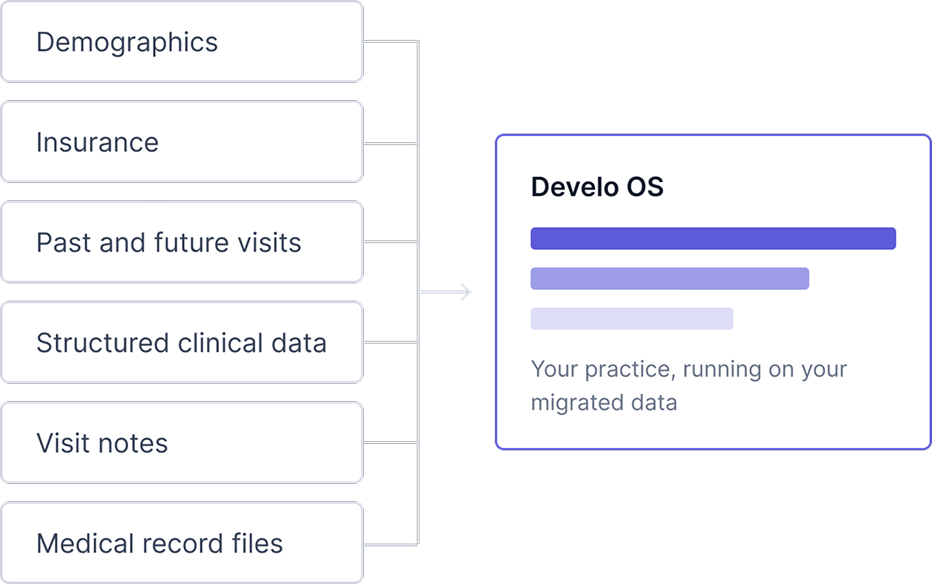
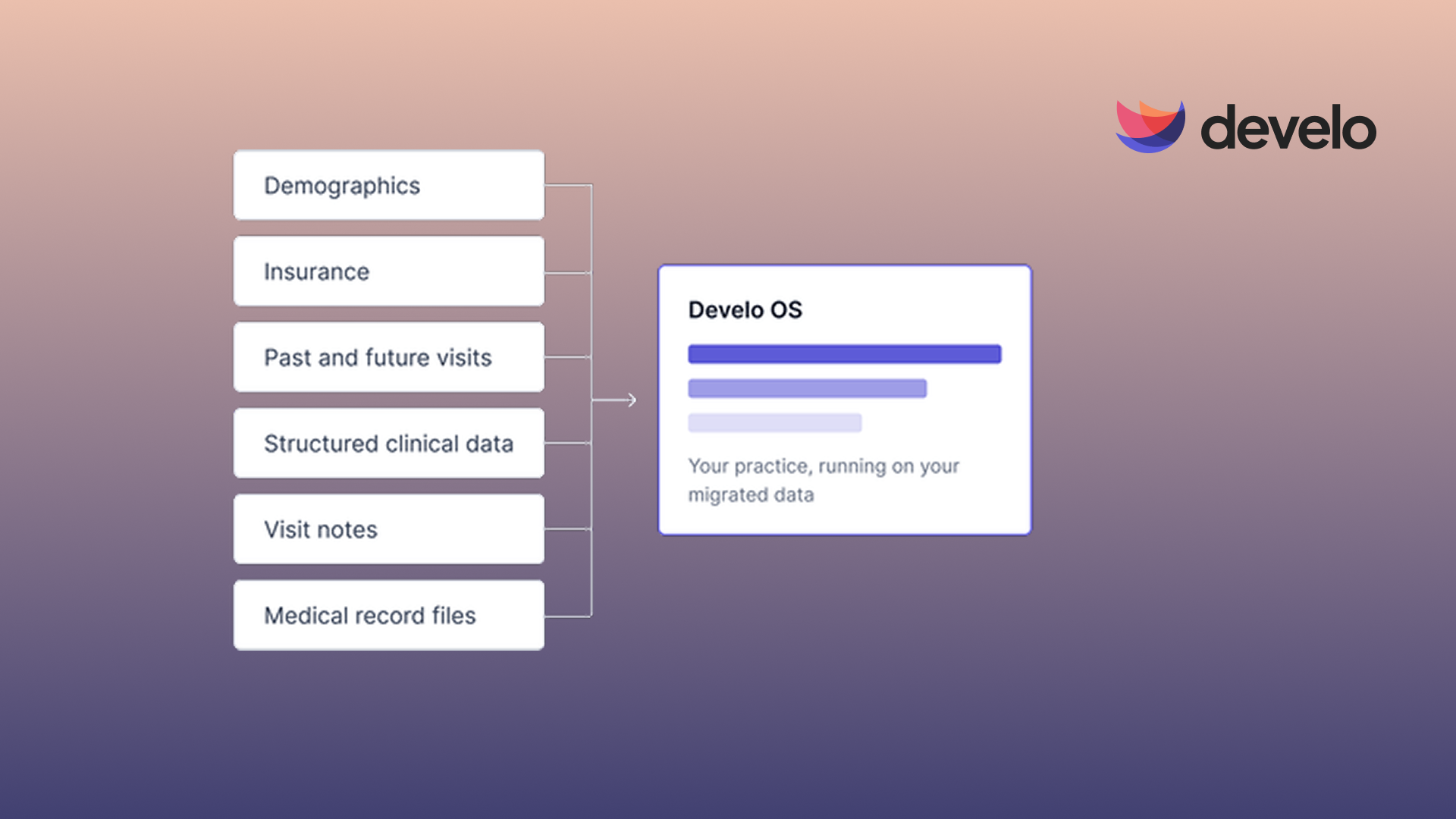
- Data migration: Pediatric practices have already moved to Develo from dozens of legacy systems, and templates built for each source EMR bring over demographics, insurance, and visit history. Structured clinical data and medical record files come across as well, and the implementation team knows where pediatric moves tend to break, such as immunizations, vitals, and patient-caregiver links.
- Pediatric setup: Core settings are configured for you, and a pediatric library of templates, orders, and automated charge capture rules comes preloaded, so the system is ready when your team first signs in. Age-based screeners score automatically, and vaccine administration codes are added for every shot.
- Training: Staff learn through live sessions, self-paced courses, and guidance inside the software. Your super users are trained, too, so questions can be answered in-house.
- One point of contact: The customer success manager who runs your rollout stays with your practice after launch, backed by an onshore support team fluent in pediatric billing and workflows and an on-call engineer for critical issues.
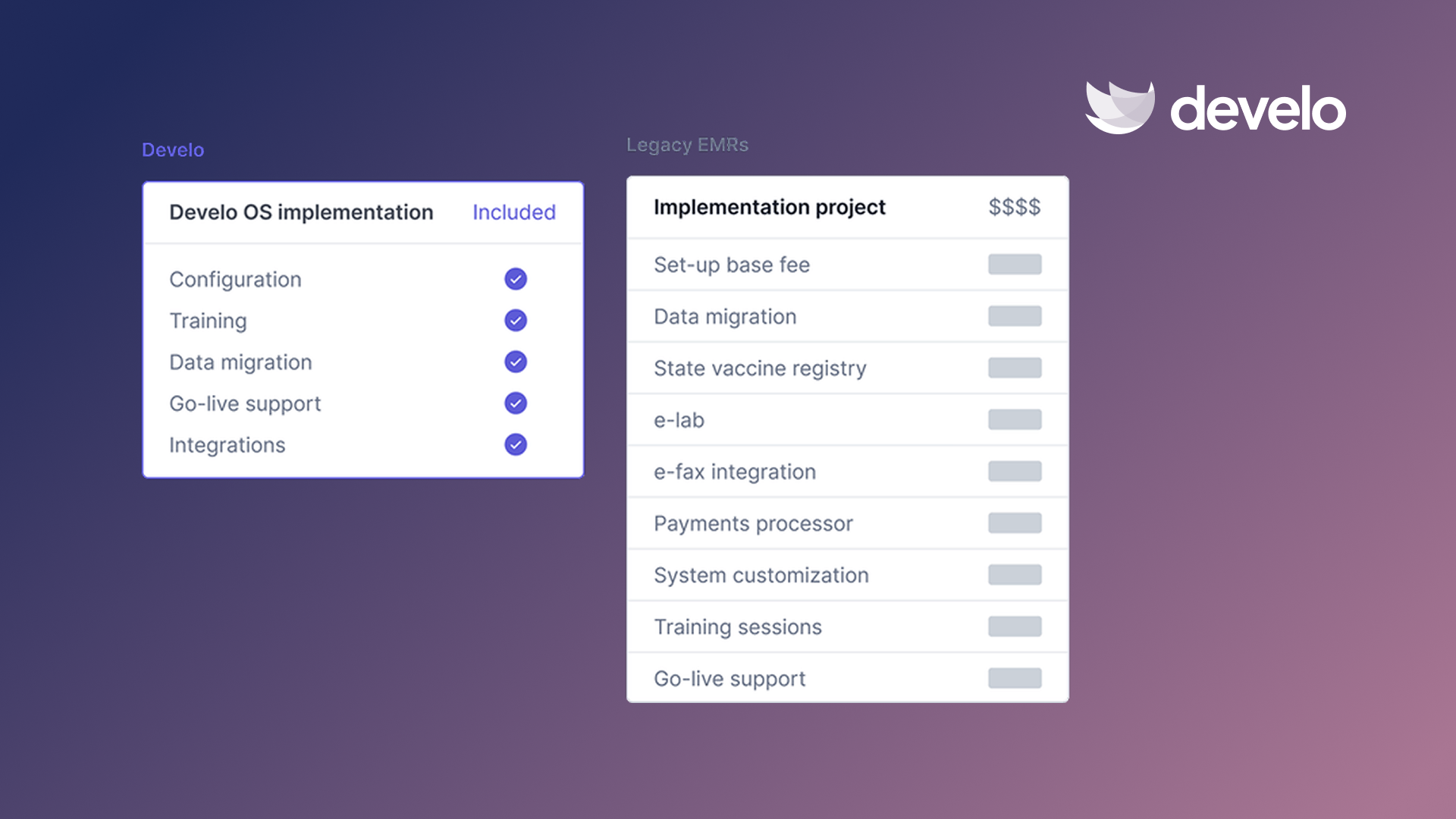
- No implementation fee: Data migration, configuration, training, and go-live support come bundled with your subscription, so there's no separate setup invoice.
Because Develo is browser-based, a new workstation is ready once staff can sign in. Develo also connects with the state vaccine registry both ways, so sending new doses up and pulling past immunizations into the chart is part of every implementation.
Book a demo to see how Develo can make your next EMR switch easier for your whole team.
Frequently Asked Questions
What Should an EMR Implementation Plan Include?
An EMR implementation plan should include the project team and its goals, a plan for moving and testing records, and a training and launch schedule. Each item also needs a target date, so progress is easy to track.
How Long Does EMR Implementation Take?
Most EMR implementations take two to four months. A small practice with one or two doctors can often finish in less than two months, and so can a startup practice with no data to migrate. Large groups with many locations, a multi-state setup, or hundreds of providers and staff should plan for longer. Ask each vendor for a written timeline covering migration, testing, and training before you sign.
Who Should Be on an EMR Implementation Team?
An EMR implementation team should include three key roles: a practice manager to run the project, a provider lead to represent the clinicians, and a billing lead. Larger practices can add leads for the front desk, IT, nurses and medical assistants, and practice operations, while small practices may combine roles.
What Is Go-Live in EMR Implementation?
Go-live in EMR implementation is the point when a practice stops using its old system for daily work and begins charting, scheduling, and billing in the new one. It marks the end of setup and testing and the start of live patient care on the new EMR.