The claim submission process in medical billing is the way a coded, scrubbed claim travels from your practice to a payer and comes back paid. Most claims that come back unpaid fail at one of two points: eligibility that was never checked, or a scrub that only looked at formatting.
Here are the steps in order, plus the points where independent pediatric practices lose the most money.
What Is Claim Submission in Medical Billing?
Claim submission in medical billing is the process of sending a fully prepared, coded, and scrubbed claim to an insurance payer, almost always electronically through a clearinghouse. The claim tells the payer what service you provided, why, and what you're owed.
Types of Claim Submission: Electronic vs. Paper
There are two types of claim submission: electronic and paper. Nearly all claims now travel electronically, by one of two routes.
- Through a clearinghouse: one connection reaches hundreds of payers, and the clearinghouse validates your file before forwarding it.
- Direct to payer: a dedicated connection to a single payer, which suits practices with very high volume to one insurer.
Paper submission survives in narrow cases, using the CMS-1500 form for physician services and the UB-04 for facilities. Practices that qualify for the Medicare small-provider exception may still file on paper, though the volume is small.
For a pediatric practice, the clearinghouse route almost always wins, since a typical panel spans commercial plans, Medicaid, and CHIP, and maintaining direct connections to each is impractical.
What You'll Need Before You Submit
Five things need to be in place before a claim can go out. The first three you set up once; the last two you rebuild for every visit.
- A practice management system or EMR that generates claims.
- A clearinghouse account (or direct payer connections).
- Your NPI, tax ID, and each payer's ID.
- Verified patient demographics and active insurance details.
- Finalized CPT/HCPCS procedure codes and ICD-10 diagnosis codes for the visit.
Time required: Submission itself is quick. The hours go into prep, coding, and eligibility, which is also where the errors that delay payment start.
How to Submit a Claim: Step-by-Step
Submitting a claim takes seven steps, from registering the patient through posting the payment. Each step below also flags where practices most often lose money.
Step 1: Register the Patient and Verify Eligibility
Start with the registration record. Confirm demographics, the guarantor, the plan ID, and the group number at every visit, since a transposed digit here can cause the claim to fail weeks later.
Then confirm the patient's coverage is active and check what the plan pays for the service. This catches expired policies, wrong plan IDs, and services that need prior authorization.
In a pediatric practice, the guarantor question needs deliberate handling. Siblings can sit on different plans after a custody change or a parent's job move, so confirm which caregiver guarantees each child before you assume the household shares one.
Skipping this step is one of the most common reasons claims come back unpaid. A claim can be coded perfectly and still fail because the patient wasn't covered on the date of service.
Pro tip: Run eligibility a day or two ahead of the visit, so there's time to resolve any coverage issues before the family arrives.
Step 2: Capture Charges and Assign Codes
Once the visit is documented, turn it into codes, the shared shorthand insurers read. What you did becomes a CPT or HCPCS procedure code, and why you did it becomes an ICD-10 diagnosis code. Add any modifiers the service needs.
The codes have to match the documentation and support medical necessity, or the payer is likely to question the claim. Undercoding costs you revenue, and overcoding invites audits.
The classic pediatric case is a well child visit where a parent raises a problem. When the sick complaint needs work beyond the preventive exam, the problem-oriented E/M carries modifier 25 and the preventive code stays unmodified, with both services documented separately.
Pro tip: Attach modifiers deliberately. A missing or misused modifier is one of the most common reasons a clean-looking claim gets rejected.
Step 3: Build the Claim
Your system takes the codes, your NPI, and the fee, then turns them into a standard electronic claim file that any payer's software can read. Physician offices use a format called the 837P, the digital version of the paper CMS-1500 form.
Hospitals use the 837I (the digital UB-04), and dental offices use the 837D.
HIPAA standardizes the format, which is why the 837 exists.
The electronic filing requirement itself comes from the Administrative Simplification Compliance Act, which applies to Medicare claims and carries exceptions, including one for practices with fewer than 10 full-time equivalent employees.
Pro tip: Check that your payer list is up to date. Claims built with an outdated payer ID route to the wrong place and come back unprocessed.
Step 4: Scrub the Claim
Scrubbing is an automated review that checks the claim against thousands of payer and coding rules before it leaves your system. It looks for missing fields, mismatched codes, demographic errors, duplicates, and payer-specific requirements.
A claim that passes without errors is a "clean claim," and payers process those faster than claims that bounce back for rework.
Not every system truly scrubs. Some generate an 837 file and forward it without checking it against the destination payer's rules. Billers call that "file forwarding." The errors it misses come back as rejections.
Pediatric claims also fail on rules that general scrubbers miss. The component-based vaccine administration codes 90460 and 90461 bill per component and are only billed when a physician or other qualified health professional documents face-to-face counseling for a patient aged 18 or under.
The other common miss is the age-banded preventive visit codes, since the correct code changes as the child moves between age brackets. Vaccines for Children (VFC) doses add a third trap: the vaccine itself can't be billed, only its administration, so a scrubber should check each child's VFC eligibility against the stock the dose came from before the claim goes out.
Pro tip: Confirm whether your practice management system scrubs against payer-specific edits or only checks basic formatting. If it's the latter, clearinghouse-level scrubbing is what catches the rest.
Step 5: Submit Through a Clearinghouse
Clean claims route to a clearinghouse, a HIPAA-compliant intermediary that validates your 837 file against payer rules and forwards it to the correct insurer. Think of it as a mailroom that also proofreads.
If the clearinghouse finds a problem, it returns the claim to you as a rejection with error codes. A rejection differs from a denial: the claim never entered the payer's processing, so you correct it and resubmit, with no formal appeal needed.
A rejection is the cheapest error in the whole process to fix, which is why front-end scrubbing pays off.
Pro tip: Submit in daily batches rather than letting claims pile up. The sooner a claim goes out, the sooner a rejection surfaces while the visit details are still fresh.
Step 6: Track the Acknowledgments
After you submit, the claim checks in a few times before it's truly in the payer's hands. First, the clearinghouse confirms it got your file. Next, a technical receipt (called a 999) confirms the file was readable.
Finally, the payer sends back a claim acknowledgment (called a 277CA) confirming whether it accepted the claim. A claim can pass the clearinghouse and still get bounced at the payer's door, so watch the acknowledgments until you see the payer accept it.
Pro tip: Build a habit of clearing your rejection and acknowledgment reports every day. Unworked rejections are claims that will never pay unless someone touches them.
Step 7: See What the Payer Pays and Post It
Once the payer accepts the claim, it checks coverage, applies the plan's allowed amounts, and decides what to pay. That decision comes back as an electronic statement (an 835, or ERA) that lists what was paid, any adjustments, and any denial reasons.
The family gets their own version, an explanation of benefits. Post it to the account, check it against what you billed, and route any denials or underpayments to your follow-up queue. You're only done when the account balances.
Pro tip: Auto-post these statements where you can, but spot-check underpayments. Payers don't always pay the contracted rate, and those small gaps add up across a year.
5 Claim Submission Mistakes That Delay Payment (and How to Avoid Them)
Five mistakes cause a large share of avoidable payment delays, and each one has a fix you can put in place this week.
- Skipping eligibility checks: the most preventable denials come from coverage that lapsed or didn't cover the service. Verify at every visit, including established patients, since plans change mid-year.
- Ignoring payer-specific rules: each payer has its own edits and companion-guide requirements. Scrub against those rules, since basic formatting checks won't catch them.
- Coding beyond the documentation: when a code isn't supported in the note, the payer has grounds to question it. Code from the note, and if the note is thin, query the provider before the claim goes out.
- Letting rejections sit: an unworked rejection report is lost revenue, and these claims don't self-resolve. Work the report daily so nothing ages past a filing window.
- Missing timely filing windows: commercial payers commonly allow 90 to 180 days, Medicare allows 12 months from the date of service, and Medicaid varies by state. Build your workflow around the shortest window you're subject to.
Why Timely Filing Is Riskier in Pediatrics
Medicaid churn is why timely filing carries more risk in pediatrics than in adult primary care. Children cycle on and off Medicaid as renewals lapse and get reinstated, often because a form went to an old address. Since January 1, 2024, federal law has guaranteed children under 19 twelve months of continuous Medicaid and CHIP coverage, with narrow exceptions, so the risk concentrates at each child's annual renewal.
A claim you submitted in good faith comes back denied because the coverage had lapsed. By the time the family is reinstated, sometimes retroactively, and you rebill, weeks of the filing window are gone. Each state sets its own Medicaid window under a federal 12-month ceiling, and some run as short as commercial ones.
Flag the Medicaid patients whose renewal month is approaching and work those claims first, so a coverage denial still leaves you room to rebill.
What to Do When a Claim Is Denied
When a claim is denied, read the remittance advice before you do anything else. The reason code tells you which of two paths applies, and picking the wrong one wastes weeks.
- Correct and resubmit: when the problem is your data. A wrong member ID, a missing modifier, an unlinked diagnosis, or a coding error all get fixed and sent again as a corrected claim.
- Appeal: when your submission was right and you disagree with how the payer applied its own rules. That means a written appeal with the clinical documentation attached, following the payer's process and deadline.
Each payer publishes its appeal window in its provider manual, and those windows run on their own clock, often shorter than the filing window.
Two fights recur in pediatrics. Same-day preventive and problem-oriented visits are bundled when the documentation doesn't clearly distinguish between the two services.
Vaccine administration billed under 90460 is the second fight. It gets denied when the required counseling happened but was never recorded in the note.
How Develo Simplifies Claim Submission for Pediatric Practices
Develo is the AI-native pediatric operating system built solely for independent pediatric practices, unifying charting, billing, practice management, and family engagement, so charge capture, scrubbing, and submission happen where the chart already lives.
General billing systems leave you stitching those steps together yourself. Practices that want the work done for them can add Develo's onshore, pediatric-only billing team, which runs claims, denials, and appeals inside the same system.
Here's what that looks like with Develo:
- Real-time eligibility: runs automatically for every scheduled visit and on demand any time, surfacing co-pay and coverage details to staff before the family arrives.
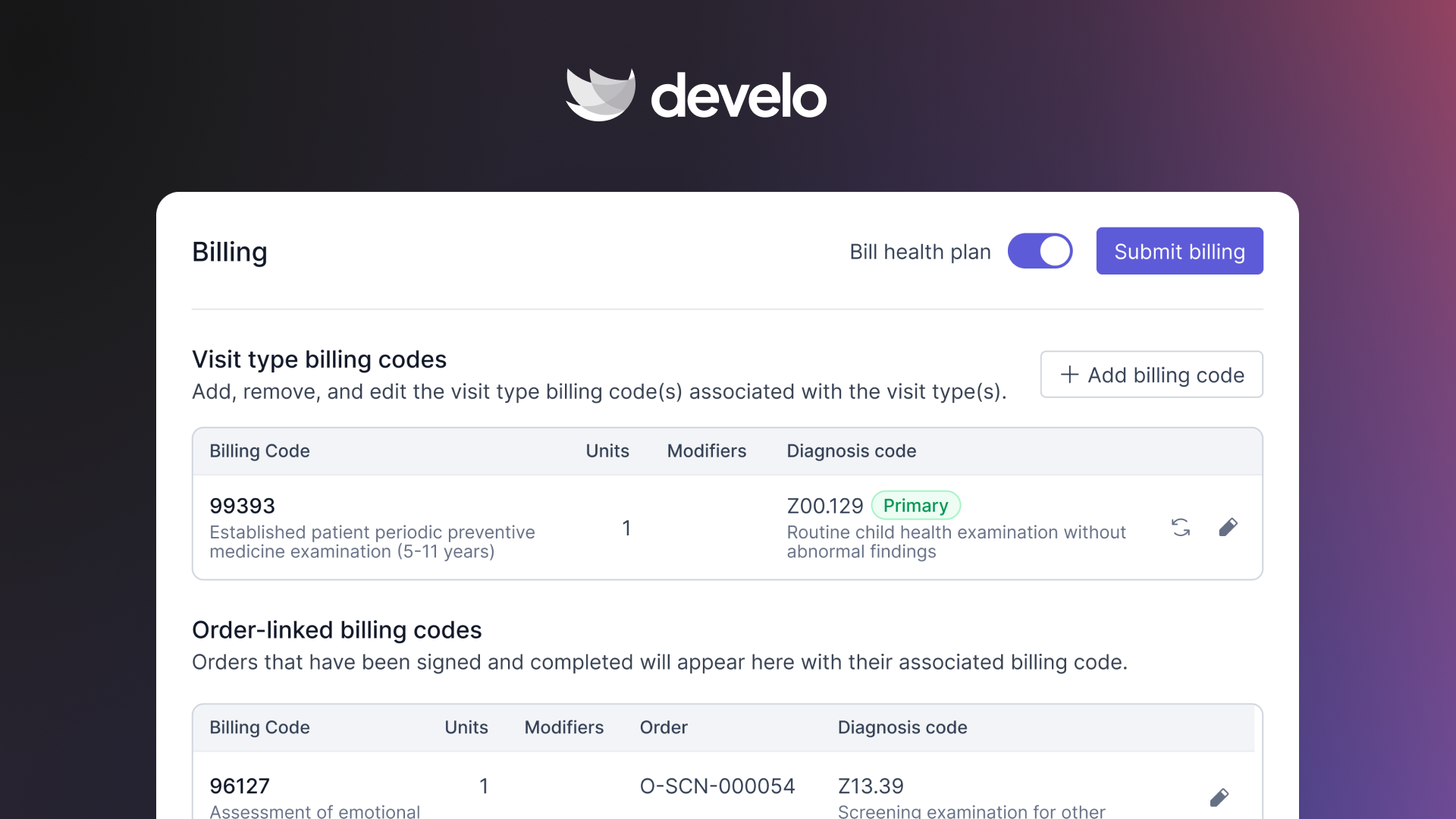
- Automated charge capture: sets pediatric codes and modifiers automatically from the visit, so fewer charges slip through.
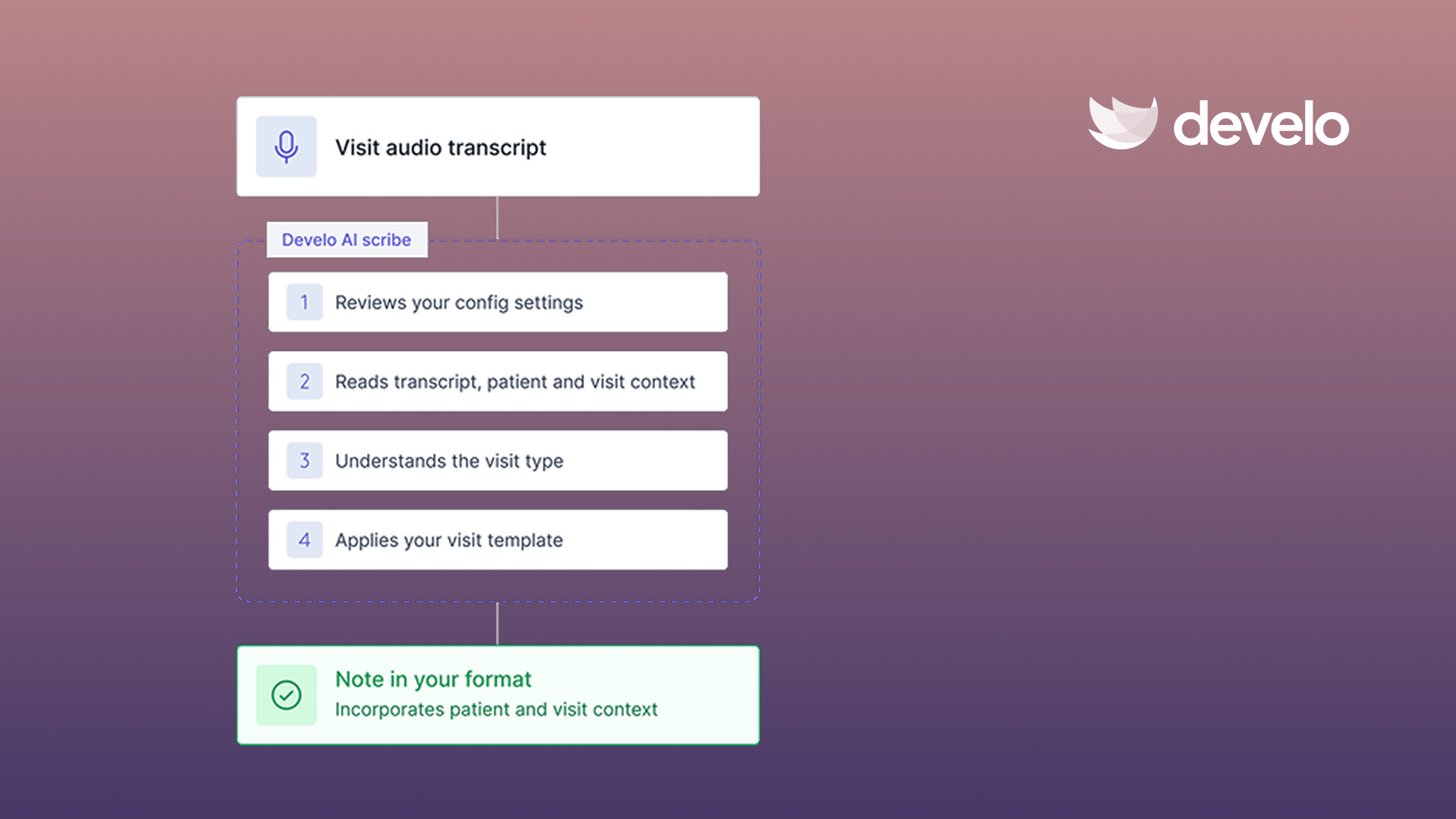
- Billing that doesn't wait on the note: providers can complete billing from what they documented before they sign the note, and billers can close out a visit's billing themselves, so a backlog of unsigned notes doesn't hold up revenue or risk hitting timely filing limits. Develo provider scribe writes straight into the note from the visit itself, so fewer notes sit unsigned in the first place.
- Pediatric-specific coding support: handles vaccine and well child visit coding that general tools often get wrong.
- Built-in scrubbing and submission: validates claims and sends them without exporting to a separate billing tool.
- Posting and denials: posts ERAs and routes denials to a prioritized work queue, so billers work exceptions instead of stacks.
- Family payments: puts siblings' balances in one view and on family statements, keeps each child's own guarantor and coverage intact, and speeds collection with texted payment links and an optional card on file.
If you run a pediatric practice and want submission handled inside the same system as your records, book a demo to see how it fits your workflow.
Frequently Asked Questions
How Long Does the Claim Submission Process Take?
Submitting a clean claim takes a few minutes once the coding is done. Medicare can't pay an electronic clean claim before the 14th day after receipt, and commercial timelines vary by payer. Errors and rejections are what stretch the cycle out.
Is Claim Submission a 5-Step or a 10-Step Process?
Claim submission itself is the seven steps above, and the wider counts depend on where you draw the line. Lists that say 10 steps fold in front-desk intake and patient collections, which sit either side of submission and belong to the wider billing cycle.
Do I Need a Clearinghouse to Submit Medical Claims?
Most practices use a clearinghouse because it scrubs and routes claims to hundreds of payers through a single connection. Some large payers accept direct submissions, though managing separate connections with each payer is impractical for a small practice.
What Is the Difference Between a Rejected and a Denied Claim?
The difference is one step: a rejection never reaches processing, and a denial gets processed and refused. Rejections usually come from formatting or data errors, so fix them and resend. Denials take a corrected claim or a written appeal.
Can Develo Help Pediatric Practices Submit Claims?
Yes, Develo builds claim submission into the same system pediatric practices use for charting, with real-time eligibility, automated charge capture, pediatric coding support, scrubbing, and submission in one place.
.png)
.png)
.avif)
.avif)