


Most portals assume one patient per login. That works for an adult managing their own care, but it gets frustrating fast for a parent who has three kids and is trying to check separate records, histories, and balances. A family portal starts from the household instead: one caregiver login reaches every child that caregiver is authorized for, and each child's access changes with guardianship and age.
This overview compares five patient portal software platforms using each vendor's published pricing and feature pages, plus verified user reviews on Capterra, G2, and Software Advice.
By the end, you'll know which portal fits a pediatric clinic, which suits a solo practice on a budget, and which one makes sense for an organization running several EMRs.
5 Best Patient Portal Software: TL;DR
- Develo: Best for independent pediatric practices managing family accounts across siblings.
- DocVilla: Best for solo and small practices that want a portal bundled into an affordable, all-in-one EMR.
- InteliChart: Best for larger organizations running multiple EMRs that need one portal to work across all of them.
- Knack Health: Best for practices that want to build and own a fully customized portal (without a developer).
- BridgeInteract: Best for larger organizations consolidating several point solutions into one platform.
How We Researched These Patient Portal Platforms
Every price below comes from the vendor's own pricing page. When a vendor doesn't publish pricing, that's stated plainly.
Our research includes verified reviews on Capterra, G2, and Software Advice, with critical reviews alongside the positive ones.
We checked each vendor's feature pages against what reviewers report, with extra attention to family accounts, since that's where a general portal tends to show its seams.
We specifically focused on:
- Features: How each portal handles messaging, scheduling, and payments, and whether family accounts work the way a pediatric front desk needs them to.
- Reviews: What verified users say, weighted toward specific complaints over generic praise.
- Pricing: What's published on the vendor's own site, and what only shows up once you're inside a sales call.
- Pediatric fit: Whether siblings, guardians, and age-based access are handled natively or bolted on.
Running the same questions against every platform showed which ones treat a family as a first-class account and which ones treat it as an edge case.
5 Best Patient Portal Software: Quick Comparison
1. Develo: Best for Independent Pediatric Practices

What it does: Develo is the AI-native operating system for pediatrics, unifying charting, billing, practice management, and family engagement, with a family portal built around how a pediatric practice runs day to day.
Best for: Independent pediatric practices where one parent manages visits, forms, and balances for two or more children.
The other portals on this list serve many specialties, so pediatric needs share space with adult workflows. That's why Develo builds a family portal, not a patient portal: the household is the account, not the individual patient.
A parent logs into one account and sees every child's records, upcoming visits, and the family's balance in one interface that extends as the family grows. Many legacy portals, even ones with a shared family login, still show one patient at a time, so parents toggle between each child's profile to find what they need.
Most portals also run on their own copy of patient data. The front desk registers each patient and caregiver in the EMR, then sets up portal access separately, and every new phone number or guardian change has to be updated in both places. Develo is one system: demographics live in one place, every update flows to the chart and the family portal at once, and portal access is provisioned automatically for caregivers with a mobile number on file.
Key Features
- Family accounts: One login covers every child in the household, and access follows each guardian and guarantor relationship, adjusting as roles change and as a teen reaches the age thresholds the practice sets.
- Adolescent confidentiality: Confidential visit summaries for teenagers generate automatically, alongside limited summaries for parents. Our guide to pediatric proxy access and teen privacy explains how that split works.
- Combined billing: A guardian sees and pays outstanding balances across siblings, including by card on file, with statements customized per guarantor.
- Messaging and self-scheduling: Families message the care team securely from the portal, and shared pictures and files save to the child's chart. Self-scheduling follows each caregiver's relationship to each child, so only an authorized caregiver can book, and digital intake forms go out ahead of the visit.
Pros and Cons
Pros
✅ Guardian and guarantor relationships drive access, so each guardian sees what their role allows across siblings in a single view, without toggling between children.
✅ Billing and the portal share the same record, so a balance shown to a parent matches what billing has on file, with no separate system to reconcile.
✅ Families get self-serve access to immunizations, growth charts, and visit summaries, with no adult-portal template stretched to fit.
Cons
❌ No public review aggregate yet. Develo is newer to independent review platforms than the vendors it competes with here, so there's no Capterra or G2 score to point to at the time of writing.
❌ Per-provider rates aren't listed on Develo's site, so putting a dollar figure next to DocVilla's tiers means asking for a quote.
Pricing
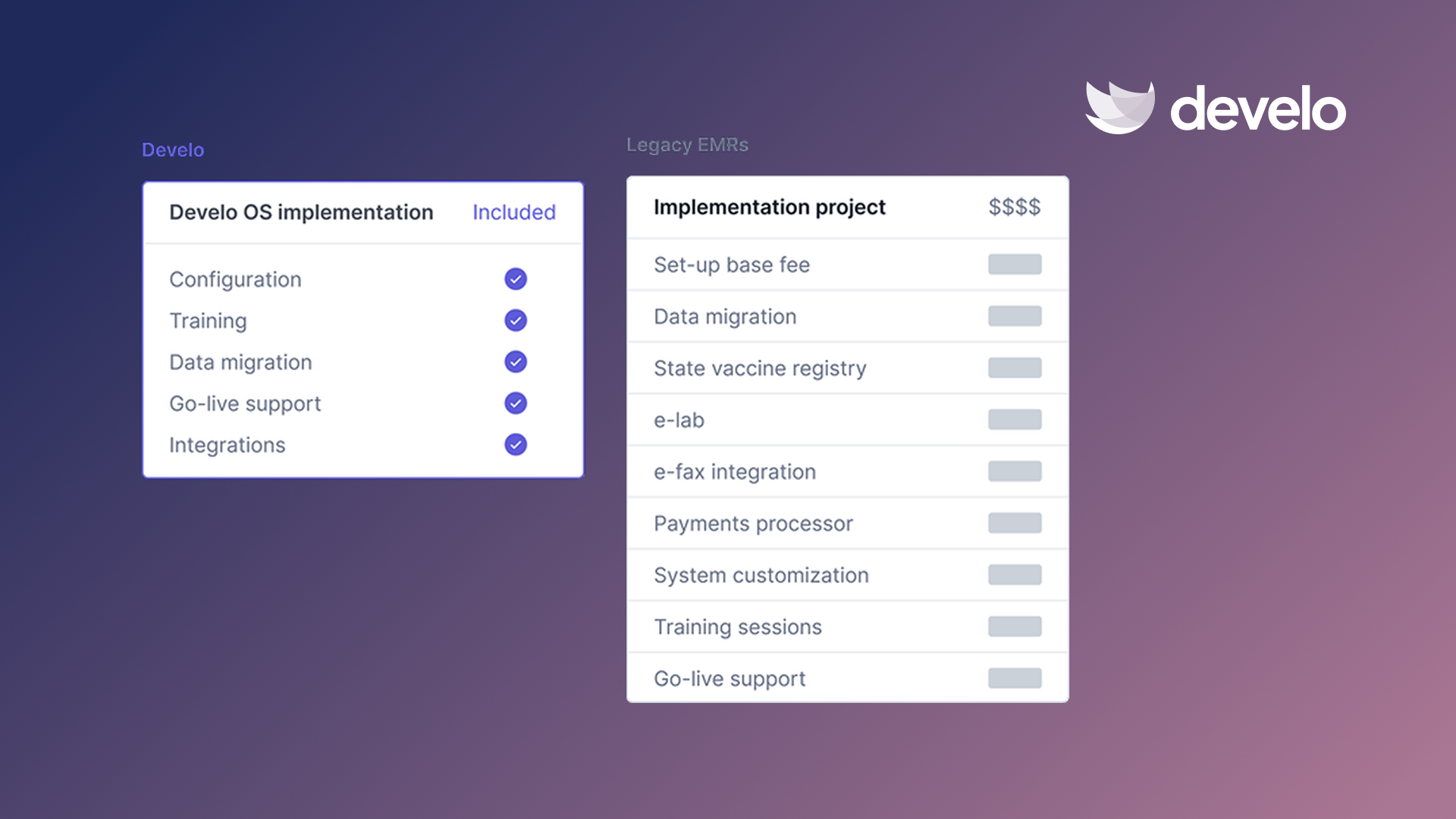
Develo's pricing is bundled into a per-provider monthly fee, with optional billing services priced as a percentage of insurance collections. There's no implementation fee: data migration, system configuration, and training are included, along with a dedicated customer success manager.
Bottom Line
If your practice runs on family accounts, Develo is built around them from the ground up. Its family outreach tools also send visit reminders, and our guide to how pediatric clinics can reduce no-shows covers the rest of that work.
2. DocVilla: Best for Solo and Small Practices
What it does: DocVilla packs a patient portal into a full cloud EMR and practice management platform.
Best for: Solo providers and small practices that want an affordable, all-in-one system with the portal bundled in.
DocVilla markets its standard portal as free, and its pricing page lists it from the Silver tier up, which is a real point in its favor for a practice watching every line item. It also markets an EMR for pediatrics on its site.
Key Features
- Bundled portal: Comes with the EMR subscription, with no separate module price.
- Telehealth built in: Video visits run inside the same platform as the portal and the chart.
- Optional white-labeling: DocVilla can build a portal with your practice's own logo and branding for a small one-time fee.
Pros and Cons
Pros
✅ The Bronze tier starts at $100 per provider per month, the lowest published entry price on this list.
✅ The portal, chart, and billing pull from one record, so there's no separate integration to maintain.
✅ Patients can add family members to their account, so a parent can book visits and message the practice for a child from a single login.
Cons
❌ Usage fees sit on top of the tier price: text messages (SMS) carry a $50 registration fee, $10 a month for the number, and a per-message charge, and speech-to-text is billed per 15 seconds.
❌ Bronze leaves out the portal and allows no staff members, so most practices that want the portal will start on the $200 Silver tier or higher.
What Users Say
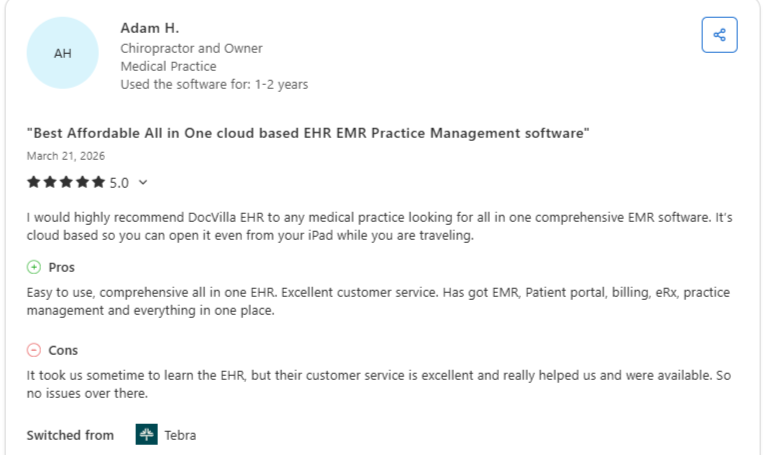
“EMR, Patient portal, billing, eRx, practice management and everything in one place.” (Adam H., Chiropractor and Owner on Capterra)
“Customization and external integrations can sometimes get expensive.” (Gregory T., Verified Reviewer on Software Advice)
Pricing
- Contract terms: one-year minimum on every tier, plus separate initiation and training fees, and Bronze is paid annually up front
- Bronze (basic EMR and telemedicine): $100 per provider per month
- Silver (EMR and practice management, first tier with the portal): $200 per provider per month
- Gold (adds e-prescribing and patient bill pay): $350 per provider per month
- Platinum (more than 25 prescribers): Call for pricing
Bottom Line
DocVilla is the pick if price per provider is your main constraint and you want the portal bundled in. The usage fees mean the real monthly cost runs above the headline number, so ask for a full quote (including SMS and dictation) before you compare it directly against a flat-rate competitor.
3. InteliChart: Best for Multi-EMR Organizations
What it does: InteliChart's Healthy Outcomes platform connects one patient portal to whichever EMR each site runs, with integrations for more than 45 systems.
Best for: Health systems or larger multi-location organizations where different sites or departments run different EMRs.
That EMR-agnostic positioning is InteliChart's clearest differentiator on this list. While DocVilla and Develo bundle the portal into their own EMR, InteliChart is built to layer on top of whichever EMR you already run. That's most useful for organizations that grew through acquisition and inherited several systems at once.
Key Features
- Multi-EMR compatibility: Direct API integration ties several clinical systems to a single portal that updates the patient record in real time.
- Family Portal module: Lets relatives follow the care of a loved one in skilled nursing, senior living, or long-term care, as one of the Healthy Outcomes products.
- Automated patient enrollment: Patients already registered on a practice's old portal are enrolled automatically when it switches to InteliChart, with historical data available on day one.
Pros and Cons
Pros
✅ Works across whatever EMR mix you already have, which no single-EMR bundled portal on this list can match.
✅ Supports more than 94 million patient records, ranked #1 in Black Book's 2026 patient engagement rankings for a fourth straight year, and was named a 2025 Best in KLAS Top Performer for patient portals.
✅ Staff can search for and enroll patients quickly, which helps the front desk get families in the system.
Cons
❌ Lab results can trigger a separate alert for each test in a panel, so a single blood draw may send patients several notifications at once.
❌ Intake, scheduling, and surveys are separate Healthy Outcomes products, so the portal alone may not cover everything a practice expects.
What Users Say
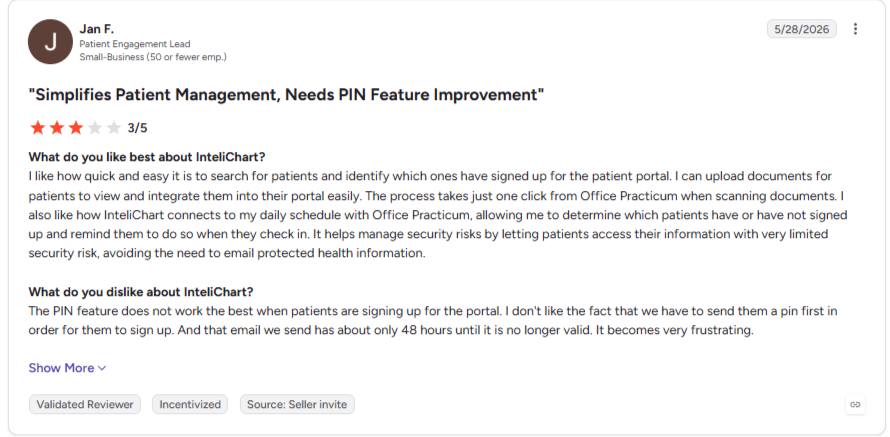
“I can upload documents for patients to view and integrate them into their portal easily.” (Jan F., Patient Engagement Lead on G2)
“Patients receiving multiple notifications for each test run within a panel.” (Stacie E., Systems Analyst on G2)
Pricing
- InteliChart doesn't publish pricing on its own site.
- Ask for the portal and any added Healthy Outcomes modules to be quoted separately, so you can see what each piece costs.
Bottom Line
InteliChart earns its place here specifically for organizations juggling more than one EMR, a scenario few platforms on this list target as directly. If you run a single EMR already, that flexibility is a feature you'll likely never use, and a bundled option will probably cost less.
4. Knack Health: Best for Full Customization
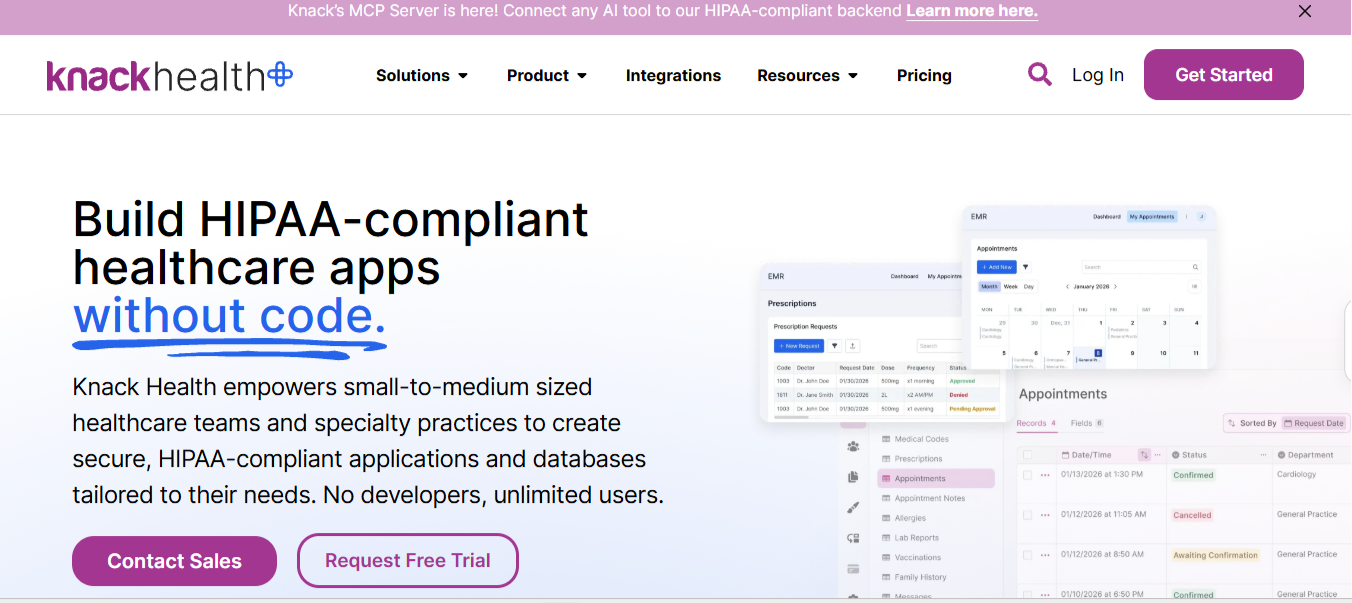
What it does: Knack Health is a no-code platform that lets a practice build its own custom patient portal, intake forms, and workflow tools without hiring a developer, running on HIPAA-ready infrastructure with a signed business associate agreement (BAA) available.
Best for: Practices with specific workflow needs that don't fit a pre-built portal, and enough internal time to build and maintain their own.
Knack Health sells you the tools to build a portal yourself, which means more control over its exact shape and more responsibility for keeping it running.
Key Features
- No-code builder: Design forms, portals, and workflows visually, without writing code.
- 700+ connectors: Links to existing tools, including EMRs like Epic and ModMed on HIPAA plans, through Knack Flows and the Knack API.
- HIPAA-ready infrastructure: Role-based permissions, audit logging, and a signed BAA for covered entities.
Pros and Cons
Pros
✅ The practice defines every field, form, and workflow step itself, so the portal can follow an unusual intake process.
✅ Flat monthly pricing with no per-user fees, so the bill stays the same as more staff and patients log in.
✅ The HIPAA Starter plan includes healthcare templates, which gives a first build a head start.
Cons
❌ Knack's core product is a general no-code database builder, so pediatric workflows such as sibling accounts have to be built by the practice.
❌ Native scheduling and payments are listed only on the custom-priced HIPAA Core plan, so a portal that books visits or takes payments needs a sales quote.
What Users Say
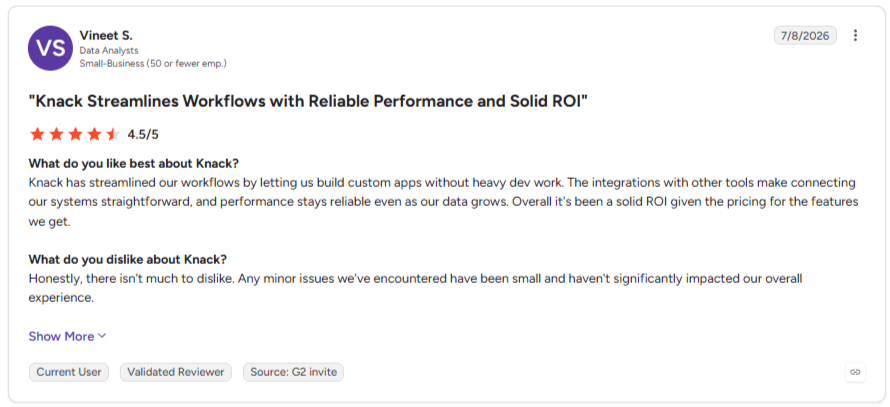
“Knack has streamlined our workflows by letting us build custom apps without heavy dev work.” (Vineet S., Data Analyst on G2)
“Certain standard features such as duplicate removal are not native.” (Daniel R., Enterprise Verified Reviewer on G2)
Pricing
- HIPAA Forms (secure forms only): from $159 per month
- HIPAA Starter (full app builder): from $499 per month
- HIPAA Core: Custom pricing
Bottom Line
Knack Health makes sense if your practice has a workflow that no pre-built portal fits and someone with the time to build and maintain a custom system. If you want a portal that works out of the box, look elsewhere on this list.
5. BridgeInteract: Best for Consolidating Point Solutions

What it does: BridgeInteract positions itself as an all-in-one patient engagement platform, pairing its portal with scheduling, intake, and payment tools in one system aimed at replacing several separate vendors.
Best for: Larger healthcare organizations currently running separate tools for scheduling, intake, and communication that want to consolidate into one platform.
Bridge's own marketing draws direct comparisons against Phreesia, InteliChart, and Relatient, positioning consolidation as the core pitch. That's reasonable for an organization paying many vendors.
Key Features
- Unified patient journey: Scheduling, intake, and payments run in one platform, with no separate point tools to manage.
- EMR-embedded workflow: Built to work inside the existing EMR, so staff aren't checking a bolt-on portal separately.
- Consolidation focus: Explicitly marketed as a replacement for running multiple single-purpose vendors at once.
Pros and Cons
Pros
✅ An organization paying several vendors for separate point tools may cut costs and logins by moving to one platform.
✅ Physicians get discrete data written back to the EMR, so portal entries don't sit outside the chart.
Cons
❌ Consolidating several tools into one platform means each individual function may run shallower than a point solution built to do just that one job.
❌ Bridge prices you'll find online come from third parties, such as other vendors' blogs, so budget figures need confirming in a sales call.
What Users Say
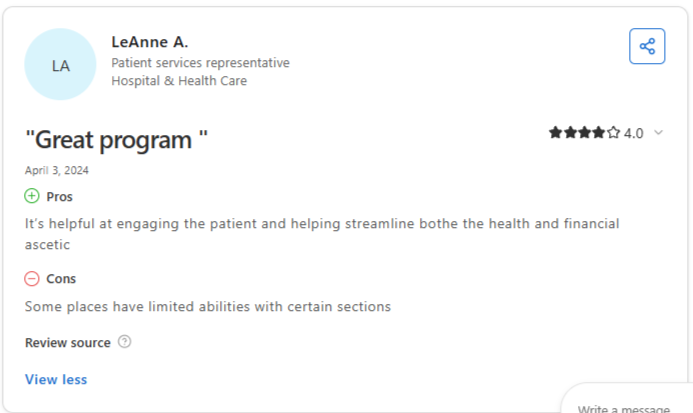
“It’s helpful at engaging the patient and helping streamline bothe [sic] the health and financial aspects” (LeAnne A., Patient Services Representative on Capterra)
Pricing
BridgeInteract doesn't publish pricing on its own site.
Bottom Line
BridgeInteract's consolidation pitch is worth a demo if vendor sprawl is a real cost for your organization. Go in aware that you're relying more heavily on Bridge's own claims than on independent verification, since the public review record here is too small to lean on.
Which Patient Portal Software Should You Choose?
The right platform depends more on what you're consolidating around than on any single feature.
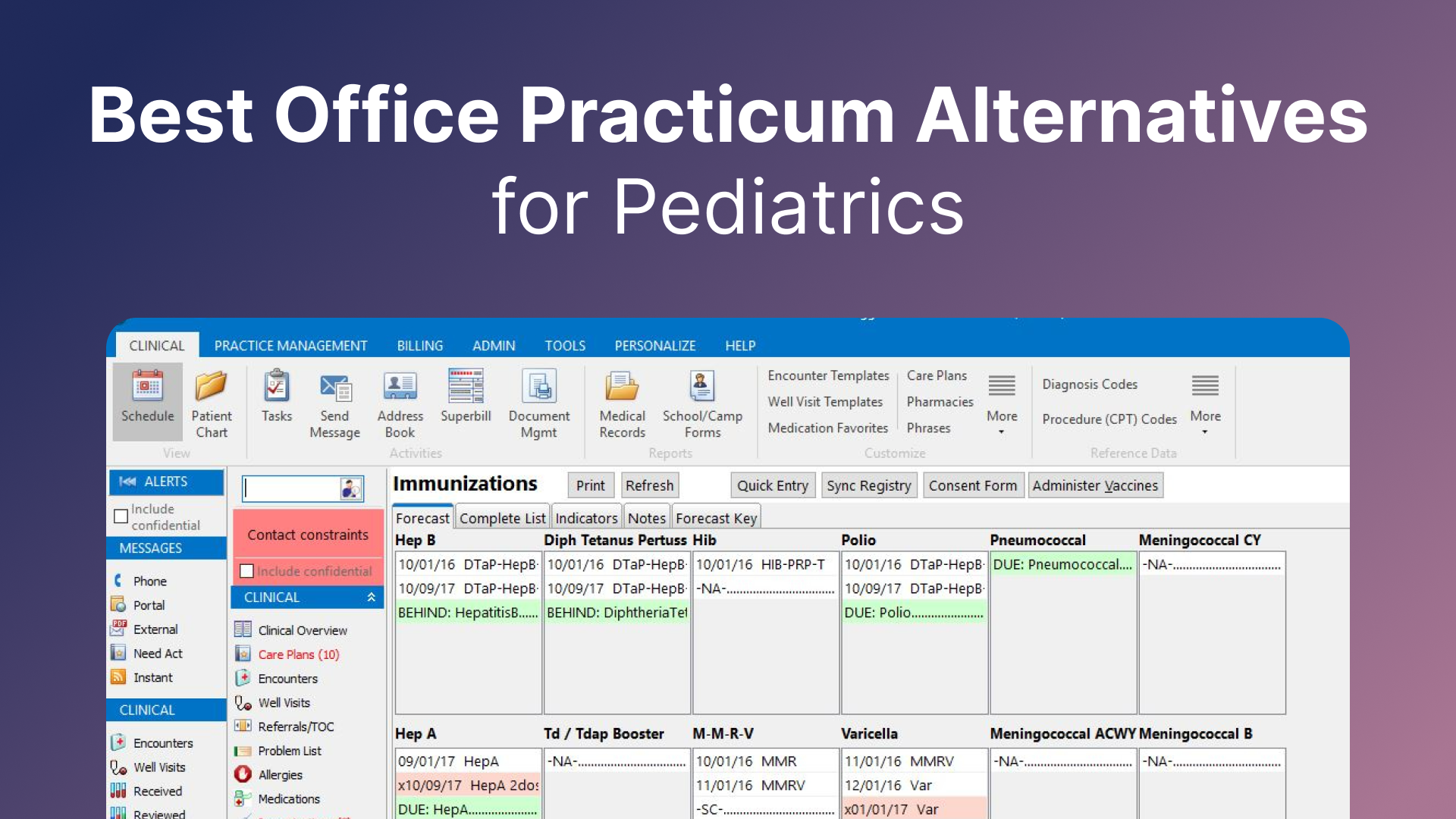
Office Practicum (OP), a pediatric EMR, shows what happens when the portal sits outside the core system. OP practices have used InteliChart's portal since 2018, OP launched its own branded portal powered by BridgeInteract on September 19, 2024, and more than 1,000 OP providers had contracted with InteliChart directly by May 15, 2025. One pediatric EMR now has several portal paths, and each practice has to choose between them.
Choose Develo if you:
- Run an independent pediatric practice where the family is the real unit of account
- Want the family portal, charting, billing, and practice management built as one system from the start
Choose DocVilla if you:
- Run a solo or small practice and want an affordable, all-in-one system with the portal included
- Are comfortable confirming usage fees up front, since the tier price alone isn't the full cost
Choose InteliChart if you:
- Run multiple EMRs across locations or departments and want patients to use a single login
- Value a platform with a long, independently verifiable track record at scale
Choose Knack Health if you:
- Need custom forms or data fields that packaged portals can't be configured to collect
- Prefer a fixed monthly cost to per-provider pricing
Choose BridgeInteract if you:
- Pay several vendors for scheduling, intake, and messaging and want one contract
- Want to test Bridge's consolidation claims in a demo before signing
Skip this category entirely if:
- Your practice runs under a specialty EMR with a patient portal already bundled in that meets your needs, since adding a second, separate portal creates more login friction for patients than it solves
A portal covers what families do between visits, while intake covers the forms and check-in work before one. Our guides to patient intake software for pediatric clinics and contactless patient intake walk you through that side of front-desk work.
Final Verdict
For an independent pediatric practice, Develo is the strongest patient portal software on this list, since it's built around the household rather than a single patient's login.
The trade-off is a thinner public review record than DocVilla or InteliChart carry, so weigh a hands-on walkthrough more heavily than review scores for this pick.
Book a demo to see how sibling records, guardian access, and household balances look from both the front desk and the parent's side.
If you're not a pediatric practice specifically, DocVilla wins on price for a solo operation, and InteliChart wins if you're stitching together more than one EMR.
Frequently Asked Questions
What's the Best Patient Portal Software for Pediatric Practices?
Develo is the best patient portal software for pediatric practices because sibling records, family balances, and adolescent confidentiality are built into its family portal.
How Much Does Patient Portal Software Cost?
Published patient portal software pricing on this list runs from $200 per provider per month for DocVilla's Silver tier to $499 per month flat for Knack Health's HIPAA Starter plan. InteliChart and BridgeInteract don't publish pricing. Develo's family portal is fully bundled into its per-provider monthly fee, so there's no separate portal license, module, or setup fee.
Is a Free Patient Portal Worth Using?
Yes, a free portal is worth using if the EMR it comes with already fits your practice, as with the portal on DocVilla's paid tiers. Budget for per-message SMS charges and pay-as-you-use speech-to-text, since neither is part of the tier price.
Do Patient Portals Support Family or Sibling Accounts?
Yes, some do, but support varies. Develo groups siblings under one family account, with every child in one view and no toggling between profiles. Access is set by each caregiver's guardian and guarantor relationship with each child: a father might pay for his 20-year-old's visits without seeing the chart, pay for and view his 16-year-old's records except confidential adolescent visits, and pay for his 10-year-old without record access because he supports that child financially but doesn't have custody. DocVilla lets a parent manage a child's visits and messages through their own login. InteliChart's Family Portal is aimed at families overseeing a relative in a care facility.
How Should a Pediatric Portal Handle Teen Privacy?
State laws let adolescents consent on their own to some services, such as STI care, so a pediatric portal has to keep those visits confidential from parent proxies while leaving routine records open. Ask each vendor whether proxy access changes automatically at ages your practice sets, and whether teens get their own confidential visit summaries. Develo does both.



.avif)
.avif)
