Ask a practice where it loses money, and payer rates or no-shows are usually the first to come up. The billing process rarely gets named, yet it's where revenue a practice has already earned slips away: a mistyped ID here, a missed code there, and across a year of claims, that adds up to real money.
The medical billing process is the chain of steps that turns a visit into payment, from registration and eligibility through coding, claim submission, denial follow-up, and patient collections. Knowing how to improve the medical billing process means fixing that chain where practices lose the most, and none of it requires new staff. The eight changes below do that, and the last section covers the pediatric-specific traps a general setup misses.
Why the Medical Billing Process Breaks Down
Billing problems tend to build up out of sight. A policy number gets mistyped at check-in, the claim comes back denied three weeks later, someone reworks it, and by the time anyone looks closely, the balance is too old to collect.
That costs real money. Initial claim denials hit 11.8% of claims in 2024, the fourth straight annual rise, per Kodiak Solutions' revenue-cycle data from more than 2,000 hospitals and 275,000 practice-based physicians. Meanwhile, AHIMA reports that, by industry averages, as many as 60% of returned claims never get resubmitted. Those are visits a practice delivered and never got paid for.
The leaks tend to cluster at predictable points in the cycle:
- Registration: wrong or outdated demographic and insurance data
- Eligibility: coverage never checked before the visit
- Coding: undercoding, missing modifiers, or codes that the documentation doesn't support
- Submission: claims sent without scrubbing for payer rules
- Denials: no owner, no workflow, no appeal
- Collections: patient balances left to age past 90 days
- Reporting: no metrics, so the pattern stays invisible
Fix them roughly in that order. The earlier in the process you catch something, the less it costs you later on.
The Medical Billing Process at a Glance
Before you improve the process, it helps to see the full cycle in one place. Most practices run some version of these steps:
- Register the patient and confirm demographics, insurance, and guarantor.
- Verify eligibility and benefits for the scheduled visit.
- Document and code the encounter into CPT and ICD-10 codes.
- Capture charges for every billable service, including procedures and vaccines.
- Scrub and submit the claim to the payer or clearinghouse.
- Post payments and reconcile them against what the payer allowed.
- Work denials and appeal the ones worth pursuing.
- Bill the patient for any balance and follow up.
Each step either moves a clean claim forward or introduces an error that surfaces as a denial later. The strategies below target the steps where practices lose the most time and money.
How to Improve Your Medical Billing Process: 8 Strategies
These 8 strategies follow the billing cycle from the front desk to the final payment. You don't have to take them all on at once, but the earlier you fix something, the fewer denials it causes later.
1. Capture Clean Patient and Insurance Data at Registration
The cheapest denial to prevent is the one that starts at the front desk. Registration and eligibility errors are among the most common reasons claims bounce, and they are almost entirely avoidable.
Confirm the full data set at every visit: legal name, date of birth, address, guarantor, and current insurance with policy and group numbers. One transposed digit in a member ID is enough to reject a claim.
Better still, move that collection ahead of the visit. When families confirm their demographics and insurance information on their phones through digital intake, staff review flagged changes instead of retyping every field by hand.
2. Verify Eligibility and Benefits Before Every Visit
Coverage changes more often than families expect. A plan lapses, a deductible resets, a teen turns 19 and ages out of CHIP. If you only check eligibility for new patients, you're guessing on everyone else.
Run a real-time eligibility check before each visit to confirm active coverage, copay, deductible status, and whether a service requires prior authorization. Catching a lapse a day early turns an awkward front-desk moment into a quick phone call.
It's an even bigger deal in practices with large Medicaid populations, where coverage changes constantly: Medicaid and CHIP redetermination can end coverage between two well child visits with no notice to the practice, so a family that was active at the last visit may not be today. Verifying benefits up front keeps the back end of the cycle clean.
3. Tighten Coding Accuracy and Charge Capture
Coding is where the note turns into money, and where a lot of it gets left behind. Coders who play it safe and undercode leave revenue uncollected month after month, and it rarely gets noticed until someone measures it. The goal is to match the code to what the visit supports.
Give coders complete notes, keep a current reference for the codes your practice bills most, and watch modifiers closely. Our pediatric coding guide and pediatric billing cheat sheet break down the codes that trip clinics up the most.
Automated charge capture helps by pulling billable services straight from the documented encounter, so a vaccine dose or a screening doesn't get administered, charted, and then forgotten before it reaches a claim.
4. Scrub Claims Before Submission to Raise First-Pass Yield
Of all the numbers on a billing dashboard, the clean claim rate is the one worth watching. It's the share of claims that sail through on the first try, and it closely tracks how quickly the money comes in.
A clean claim passes to the payer without errors on the first try, and a rate of 95% or higher is considered healthy, with top performers pushing toward 98%. Claim scrubbing checks each claim against payer rules before it goes out.
This process catches missing fields, invalid code combinations, eligibility mismatches, and formatting errors. Fixing a claim before it goes out saves you from having to rework it after a denial. Track first-pass yield weekly.
When it dips, the cause is usually a specific payer rule change or a newer staff member, and both are quick to correct once you can see them.
5. Build a Real Denial-and-Appeals Workflow
When a claim gets denied, most practices fix that one and move on. That's the costly habit, because every denial takes time to work, and any that nobody gets to is money the practice never sees.
Give one person the job and a routine: sort denials by reason code, start with the largest or most time-sensitive, and track what's causing them so they don't repeat. Know which to fight and which to drop.
If the visit was covered and documented, appeal before the deadline with the notes attached. If the denial is fair, fix what caused it instead of resending the same claim. A reusable appeal letter saves time and effort by avoiding the need to rewrite it every time.
6. Collect Patient Responsibility Earlier
Patients cover a larger share of the bill than they used to, and the longer a balance sits, the harder it is to collect, especially once the family has left the building. So collect early.
Give families an estimate before or at the visit, take copays and known balances at check-in, and let them pay from their phone. For bigger balances, set up a payment plan before the amount ages.
A text with a direct payment link brings in balances that would otherwise be ignored. And let one parent settle up for all their kids in a single payment. One carve-out: a practice that accepts Medicaid must take Medicaid's payment as payment in full, so estimates, balance collection, and payment plans apply to commercially insured families, not to Medicaid-covered visits beyond any allowed cost-sharing.
7. Automate the Repetitive Steps
Every time billing is passed by hand from one person or system to the next, an error or delay can slip in.
Eligibility checks, claim scrubbing, payment posting, statements, and reminders are all rule-based tasks, and software runs them faster and more consistently than people do. The bigger step is one connected system.
When intake, charting, billing, and payments all live in the same place, nothing gets retyped, and a documented service turns into a coded charge on its own. Let the software handle routine claims so your billers can focus on those that need a person.
8. Track the Metrics That Expose Bottlenecks
Without reports, the bottleneck stays invisible, and plenty of practices run billing on gut feel because no one ever set up the tracking. Four core metrics reveal where the cycle is stalling:
- Clean claim rate: the share of claims accepted on first submission
- Denial rate: the share denied, tracked by reason code
- Days in accounts receivable: how long payment takes, with 30 to 40 days a common benchmark
- Net collection rate: the share of what you're owed that you collect
Review them on a set cadence, audit a sample of claims periodically, and let the trend lines tell you which strategy to prioritize next.
What Changes When You Bill for a Pediatric Practice
Every strategy above applies to any practice. Pediatrics adds a layer of complexity that generic billing advice and generic billing software tend to miss.
Preventive Visits Drive the Schedule
A pediatric practice bills a high volume of well child visits using age-specific preventive medicine codes that change as the child ages. CPT code 99394, for instance, covers an established adolescent aged 12 to 17.
Preventive codes run 99381–99385 for new patients and 99391–99395 for established ones, each tied to an age band, so getting the band right and telling a new patient from an established one adds up fast across a full schedule.
Vaccine Coding Is Easy to Get Wrong
There's more than one code on every vaccine visit. You code the administration one way if a provider counsels the family (90460 for the first component of each vaccine and 90461 for each additional component, for patients through 18) and another way if they don't (90471 through 90474).
The vaccine product itself is billed under its own code. Miss any of these, and you lose administration revenue on almost every immunization.
Billing Follows the Whole Family
Siblings often share one guarantor; custody can be split across households, and a child may have multiple guardians with different coverage. Statements need to roll up by guarantor, so each parent sees one bill covering every child they're responsible for.
Vaccine Stock and Registries Have to Line Up
Every dose has to be billed according to where it came from. For a Vaccines for Children (VFC) dose, the practice can't charge for the vaccine itself and bills only the administration, while a privately purchased dose bills both the product and its administration.
VFC has limits. According to the CDC, underinsured children can receive VFC vaccine only through a federally qualified health center, a rural health clinic, or a site with an approved deputization agreement, so most independent practices can't give VFC stock to an underinsured child. VFC eligibility also isn't in the payer's eligibility response. Ask whether your system captures the child's VFC category (Medicaid, uninsured, underinsured, or American Indian/Alaska Native) as discrete data at registration, because that category decides which stock the dose comes from and how it gets billed.
And the doses you give should automatically feed into your state immunization registry, so the record and the claim match.
Common Medical Billing Mistakes to Avoid
Even strong billing teams fall into a few recurring traps. Audit for these first:
- Working denials one at a time: with no one tracking reason codes, the same preventable denial repeats every week.
- Skipping eligibility for returning patients: a visit last month isn't proof of active coverage today.
- Undercoding to avoid attention: coding below what the documentation supports is a slow, steady revenue loss that rarely gets noticed until you measure it.
- Letting balances age: every month a balance sits unpaid, it gets harder to collect. Set an aging threshold and act on it.
- Running billing on disconnected tools: when the billing system doesn't talk to the chart, staff retype data, errors multiply, and charges slip through.
Run Pediatric Billing on One AI-Native Platform
Better billing comes down to closing the gaps where money gets lost, between the chart and the claim, the visit and the payment, one tool and the next. Develo is the AI-native operating system for pediatrics.
It unifies charting, billing, practice management, and family engagement in one system built solely for independent pediatric practices. For billing, that means registration, coding, and denial work no longer depend on data passed by hand between systems.
With Develo, teams can:
- Verify eligibility in real time at scheduling and check-in, with copay and coverage details in front of staff before the visit starts
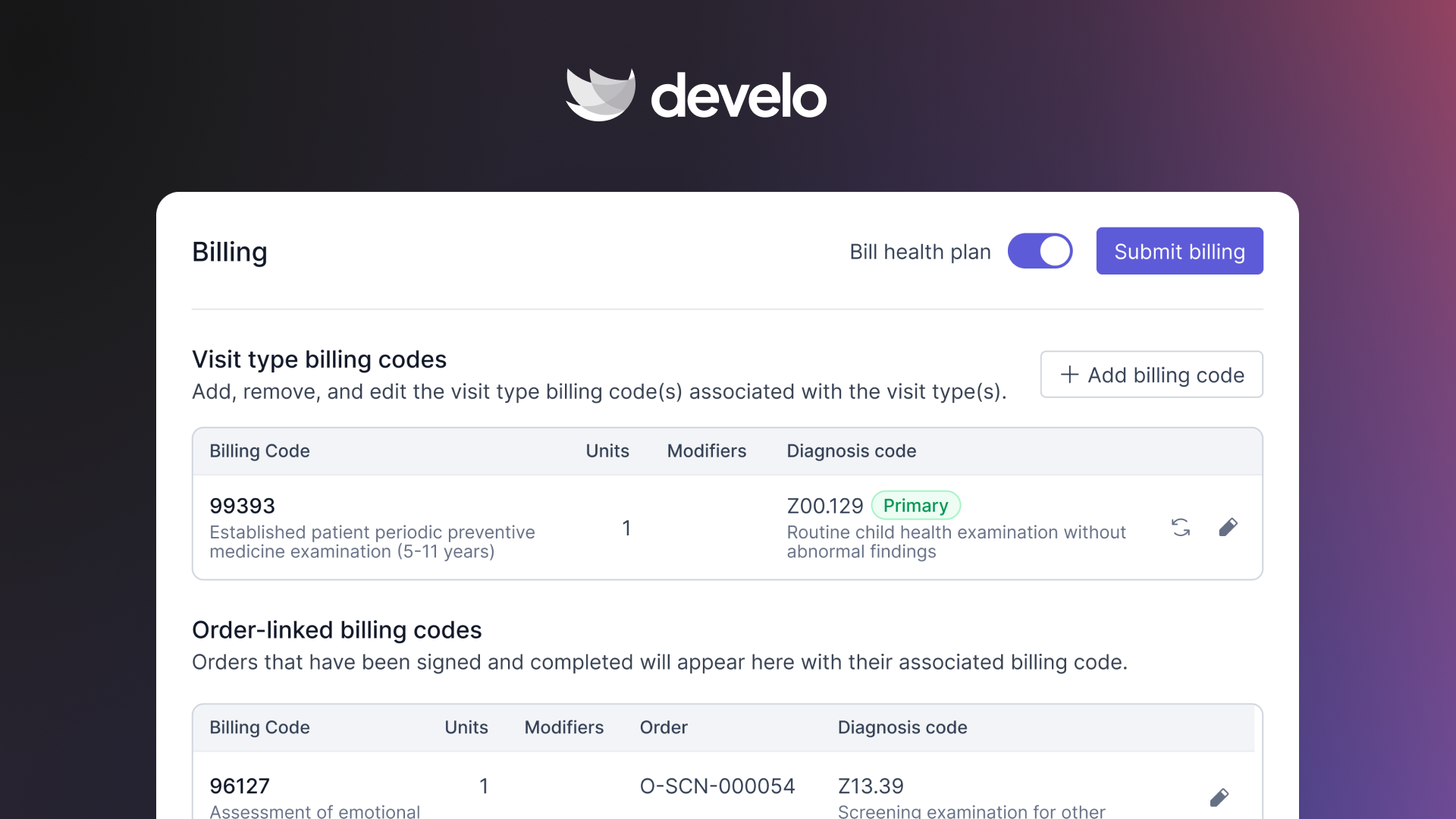
- Capture charges automatically from the documented encounter, including pediatric administration codes, so services don't go unbilled
- Scrub claims before submission to lift first-pass yield and shrink the denial queue
- Bill at the family level, with guardians and guarantors linked to each child, so a parent sees one balance across siblings and can pay it from a texted payment link or a payment plan
- Match every dose to the right stock, auto-checking VFC eligibility against the funding source, and sync administered doses bi-directionally with the state immunization registry
- Track denials by reason code through deep revenue cycle reporting, and ask your billing numbers plain-English questions with Develo reports Q&A
- Work denials from a prioritized queue, so billers handle the exceptions rather than the stacks, with Level-1 appeals included
- Hand the back office to Develo's billing team if you'd rather not staff it: a fully onshore, pediatric-only team working inside the same system and paid as a percentage of what it collects
Closing those gaps is what lifts billing performance, without adding headcount. Book a demo to see how Develo tightens the billing process for independent pediatric practices of any size.
Frequently Asked Questions
How Long Does It Take to Improve Your Medical Billing Process?
You'll see early wins in the first few weeks. Front-end fixes like eligibility checks and cleaner registration data show up in your denial rate fast. Bigger changes, like a full denial workflow or new reporting, take a quarter or so to settle in.
What Is a Good Clean Claim Rate?
A healthy clean claim rate is 95% or higher, meaning at least 95 of every 100 claims reach the payer error-free on the first try. Once you drop below 90%, your team starts losing real hours to rework.
What Is the Hardest Part of Improving Medical Billing?
The hardest part is staying consistent. Any team can tidy up its process for a week. What's hard is keeping eligibility checks, clean coding, and denial follow-up going on every claim, every day, which is why a clear owner and good software beat any one-time push.
How Is Pediatric Medical Billing Different?
Pediatric billing is built around families and vaccines. It runs on a high volume of well child visits, vaccine-administration coding that's easy to miss, and statements that have to roll up by guarantor across siblings. Most general billing tools were never set up for any of that, and it shows in how much of each step stays manual for providers and billers alike.
Can Better Software Improve Billing Performance?
Yes, when it automates the work and cuts manual handoffs. Most of billing is rule-based, so eligibility checks, charge capture, claim scrubbing, payment posting, and reminders are exactly what software should run on its own. AI pushes that further, but only when it's built into the workflow and made for pediatrics: reading the documented visit to suggest the right codes, flagging a missed vaccine administration before the claim goes out, or answering questions about the practice's own denial trends. An AI tool bolted on outside the chart and billing system just adds another handoff.
.png)

.avif)