If claims stop going out, a schedule template fails, or a morning of well child visits stalls, your EMR support team is who you'll contact for help. Many practices already know what bad EMR support looks like: tickets that sit for days, agents who don't know pediatrics, and fixes that wait for the next release. Every vendor still promises great support, and these 11 questions show which ones can prove it.
In sales calls, support usually gets one slide and a line about how "responsive" the team is. Names, hours, and response times rarely come up unless you ask.
Keep the questions in this checklist on hand and take them with you to each sales call. Asking for every answer in writing makes it easier to compare EMRs when it's time to decide.
Who Provides Your Support
EMR vendor support is only as good as the people who pick up your request, so find out who they are first.
1. Onshore or offshore
What to verify: Where agents are based and which hours they keep. If coverage starts after your clinic opens, an early-morning problem may sit unanswered until someone logs on.
Ask them this: "Where is the person who picks up my request located, and what hours do they cover in my time zone?"
Red flag: The rep says something like, "We have a global team," with no specifics, or support hours don't overlap with your full clinic day.
2. In-house or outsourced
What to verify: Whether support staff work for the vendor or for a contracted call center, and how requests move between the two.
Ask them this: "Is first-line support staffed by your employees or by an outside firm?"
Red flag: No one can explain how an issue gets from an outside agent to the vendor's own staff.
3. Pediatric experts or generalists
What to verify: Whether agents understand pediatric workflows such as Vaccines for Children (VFC) inventory and family-linked charts, plus how a pediatric office runs day to day. Generalists come in two kinds: agents who know adult care but not pediatrics, and general customer support reps with little or no exposure to US healthcare. Some EMRs still lack pediatric functions such as immunization decision support, so it helps to know whether the person on the phone understands those needs.
Ask them this: "How would your team help me fix a VFC dose that was billed to a privately insured patient?" You could follow up with questions about handling immunization registries or pediatric billing codes.
Red flag: Pediatric questions go to the same team that handles every specialty, with no one trained in pediatric workflows.
When Support Shows Up
EMR customer support speed comes down to three things: how requests get closed, the response times in your contract, and the escalation path for urgent problems.
4. How requests get closed
What to verify: That every request gets an owner, regular status updates, and a confirmed close.
Ask them this: "How do we see the status of a request? Who tells me when the issue is fixed, and who checks with us before the ticket is closed?"
Red flag: Tickets close automatically after a set number of days, whether or not the problem is fixed.
5. Written response times by severity
What to verify: An EMR support service level agreement (SLA) that names each severity tier, from low to critical. Each tier should have a plain-language definition, like "claims can't be submitted," and a response time in hours.
Ask them this: "Can you send us your SLA and the turnaround for each severity level?" Then ask whether they met those times last August and September, when back-to-school physicals and flu season push support demand to its peak.
Red flag: The contract has no specific response times, even when the sales deck lists them.
6. Faster response for critical issues, even outside business hours
What to verify: A defined, faster path for issues that stop charting or billing, including nights and weekends. An on-call engineer, pager rotation, or emergency line can all work if the trigger and response window are written down.
Ask them this: "If claims stop transmitting at 6:45 a.m. on a Monday, who do I reach and how fast?" Ask the same about your state immunization registry: if submissions start failing, does their monitoring catch it, or does your staff find out when a school form comes back missing a dose?
Red flag: "Emergency" is never defined, or critical outages have no faster path than routine requests.
How Problems Actually Get Fixed
Pediatric EMR support gets a problem solved through a customer success manager (CSM) who knows your build, engineers who have access to the code, a release process that moves changes to you quickly, and channels and in-product help that put a person or an answer in front of your staff.
7. A dedicated customer success manager
What to verify: Whether a named CSM who knows your configuration stays with you after go-live and isn't primarily tasked with selling.
Ask them this: "Who is my CSM, did they implement my practice, and is their job supporting us or selling to us?"
Red flag: Your only contact is an "account manager" whose job is selling, and nobody knows your configuration once you're live.
8. Someone who can ship the fix
What to verify: How bugs get prioritized, and the path from a bug report to an engineer who can change the code.
Ask them this: "When you confirm a bug, who fixes it, and how long until the fix is live?"
Red flag: Known bugs sit for months, or sometimes years, until the next scheduled release.
9. Release cadence and downtime
What to verify: How often updates ship, how long a release takes to reach every practice, and whether updates need planned downtime. On-premise and private-cloud systems often roll out releases in waves, testing with each group, so a fix can take weeks or months to reach your practice. Any downtime is costly: a 2025 review of 204 downtime events at one hospital found that 76% disrupted patient care, with medication work hit most often.
Ask them this: "How often do you release updates, how long until a release reaches every practice, and when did an update last take the system offline?"
Red flag: Releases ship quarterly or less often, roll out to practices in waves over weeks, or need scheduled downtime. Slow releases mean slow fixes, too.
10. More than one way to reach a person, including live calls
What to verify: Which channels reach a human, such as a live call, chat, or a shared channel. Many systems make a live call or video session impossible: every request goes through a ticket portal or email queue, so no one ever sees your screen. A screen share makes it far easier to show support exactly what's going wrong.
Ask them this: "Can I get on a video or phone call today with someone who can see my screen?"
Red flag: A ticket portal is the only way in, and a live call or video session isn't offered, or only happens after an issue escalates.
11. Help inside the EMR
What to verify: Automation that prevents common errors, plus built-in guidance and training content that staff can use without leaving the screen they're on. This can help new hires find answers to routine questions independently.
Ask them this: "What can my staff solve on their own without contacting you?"
Red flag: Staff have to dig through outdated manuals or rely on a single phone number for answers.
Why Support Quality Is a Business Model Decision
Support quality is a business model decision because ownership tells you what a vendor is optimizing for.
Several of the largest EMR vendors now belong to private equity firms, and some have changed owners since going private. Those buyouts are typically financed with debt that lands on the EMR company's own books, and paying it down usually means heavy cost cutting, with support teams often first in line. Institutions switch EMRs for several reasons, and a 2023 JGIM editorial names cost, system functionality, and corporate consolidation among them.
Ask them this: "Who owns the company, when did it last change hands, and what's changed in support since?"
Also, find out whether support costs extra and confirm whether the support team has grown or shrunk over the last two years.
If your current system fails several items on this list, compare pediatric EMR options before your next renewal.
Support Starts at Implementation
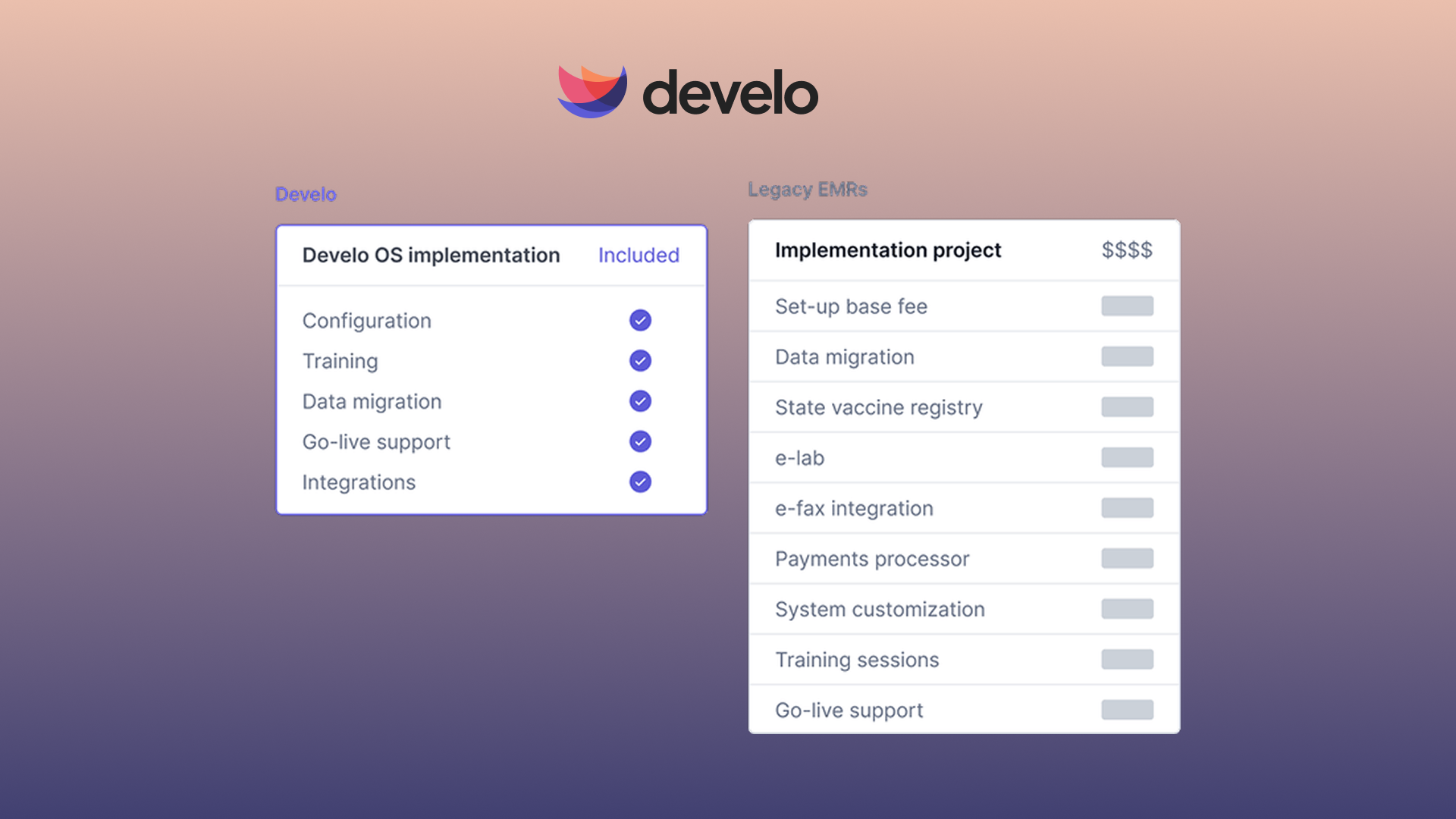
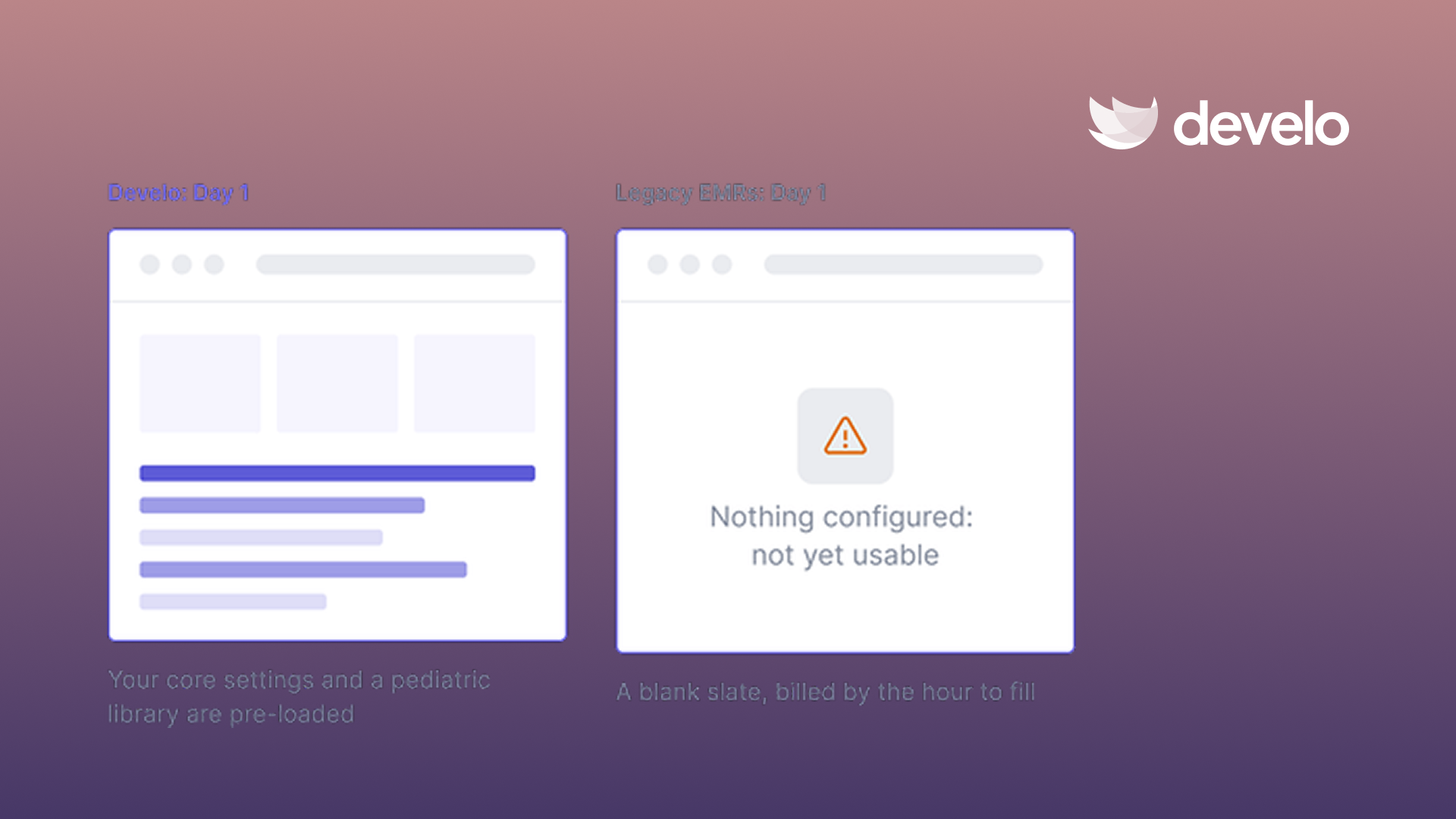
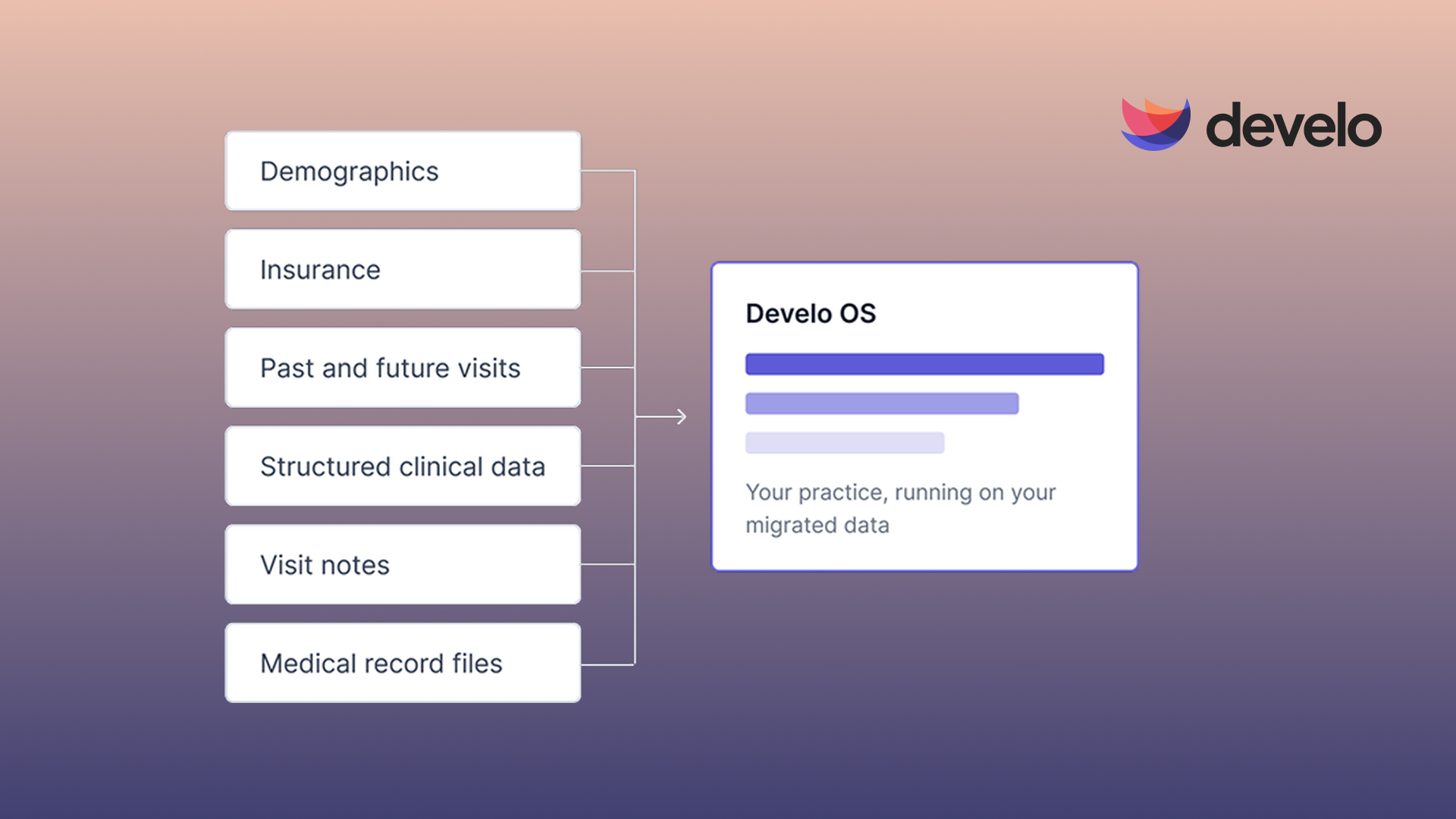
The team that sets up your system is a preview of the support team. If a vendor hands you off midway, can't say what usually breaks in a pediatric migration (immunizations, vitals, and patient-caregiver links are the common failure points), or sends a generalist to configure your templates, expect the same after go-live.
Ask each vendor who stays with your team through go-live support and when that help ends.
And before kickoff, read up on common rollout problems and data migration.
EMR Support Red Flags in One Place
During vendor reviews, red flags for EMR support include:
- Offshore first-line support, or hours that miss your morning
- An outsourced tier one that only logs and passes on issues
- Generalists who can't answer basic pediatric billing questions
- A ticket number, then silence
- No written response times by severity
- No defined faster path for critical issues
- A rotating queue in place of a named CSM
- Confirmed bugs that wait for the next release
- Quarterly releases, slow rollouts, or downtime for updates
- One channel and no live calls
- No self-serve or in-product help
How Develo Answers the Checklist
Any vendor on your shortlist should be able to answer the questions in this checklist in writing, Develo included.
As the AI-native operating system for pediatrics, Develo was built for independent pediatric practices and brings charting, billing, practice management, and family engagement into one system.
Here's how Develo measures up against the checklist:
- Who answers: A fully onshore, in-house team based in the US and Canada, with pediatric experts for clinical, practice operations, and billing questions, backed by an onshore R&D team of Develo designers, product managers, and engineers.
- How fast: Response times committed by severity: low and medium issues during business hours in your time zone, high issues the same business day, and critical issues within two hours. Monitoring and an on-call engineer cover everyday bugs during business hours, critical issues around the clock, and immunization registry connections.
- Who fixes it: Every request is tracked, and your primary contact is the CSM who configures and launches your practice. They stay with you after go-live, and renewals sit with customer success, not sales. When a bug needs code changes, it goes to an engineer who can ship the fix, not just file a ticket, and weekly releases mean the fix doesn't wait for a quarterly window.
- Release schedule: Minor releases go out weekly and major releases every two weeks, for 78 releases a year, all as background updates that reach every practice at once, with zero downtime, on a cloud-native foundation.
- How you reach a person: Live help from a real person by video or phone, plus a shared support channel and email. Guidance inside Develo's workflows and self-serve learning cover routine questions.
- Where investment goes: Develo is founder-led, support is included in the subscription rather than priced as an add-on, and the team keeps investing in product and support.
If a billing rule misfires or a template stops loading, your EMR support starts with someone who already knows your practice, and an engineer steps in when the fix needs code.
See how Develo's high-touch support works in practice, then book a demo and put all 11 questions to the team yourself.
Frequently Asked Questions
What is EMR support?
EMR support is the help an electronic medical record vendor gives your practice when the system breaks, slows down, or confuses staff. A support agreement can cover response times, escalation to engineers, software updates, and staff training.
What should an EMR support SLA include?
An EMR support SLA should include clear severity levels, a promised response time for each one, and an emergency process for outages. It also helps to confirm after-hours coverage and what remedy you get if the vendor misses a target.
How do you evaluate EMR vendor support before signing?
You evaluate EMR vendor support before signing by requesting a copy of the support policy, calling current customers, and testing a live support channel during the sales process. Ask for references from practices close to your size and specialty.
What makes pediatric EMR support different?
Pediatric EMR support is distinct because agents need to know how vaccine stock, state registry connections, and sibling and guardian records work. Ask whether the agents assigned to your account have supported pediatric practices before.

.avif)