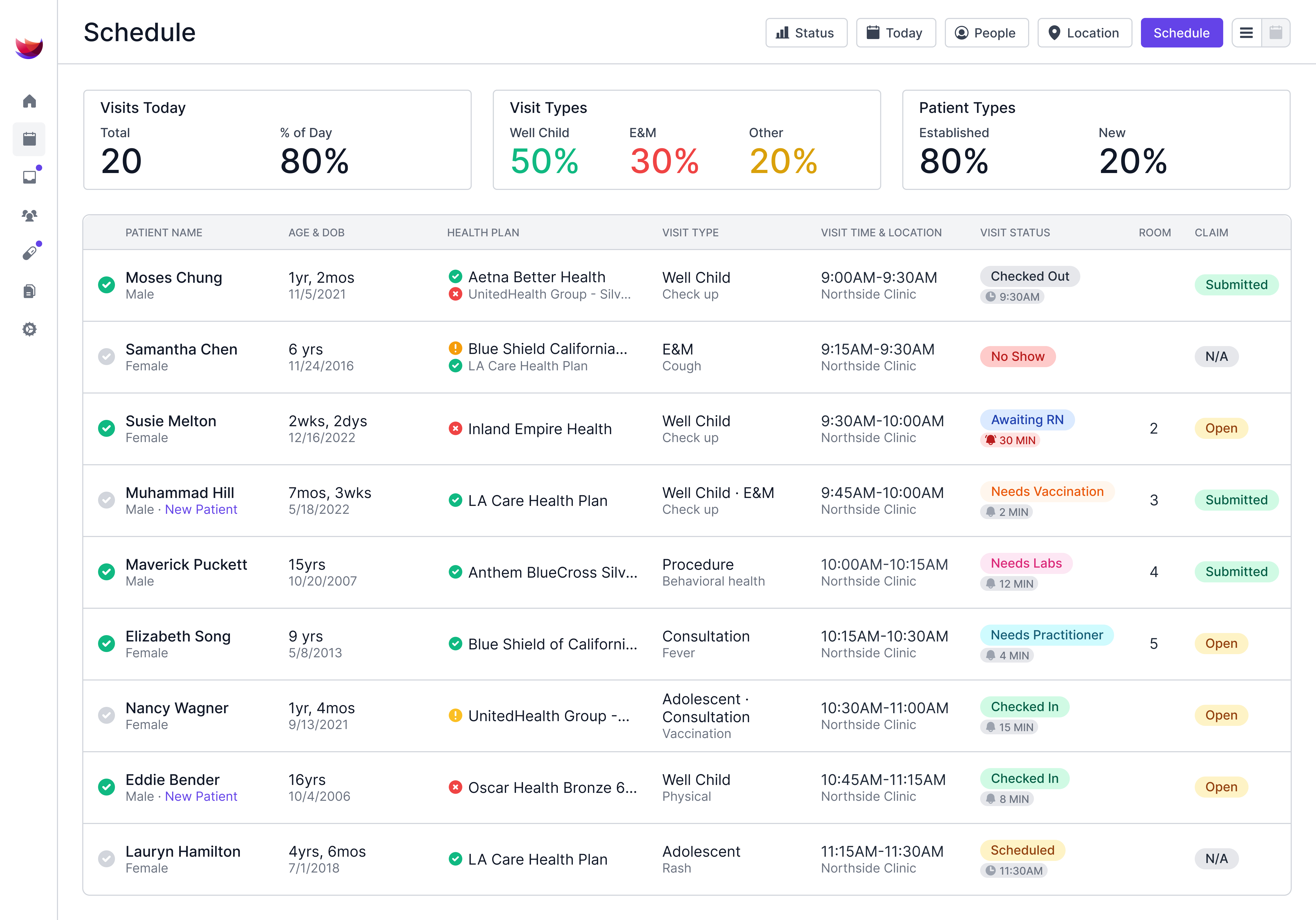


One wrong code or birth date on a superbill can delay payment to your practice or hold up a family's insurance reimbursement. On the practice side, that can mean a denied claim and a resubmission before the visit gets paid. For families who paid out of pocket, the insurer may deny the request or ask for more information.
Pediatric visits add their own coding rules, since well child codes change with a child's age, and each vaccine needs separate product and administration codes. A single well child visit with shots and screenings can fill several lines on the form, and each line should be backed by the visit note.
Once you understand what a superbill is and how each line works, you can spot the mistakes before they reach the payer and know when your front desk should issue a superbill.
What Is a Superbill?
A superbill is an itemized record of a patient's visit with a healthcare provider. It shows who provided the care, each service and the reason behind it, and what each one costs.
The services and reasons appear as codes that insurers can read. CPT codes, maintained by the AMA, describe the medical services and procedures a clinician performs. ICD-10-CM codes classify the diagnoses behind those services.
Inside the practice, a superbill works as an encounter form. The clinician marks the services and diagnoses from the visit, and the billing team uses those marks to build the insurance claim.
The AAP sells a 2027 Pediatric Office Superbill chart that lists the most reported pediatric CPT and ICD-10-CM codes. Practices can use the chart as-is or adapt it into their own form.
Outside the practice, a superbill works as proof of care and payment. Families who pay the practice directly can send it to their insurer to request reimbursement through their out-of-network benefits.
What Information Goes on a Superbill?
Payers need enough information to match each charge to the clinician who provided the service, the child who received it, and the reason it was needed. A complete superbill includes these fields:
- Practice and provider details: List the practice's name, address, phone number, and tax ID. Add the treating clinician's name, credentials, and National Provider Identifier, a 10-digit number.
- Patient and policyholder details: Include the child's legal name and date of birth. When a parent holds the insurance, add the parent's name, date of birth, and member ID.
- A newborn often arrives at the first visit before getting a member ID. List the parent's policy and member ID, since coverage typically back-dates to birth once the baby is added to the plan.
- Visit details: Record the date and place of service. If the form covers more than one visit, list each date separately.
- Procedure codes: Give each billable service its own CPT code.
- Diagnosis codes: Add the ICD-10-CM codes and link each service to the diagnosis that supports it, using standard pediatric code pairings.
- Modifiers: Add any modifier, a two-character code that gives more detail about how or when a service was performed.
- Charges and payments: Show the fee for each line, the total, and anything the family has already paid.
Before a superbill leaves the office, check each field against the child's chart and insurance card. Small mismatches, like a nickname in place of a legal name or an outdated member ID, can be easy to miss when the front desk is juggling a full schedule.
Superbill vs. Claim: What's the Difference?
A superbill records what happened at a visit, while a claim is the request for payment sent to an insurer. The codes on a superbill have to reach a claim before the practice or the family can be paid.
For in-network visits, your billing team builds the claim. Billers send the codes to the payer electronically or, when paper is allowed, on the CMS-1500. That's the standard paper claim form for practices with a waiver from Medicare's electronic filing rule, and some state Medicaid agencies accept it, too.
When your practice is out of network, families usually file the request themselves. Parents send the superbill to their insurer, along with any claim form the plan requires. Your practice still prepares the superbill, so the accuracy of the family's request starts with your team.
When Should a Pediatric Practice Give a Family a Superbill?
Families need a superbill when they pay for a visit and want to seek reimbursement from their insurance plan. Requests can come from a family that switched to a plan without your practice in its network, or from a family paying you directly under a direct primary care or concierge model.
Set expectations before the visit. Handing over a superbill doesn't guarantee the family any money back. Ask families to call their insurer first to confirm their out-of-network coverage, their deductible, and any filing deadline.
Some families who pay you directly also fall under federal rules on cost estimates. Under the No Surprises Act, practices must tell uninsured and self-pay patients they can get a good faith estimate of expected charges. Practices must also give a written estimate to any of those patients who ask for one or schedule care at least three business days ahead.
Superbills don't apply to children on Medicaid or CHIP. A practice that accepts a child's Medicaid coverage must accept Medicaid's payment as payment in full for covered services, apart from any allowed cost sharing, so bill the program directly instead of handing the family a form.
What Goes Wrong With Paper Superbills?
Errors on a printed superbill can occur when a code is missed or entered incorrectly as the form moves from the exam room to the billing system.
A 2018 study (Tseng et al., JAMA) at one large academic health system found that billing and insurance tasks for a single primary care visit took about 13 minutes and cost about $20.49, even with an EMR in place. Each superbill correction adds to that work, and a paper form adds another manual step before the charge reaches billing.
Pediatric preventive coding rules leave several openings for errors on a printed form:
- Wrong age band: Pediatric coding for well child visits groups preventive codes by age (99381–99385 for new patients and 99391–99395 for established ones), so a birthday between the booking and visit can change the code.
- Missing administration codes: Checking a vaccine box without giving its matching administration code leaves the work of administering the shot unbilled. For children through age 18 whose family is counseled by the physician or other qualified health care professional, that's 90460 plus 90461 for each additional component, not 90471. Vaccines for Children (VFC) doses add another wrinkle: the state supplies the vaccine, and how the product line is reported varies by state Medicaid program, so a form with one price per vaccine invites a rejected line.
- Unbilled screenings: Developmental, vision, and hearing screens are reported separately from the well child code, so a screen goes unbilled if nobody checks its box.
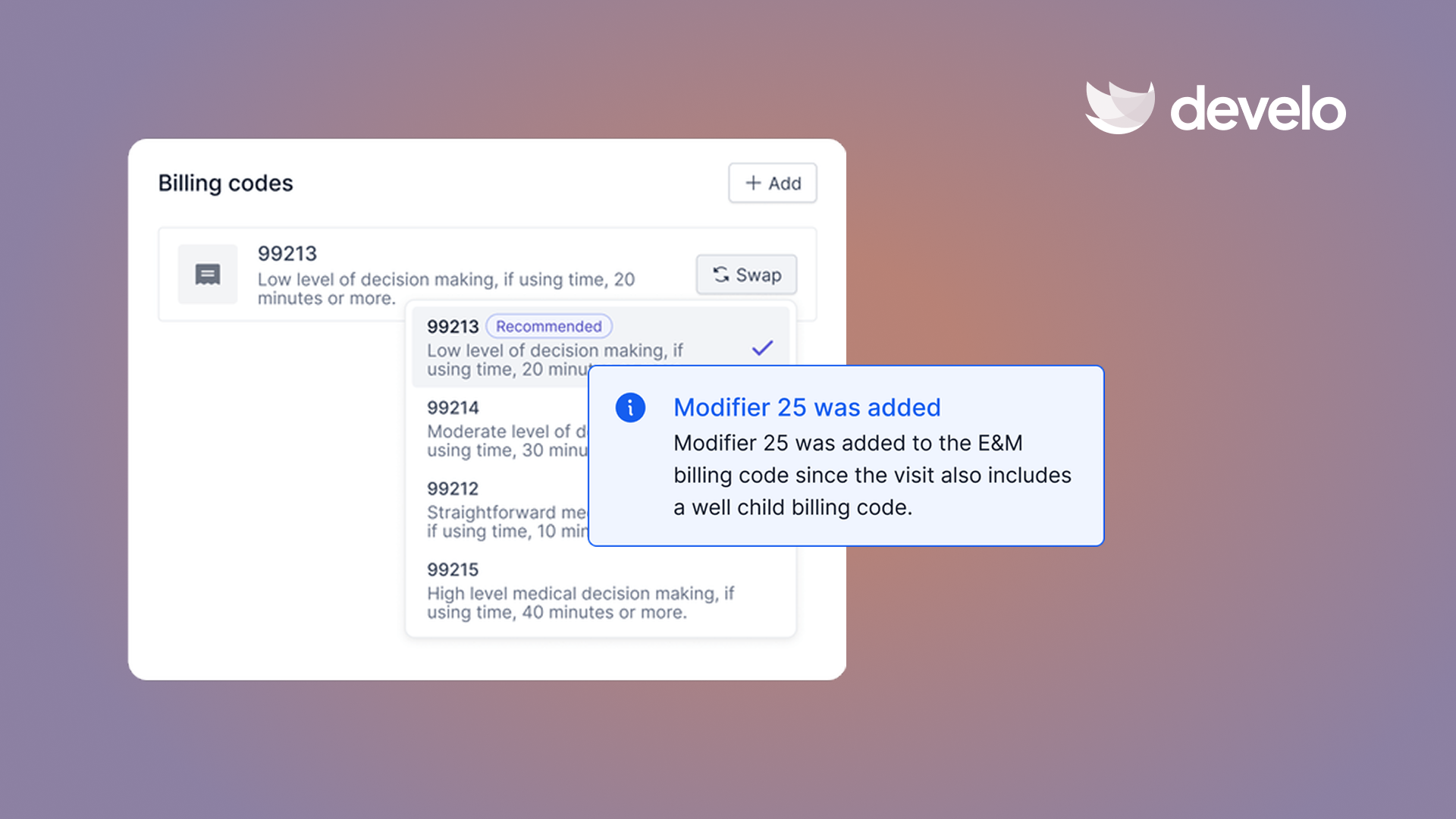
- Missing modifier 25: A separate problem treated during a well child exam needs its own office visit code with modifier 25, which a checkbox form may not prompt for.
- Outdated codes: The AMA's CPT 2027 code set adds 299 codes and deletes 80 starting January 1, and ICD-10-CM codes get a yearly October 1 update, so a form printed last year may list retired codes or miss new ones.
Clean insurance verification at check-in keeps the patient details accurate, but charges need their own safeguards.
Prevent Superbill Errors With Develo
The paper superbill is still alive on traditional EMRs, which leaves someone copying codes from a form into billing software after the visit. Develo replaces it with charge capture that runs during the visit. Develo is the AI-native operating system for pediatrics, unifying charting, billing, practice management, and family engagement so visit notes and charges live in one platform.
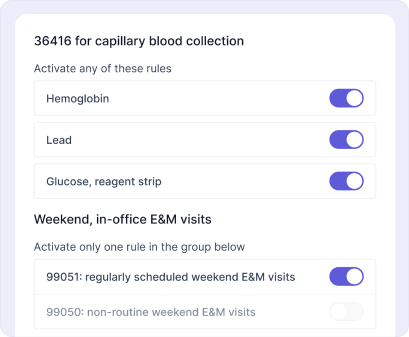
Automated charge capture starts at the point of care. Each order in Develo's library carries default billing and diagnosis codes, which flow into charge capture once the order is completed. You can also set rules for pediatric codes, units, and modifiers by visit type.
Before a visit goes to billers, providers get underbilling alerts when a completed order or visit activity hasn't reached the charges. You can switch the coding level on an E/M visit with guidance built into the workflow, then review automated coding changes and make manual updates before submission.
Develo also closes the gaps a printed form leaves open:
- Preventive codes by age: Develo sets the preventive visit code from the child's age on the visit date and whether the patient is new or established, and pairs it with the matching Z diagnosis code.
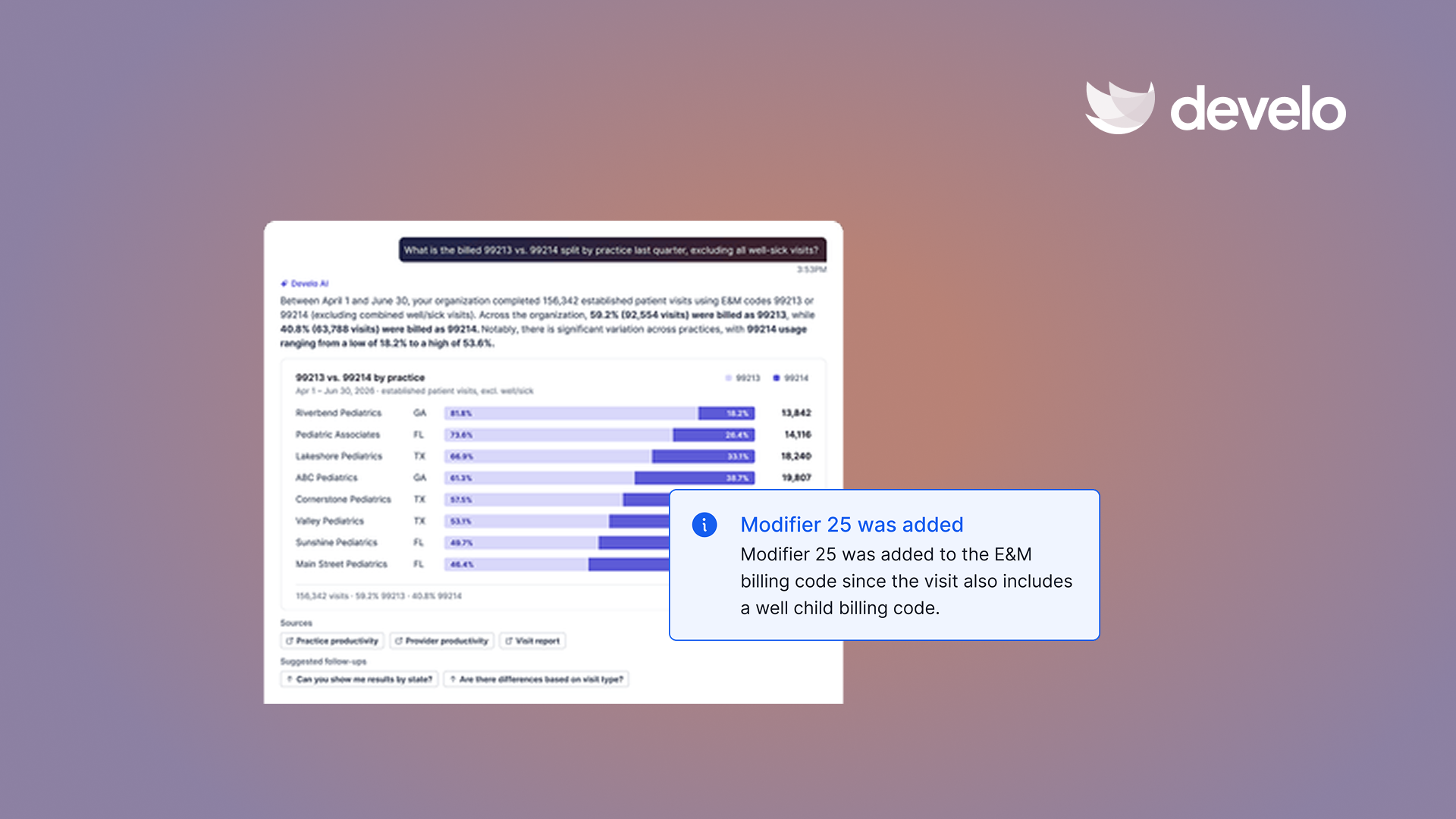
- Modifier 25 on well-sick visits: The Develo AI scribe suggests the sick diagnoses and the E/M level on top of the preventive code, and checks that each diagnosis is billable.
- Vaccine administration codes: Charge capture rules cover vaccine administration and refusal, along with pediatric codes like G2211, 99050, and BMI counseling.
- Yearly code changes: Develo maintains its library of charge capture and claim scrubbing rules and rolls updates out to practices, so nobody reprints a form each January.
- Policyholder details: A family data model links siblings, guardians, and guarantors, and AI eligibility checks read the insurance card and interpret each eligibility response before the visit.
- Family billing records: Practices can generate, and families can open in the family portal, detailed payment receipts, payment history, billing history with each billing code and how the claim was adjudicated, and the visit note and after visit summary.
Final coding always stays with the provider. Practices that want billing support can add Develo's optional embedded RCM services team: pediatric billing experts who are onshore and employed by Develo, priced as a percentage of collections.
Book a demo to see how Develo can capture what a superbill is meant to record.
Frequently Asked Questions
Is a Superbill the Same as an Invoice?
No, a superbill isn't the same as an invoice. An invoice tells a family how much they owe, while a superbill lists the coded services and fees they need to file with their insurer.
What's Another Name for a Superbill?
A superbill also goes by encounter form or charge slip. Some insurers and families simply call it an itemized receipt for out-of-network care.
Who Fills Out a Superbill?
The provider's office fills out a superbill, using the codes and details from the child's visit. Families only need to confirm that their personal information is correct before filing it with their plan.
Can Parents Submit a Superbill for Their Child's Visit?
Yes, parents can submit a superbill for their child's visit when the child is covered under their plan. The plan's out-of-network rules then decide how much, if anything, comes back.
Does Insurance Always Reimburse a Superbill?
No, insurance doesn't always reimburse a superbill. Plans without out-of-network benefits, such as many HMO plans, may not pay anything, and a family's deductible and coinsurance can lower what other plans pay back.