


If your billers start the day clicking through payer portals, you're losing money before lunch. That repetitive data entry eats hours your team could spend on collections. RCM automation hands rule-based tasks like claim tracking and remittance processing to software, so your current billers can focus on recovering cash.
What RCM Automation Means
RCM covers every step from scheduling a visit to collecting the last dollar owed. RCM automation uses software, rules engines, and increasingly AI to run the parts of that cycle that follow predictable patterns.
Automation fits best with tasks that follow strict rules:
- Checking whether a plan is active
- Flagging a claim missing a modifier
- Posting a payment that matches the remittance
Software runs these faster, without the data-entry slips people make on the hundredth claim of the day. Other tasks need a person, like appealing a denial or deciding whether to write off a balance. Good automation handles the first kind, so your staff can focus on the second.
Why Practices Are Automating Now
Right now, a biller at your practice is probably in an insurer's portal, retyping coverage details already in your system to confirm what the software could check on its own. Visit after visit, day after day.
That manual work adds up across the industry. The 2024 CAQH Index estimated a $20 billion savings opportunity if the industry moved from manual to electronic workflows, and about 70 minutes saved per patient visit with fully automated administrative workflows.
For a working practice, two forces make that urgent.
- Costly denials: A denied claim means a biller redoes finished work while the payment sits unpaid or gets lost.
- Hiring won't scale: Billers are scarce and expensive, so it makes sense to stop spending their time on work software can do.
More practices are moving this way. In the 2025 CAQH Index, more than half of health plans and a quarter of provider organizations were using AI somewhere in their back office.
The Tasks Worth Automating First
You don't have to automate everything at once, and you shouldn't. The tasks that earn their keep share three traits. You do them constantly, they run the same way every time, and they're easy to fumble by hand. These include:
Eligibility and Benefits Verification
For most practices, this is the best place to start. You check insurance coverage on nearly every visit, the steps are the same every time, and if you miss a lapse in someone's insurance, it comes back weeks later as a denied claim.
Automated verification runs that check with the insurer before the visit and flags only the ones with a problem. Your staff stops logging into insurance portals for the visits that are already fine.
Claim Scrubbing and Submission
Before a claim goes out the door, a scrubber checks it against the insurer's rules and looks for common issues. This includes things like a blank field, an invalid code combination, or coverage that doesn't match. Anything that would get rejected gets held back.
The claims that pass go straight on to the clearinghouse. Catching those errors early means fewer claims bounce back later, and the ones that would have bounced are cheap to fix while they're still on your desk.
Claim Status and Follow-Up
Checking where a claim sits is pure portal busywork, and it's what eats a biller's morning. Automation polls payer systems, surfaces stuck or aging claims, and sorts them by value and deadline. Staff then work the claims that need a call and leave the rest.
Payment Posting
When a payment matches the insurer's statement line for line, recording it is busywork. Automation posts those clean payments on its own.
It flags only the odd ones for a person to review, like a payment that came up short or an adjustment nobody expected. Your staff gets a handful of exceptions while the rest posts itself.
Denial Sorting
Automation won't write the appeal for you, but it does the sorting. It reads the reason code on each denial, groups denials by cause, and moves the ones worth the most money or closest to their deadline to the top of the denial queue.
The denials come back sorted into a ranked to-do list your team can work from the top down. It also catches patterns a person might miss for months, such as one insurer repeatedly denying the same code.
Revenue Cycle Reporting
Automation only helps if people can see what it's doing. Billers need to know which claims are stuck and why. Owners and CFOs need to know where revenue is coming from, where it's leaking, and whether this month is tracking ahead of last. When that view lives in a spreadsheet someone rebuilds every Friday, it's out of date before anyone reads it.
A robust system keeps all of the revenue cycle data in one place and reports on it in real time, with dashboards each role can configure and the option to export the raw data for your own analysis. The same numbers should answer a biller's question about today's queue and an owner's question about the quarter.
All six of these tasks work on claims that already exist, and that's where most RCM automation lives. But a claim can only carry the charges it was given. A vaccine given but never charged, or a screen done but never coded, never reaches the claim, so no scrubber or denial queue will ever catch it. The automation that recovers the most revenue starts one step earlier, at charge capture, where the documented visit becomes billable codes.
What Changes After You Automate
The results show up in a few specific places, and they're worth measuring before and after to see how the spend paid off.
- A/R days drop: Clean claims go out faster, and follow-up happens on schedule, so money arrives sooner.
- Denial rate falls: Errors get caught before submission, so fewer claims come back at all.
- Staff time moves upstream: Billers spend less time on portals and posting and more on denials, appeals, and patient balances.
- Errors surface consistently: Software runs the same check the same way every time, so mistakes that slip past a tired end-of-day review get caught.
Well-built automation flags what needs a person and clears the rest, so skilled billers, like providers, work at the top of their license too: the denials, appeals, and edits only they can make.
Where Pediatric Practices Have to Be Careful
Most RCM automation is built for adult, multi-specialty medicine. Its limits show up quickly in the areas where pediatric billing differs.
Vaccine Coding Is Component-Based
For patients through age 18, when a physician or other qualified healthcare professional counsels the family face-to-face, you bill component-based codes: 90460 for the first component of each vaccine and 90461 for each additional component, rather than a single code per shot.
When no physician or other qualified healthcare professional counsels the family, as in a nurse-only shot visit, you use the 90471–90474 series. The vaccine products carry their own codes on top. Automation that treats a vaccine as one line item undercounts the charge on many immunization visits.
VFC doses add one more rule. The state supplies the vaccine at no cost, so the practice is paid only for administration, though many Medicaid programs still want the product code on the claim with an SL modifier. Automation has to know which stock a dose came from, VFC or private, before it builds the line.
Well Child Visits Are Age-Banded
Preventive codes change with the child's age and whether the patient is new or established. A rules engine that isn't set up for the pediatric preventive schedule will pick the wrong code or miss modifier 25 when a sick visit happens the same day.
Billing Runs by Family
Siblings often share a guarantor, custody can split a child's balance across two households, and balances need to roll up by guarantor, so each responsible parent gets one statement covering every child they pay for. Automation built around a single adult account doesn't cleanly model this.
Medicaid Churns
Medicaid and CHIP covered about 35 million children in June 2026, nearly half of everyone enrolled in either program. Many pediatric panels carry a large public-coverage share, and because a child's coverage can end at a renewal between two visits, eligibility automation has to re-verify before every visit, not once a year.
Newborns are the other eligibility edge case. A baby often arrives at the first visit before a member ID exists, sometimes before a legal name, so the visit is registered against the mother's policy and coverage back-dates to birth. Eligibility automation that rejects a patient without a member ID turns the first well child visit into a manual workaround.
A general-purpose RCM tool will help, but the underlying coding logic has to know pediatrics, or the denials it prevents in one place will come back in another.
RCM Automation Built for Pediatrics
The cleanest setup runs the record and billing on a single system that already knows the pediatric rules, so automation isn't bolted onto an adult-first tool.
Develo is the AI-native operating system for pediatrics, unifying charting, billing, practice management, and family engagement in one system built from day one for outpatient pediatric care. Because the billing logic is pediatric from the ground up, the automation reflects how children's practices actually bill:
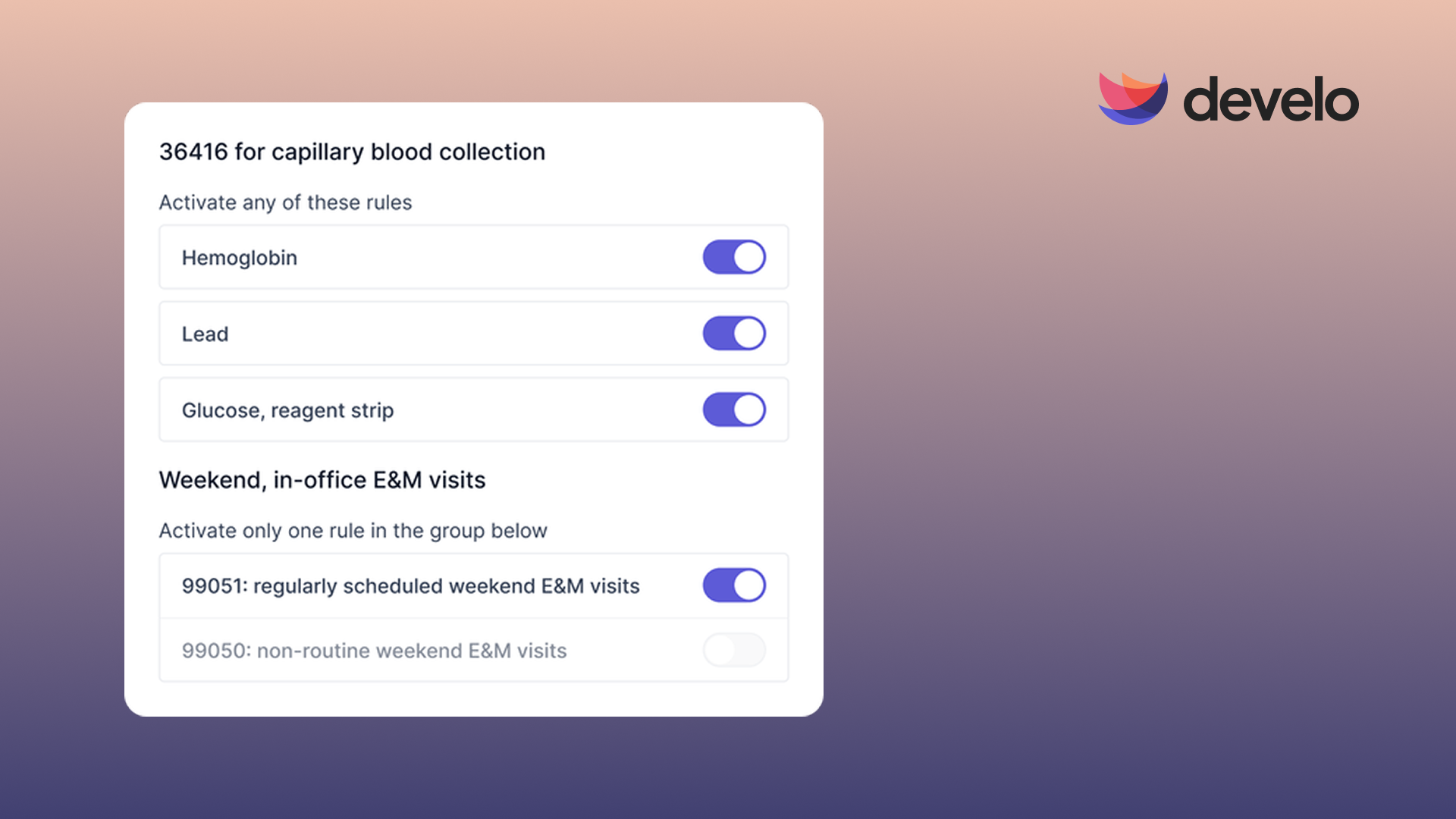
- Automated charge capture: Before a claim is ever built, rules set pediatric codes, units, and modifiers by visit type, including preventive and vaccine administration codes, and final coding stays the provider's call. Develo AI scribe also suggests diagnosis codes and the E&M level for the clinician to review and apply.
- Real-time eligibility: Checks run automatically at scheduling and check-in, so a lapsed or changed plan surfaces before the family arrives, not weeks later as a denial.
- Denials management: Denials land in a prioritized work queue, so billers spend their time on exceptions rather than stacks.
- Claims scrubbing and submission: A rules engine checks each claim before it goes out, submits clean claims automatically, routes claims that need manual changes or review into practice-defined work queues, and posts the electronic remittance (ERA) when payment comes back. Once the payer adjudicates a claim, its status comes back electronically, so billers don't chase adjudicated claims through payer portals.
- Family balances: Families see one view of balances across siblings, can pay family balances in full or in part with a card on file, and get text reminders that carry a payment link to the real-time family balance.
- Revenue cycle reporting: Reporting runs on real-time data, with configurable dashboards for billers and practice leaders, data exports for your own analysis, and Develo reports Q&A for plain-English questions about your numbers.
Practices that want the work done for them can hand it to Develo billing services, an onshore, pediatric-only billing team that works submissions, denials, Level-1 appeals, posting, and A/R follow-up in priority order inside the same system.
When the record and the claim live in a single system, nothing gets re-keyed between them, and there's no handoff for a documented charge to get lost in. Book a demo to see how Develo runs a pediatric revenue cycle end-to-end.
Frequently Asked Questions
Does RCM Automation Replace Billing Staff?
No, RCM automation doesn't replace billing staff. It takes the repetitive, rule-based work off their plate. This lets your current team handle higher volume and focus their time on complex denials and patient balances (tasks that generate real revenue).
What If Our Billers Prefer to Work Claims by Hand?
That instinct usually comes from automation that hid its mistakes. The right RCM automation works the other way: it handles the claims that follow the rules and routes anything unusual to a person for review, so billers still see and approve every exception. Billers who check everything by hand catch errors, but they also spend their best hours on claims that were never at risk. Automation lets them put that care where it changes the outcome.
Which Revenue Cycle Tasks Should You Automate First?
The revenue cycle task to automate first is eligibility verification. It happens on nearly every visit, follows a fixed pattern, and a missed coverage lapse causes a denial weeks later. Claim scrubbing and status follow-up are the next highest-value tasks, since both are high-volume and rule-based.
How Does RCM Automation Reduce Denials?
RCM automation reduces denials by catching errors before submission. A scrubber checks each claim against payer rules and holds those with missing fields or invalid code combinations. Automated eligibility verification checks coverage before the visit, so fewer claims are denied.
Is RCM Automation Different for Pediatric Practices?
Yes, pediatric RCM automation must handle component-based vaccine coding, age-banded well child visit codes, family-level billing, and high Medicaid churn. General-purpose tools aren't always set up for these rules, so pediatric practices tend to get cleaner results from a system built for children's care.
.png)



.avif)
