.avif)
Plenty of practices collect patient engagement software one add-on at a time, until they're paying four vendors to do one job.
We compared five platforms using demos, vendor pricing pages, and several hundred verified reviews from Capterra, G2, Software Advice, and Trustpilot to see which ones actually reduce that sprawl.
The 5 Best Patient Engagement Software Platforms: TL;DR
Here are the five best patient engagement platforms, in no particular order. Each one is the best fit for a different kind of practice.
- Develo: Best for independent pediatric practices that need family-level engagement.
- Phreesia: Best for practices that want intake, eligibility, and point-of-service payments handled end to end.
- Clearwave: Best for multi-location groups standardizing self-service check-in at volume.
- OhMD: Best for small practices that mainly need two-way patient texting.
- Veradigm FollowMyHealth: Best for practices already running Veradigm who want records access from the same vendor.
How We Researched and Compared These Platforms
We built this comparison from demos and trial access where vendors offered it, verified reviews on Capterra and G2, and each vendor's own pricing page instead of third-party estimates.
We also weighed what patients say, because a platform your staff love but patients avoid won't get used.
- Intake depth: How much accurate demographic and insurance data arrives before the visit.
- Self-service: Whether patients can book, register, and pay without calling.
- Messaging: Whether conversations reach the right person and land in the chart.
- Payments: How much of the balance gets collected at or before the visit.
- Fit by practice type: Whether the platform suits a solo office, a 12-site group, or a specialty practice.
- Family structure: Whether one caregiver can manage several children from one login, and whether access changes as a teenager gains confidentiality rights.
Two well-known tools didn't make our final five, but both are worth a mention. QliqSOFT is built mainly for home-based care, such as home health and hospice, so it fits fewer outpatient practices. Luma Health is capable, but Phreesia and Clearwave are stronger on intake and eligibility.
Quick Comparison
Here's how the five compare side by side, in no particular order.
Pricing verified October 2026.
No single platform wins on every measure. Pricing transparency is often the fastest way to narrow the list before you get on a call: OhMD is the only platform here that publishes its rates, while the others quote per practice. Develo's engagement suite is bundled with its pediatric operating system.
1. Develo: Best for Independent Pediatric Practices
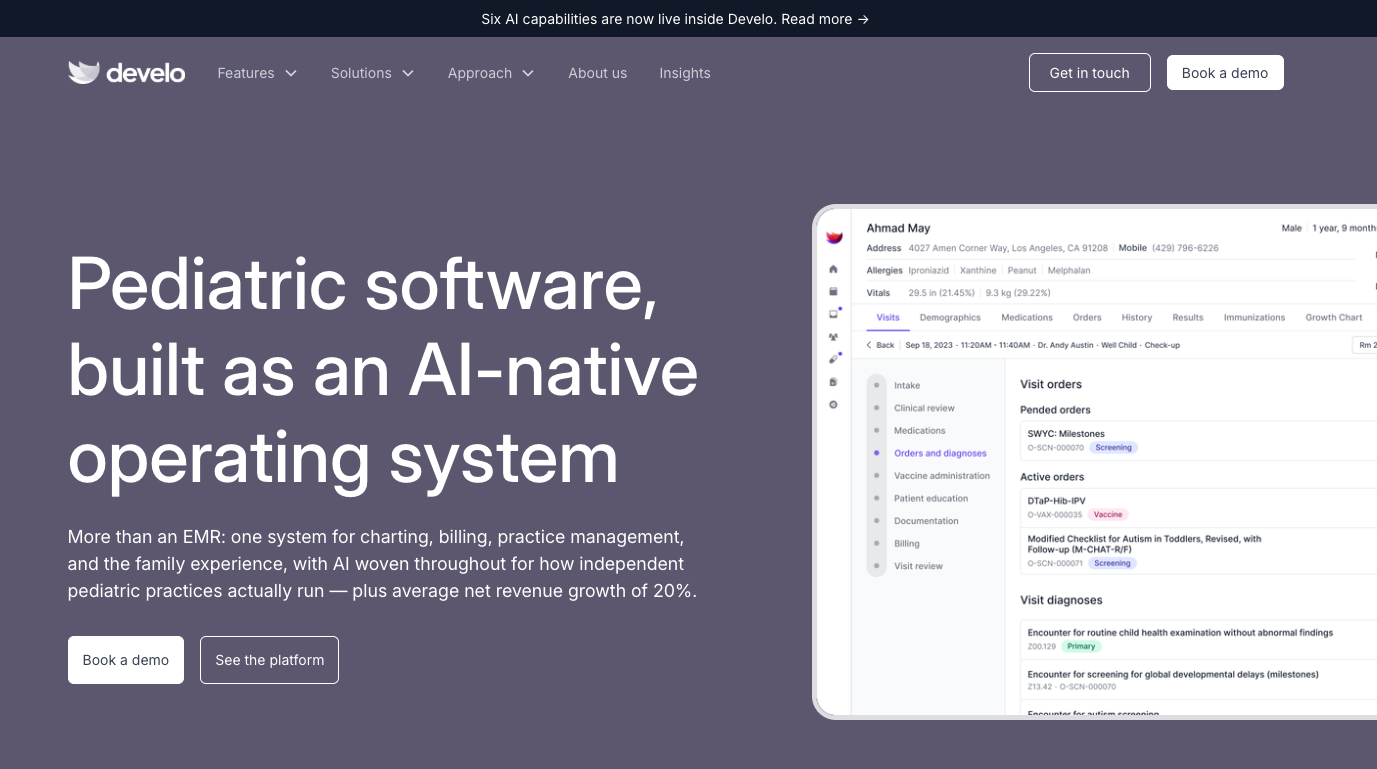
What it does: Develo is the AI-native pediatric operating system built solely for independent pediatric practices, unifying charting, billing, practice management, and family engagement, with a family portal built into the record itself.
Best for: Independent pediatric practices where a caregiver, more often than the patient, is the one reading the record.
Develo's digital intake is built around caregiver and multi-patient dynamics, and Develo AI forms turns any practice form into a digital one without a build project. A guarantor's balance links across siblings, with privacy adjusting automatically as a child becomes a teenager. This is also the newest platform here, so what follows leans on live features over a review record.
Key Features
- Text-to-phone intake: Forms, screens, and insurance updates go out by text when a visit is booked, with no app to download or family portal login, and real-time eligibility checks run on what families submit.
- Individualized family access and messaging: Each patient, parent, and caregiver gets a distinct view of the record that adjusts as guardian roles change, and families message clinical staff securely, with pictures and files saved to the chart.
- Adolescent confidential summaries: Teenagers receive full, confidential visit summaries, while parents see limited summaries.
- Sibling balances and payments: Caregivers see real-time balances across siblings and pay online in full or in part, with statements for each guarantor and automated texts carrying a live balance and payment link.
Pros
✅ Charting, billing, practice management, and family engagement share one system, so there's no second vendor or integration to maintain.
✅ Adolescent privacy rules apply automatically, which helps reduce the compliance risk of managing teen confidentiality by hand.
✅ Product updates ship weekly, so fixes and new features reach your practice quickly.
Cons
❌ It serves pediatrics only, so a family practice or multi-specialty group is the wrong fit entirely.
❌ Adopting it means changing your record system, which is a bigger commitment than adding a tool.
❌ As one of the newest vendors here, it has a more limited public review footprint, so there's less independent feedback to check before you commit.
Pricing
Develo quotes per practice on a per-provider monthly fee that bundles data migration, system configuration, training, and ongoing support, with no implementation fee. Billing services are optional and priced as a percentage of insurance collections, and some AI capabilities, including the Develo AI scribe, are priced as add-ons.
Bottom Line
For a pediatric practice, Develo is the only option here built around families from the start. For anyone outside pediatrics, it's not the right fit.
2. Phreesia: Best for End-to-End Intake and Collections
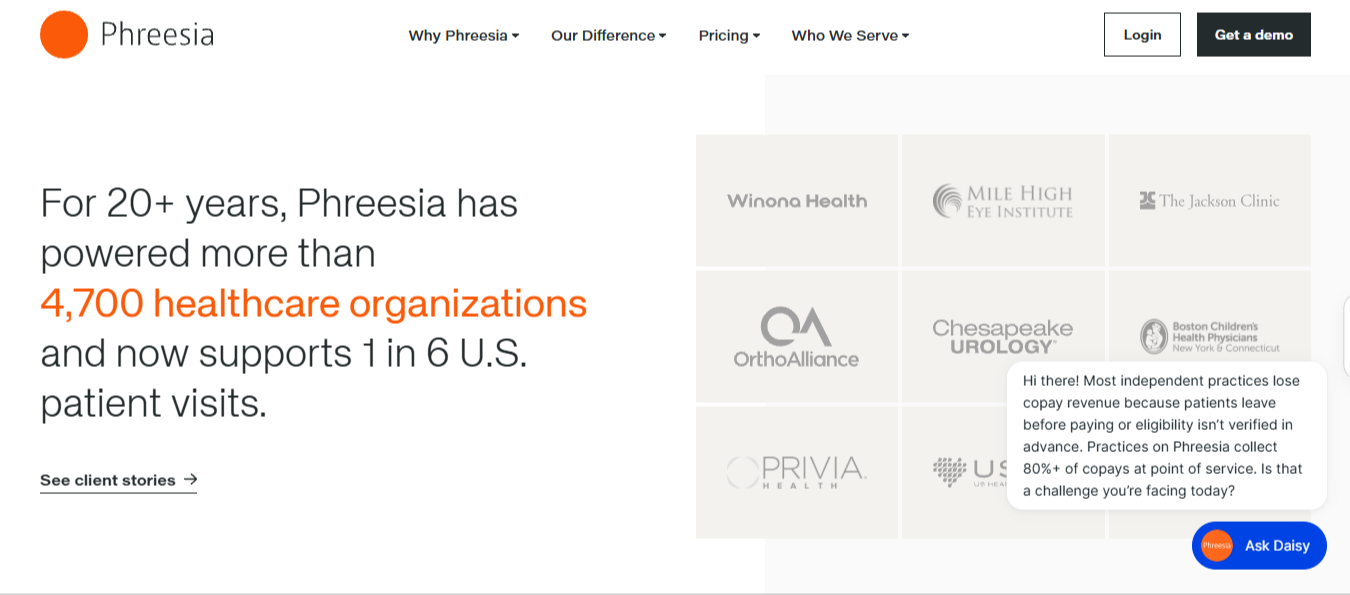
What it does: Phreesia runs the full pre-visit journey, covering self-scheduling, registration, insurance verification, and payment collection, then writes the data back to your record system.
Best for: Practices where front-desk time and uncollected patient balances are the two highest operational costs.
Phreesia has been building digital check-in since 2005, and that shows in how deep the feature set runs. It's built for practices moving off paper clipboards and manual check-in.
Key Features
- Adaptive intake interviews: Questions change based on prior answers, so patients skip what doesn't apply to them.
- Card capture with optical character recognition: License and insurance card images convert to structured data without staff retyping.
- Appointments Hub: A single queue where staff track self-scheduled visits, requests, and referrals.
- Payment at registration: Balances and copays appear while the patient is still checking in.
Pros
✅ Bi-directional syncs with major systems like athenahealth and NextGen come prebuilt, so you don't need custom middleware.
✅ Feature and compliance updates roll out frequently as regulations change.
✅ Patients enter their own data before or at check-in, which cuts front-desk data entry.
Cons
❌ Contracts auto-renew for another year, and one reviewer warns that you have to cancel 60 days before the renewal date, an easy window to miss.
❌ Large, multi-site rollouts can run past the quoted go-live date, according to some reviewers.
❌ Standard onboarding is light on clinic-specific setup, so staff may have to work out complex workflows on their own.
What Users Say
"The integration with Athena has been seamless and has helped streamline our patient workflow."
Sara Kinder, Trustpilot
"The security of being able to send messages and sensitive information is a big win to me."
Sarah W., Software Advice
Pricing
Phreesia doesn't publish rates. Pricing is quoted per practice, and Phreesia's pricing page currently offers its full Intake platform at no cost through spring 2027, with standard pricing beginning May 1, 2027. Ask specifically about the renewal notice window before signing.
Bottom Line
If your front desk is overloaded and your point-of-service collections are weak, Phreesia is the strongest fit here for both problems. Read the renewal clause closely before you sign.
3. Clearwave: Best for High-Volume Multi-Location Check-In
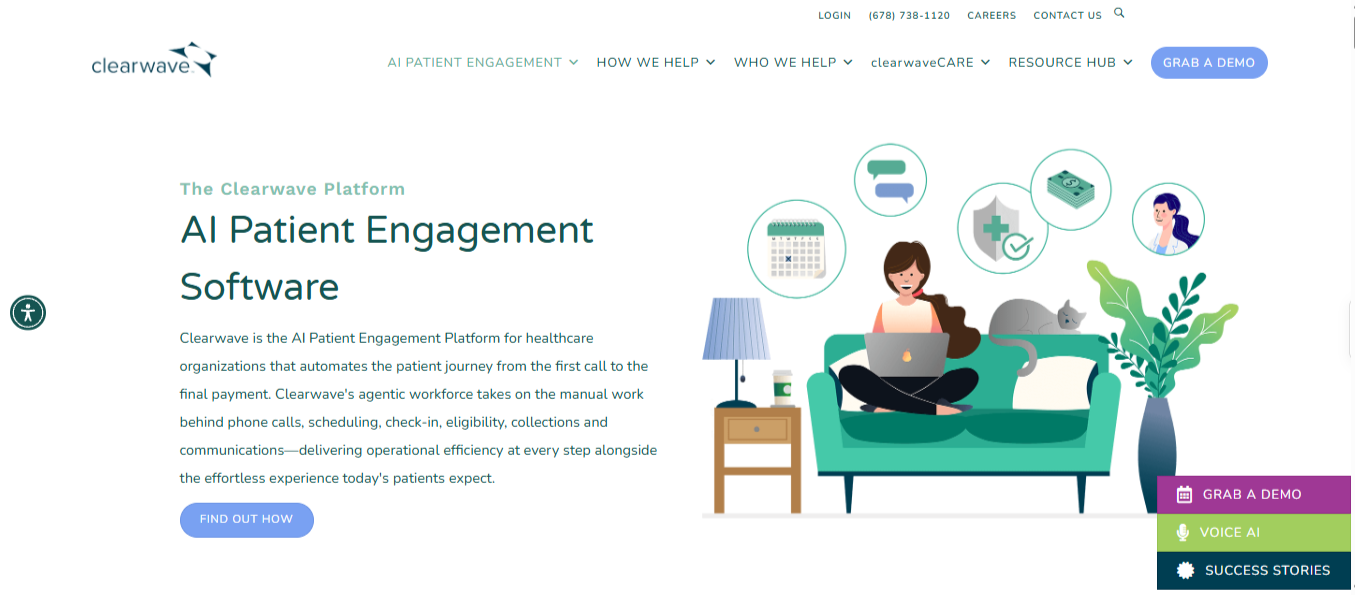
What it does: Clearwave automates patient self-scheduling, registration, and insurance verification across kiosk, tablet, and mobile, with the same workflow at every site.
Best for: Multi-specialty and multi-location groups where each office currently does check-in its own way.
Clearwave puts patient intake and check-in into a single system across all locations in a group. Instead of each office running its own routine, staff and patients get the same flow on kiosks, tablets, or phones. For a group standardizing a dozen front desks, that consistency is the main draw.
Key Features
- Kiosk, tablet, and mobile registration: The same check-in flow runs on any device a practice deploys.
- Round-the-clock self-scheduling: Patients book outside office hours without a callback queue.
- Automated eligibility verification: Coverage checks run in real time against the schedule.
- Cross-site operational reporting: Administrators see how each location performs on the same measures.
Pros
✅ The registration interface scales across mobile, tablet, and kiosk formats without losing functionality.
✅ Patients can book, change, or request visits 24/7, which cuts inbound phone calls for front-desk staff.
✅ Transparent pre-service billing shows patients their out-of-pocket costs at check-in, so there are fewer billing surprises later.
Cons
❌ Insurance verification lacks depth for complex surgical benefits, so staff still check procedure-level costs by hand.
❌ Some older patients find the self-service interface harder to use, so staff may need to help them check in.
❌ Highly specialized clinics can find the one-size-fits-all setup limiting, and end up working around it.
What Users Say
"Very easy to utilize. Very patient friendly."
Andrea H., Capterra
"I wish the benefits pulled for surgeries were more robust."
Megan T., Capterra
Pricing
Clearwave tailors its pricing to fit specific practice size, patient volume, number of providers, and unique needs. Because each setup is custom, you must request a personalized quote to get accurate pricing.
Bottom Line
Clearwave is worth it if you're running high volume across several sites and check-in is your bottleneck. A single-site practice with an older patient base will likely get less value from it than a multi-site group would.
4. OhMD: Best for Two-Way Patient Texting
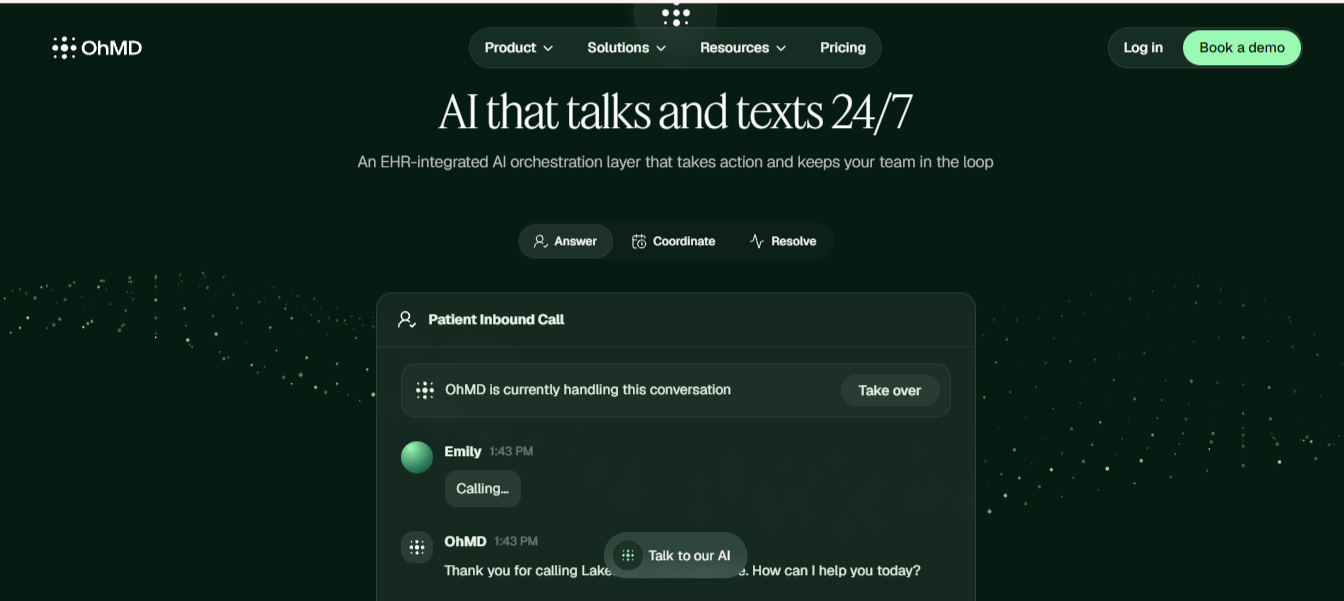
What it does: OhMD gives practices HIPAA-compliant two-way texting with patients, plus an AI voice assistant that answers and routes incoming calls.
Best for: Small practices whose main problem is phone tag.
OhMD is the narrowest tool on the list by design. Patients text a number without downloading an app or logging in to a portal, and conversations write back to the record for documentation. For a practice with two providers and a ringing phone, that covers the main complaint.
Key Features
- App-free patient texting: Patients reply from their native messaging app with no account to create.
- AI call answering: Inbound calls get answered and routed without adding front-desk headcount.
- Conversation write-back: Message threads save into the chart as documentation.
- Team inboxes: Messages route to a role, so nothing waits on one person's day off.
Pros
✅ Automated messages handle routine tasks like visit reminders, review requests, and intake requests without staff stepping in.
✅ Staff and patients can securely send and receive clinical images and documents in an encrypted, HIPAA-compliant thread.
✅ The platform segments conversation queues by department, provider, or clinic location to keep high-volume patient message traffic organized.
Cons
❌ A two-way EMR integration can be slow to configure on the base plans.
❌ Advanced automation and AI workflows sit on the higher-priced plan, which starts at $500 per month.
❌ Customization is limited, and admins have little control over system-wide settings beyond individual staff accounts.
What Users Say
"Limited customization. It seems like you only have control over your own account and staff."
Verified User, G2
"I was able to text with clients and still be HIPAA compliant."
Nathan H., Capterra
Pricing
OhMD publishes its pricing by plan, and calling usage is billed separately on the higher tiers.
- Core: Starting at $300 per month
- AI and Automation: Starting at $500 per month
- Enterprise and Scale: Custom pricing
Bottom Line
OhMD is a good buy if messaging is the whole problem. If you also need intake, eligibility, and payments, you'll likely need a second tool.
5. Veradigm FollowMyHealth: Best for Existing Veradigm Practices
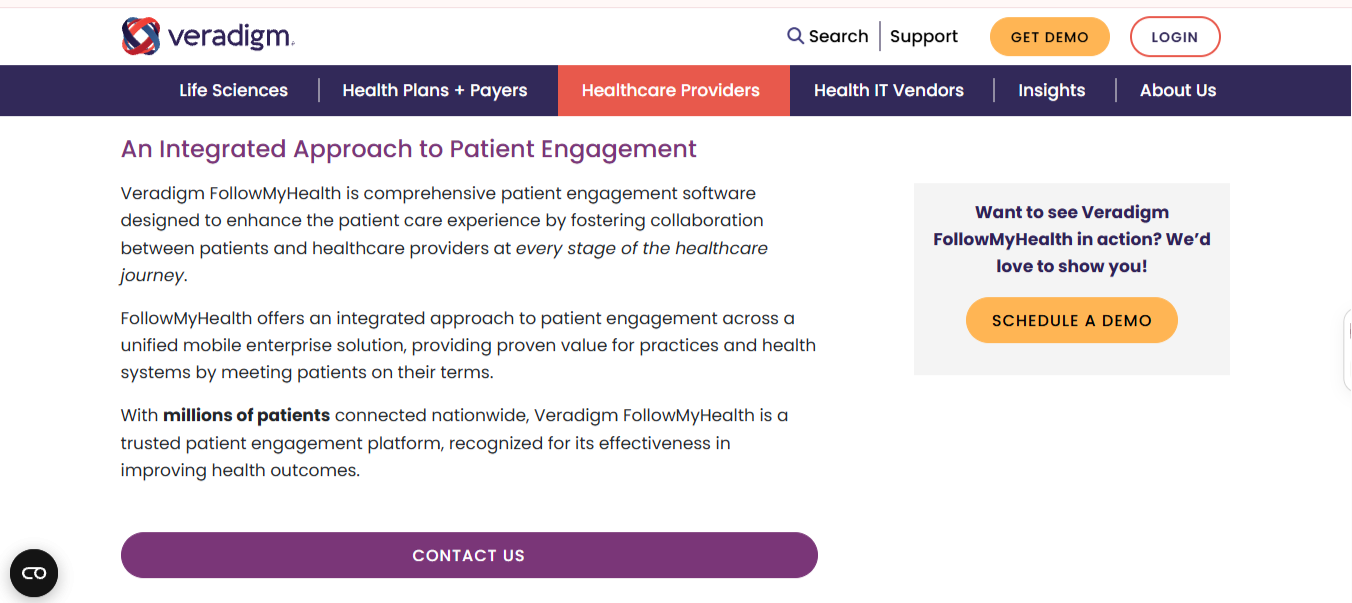
What it does: FollowMyHealth is Veradigm's patient engagement platform, covering telehealth video, medical record access, and interpretation services through a mobile-first personal health record.
Best for: Ambulatory and acute practices already running other Veradigm products.
Patients check results and message the practice from one app, which keeps simple questions off the phone and off the front desk's plate.
Key Features
- Immediate results release: Lab results post to the patient app with out-of-range values marked.
- Consolidated personal health record: Patients pull records from multiple connected organizations into one view.
- Integrated telehealth video: Visits run inside the same app patients already use for records.
- Medical interpretation: Built-in access to interpretation in over 240 spoken languages plus American Sign Language comes through a partnership with Voyce.
Pros
✅ Patients retrieve their own results, which reduces routine daily call volume.
✅ Record aggregation across organizations is stronger here than in a single-practice portal.
✅ The mobile app is available on both iOS and Android, so patients aren't pushed to a browser.
Cons
❌ Some reviewers say older information shows up on one device while updated details show up on another.
❌ Some patients hit login redirect loops that block access to their records for a while.
❌ Sharing a multi-page document with a provider through the app can be awkward, according to one reviewer.
What Users Say
"This patient portal is easy to navigate and includes a lot of features important for patients to access at home 24-7."
Kristin P., Software Advice
Pricing
Veradigm doesn't publish pricing for FollowMyHealth, so every quote comes through a demo request.
Bottom Line
If you already use Veradigm, FollowMyHealth keeps patient records access with one vendor. Get the full cost in writing before you sign, since nothing is published up front.
Which Patient Engagement Platform Should You Choose?
The right answer depends on which part of the patient journey is currently broken.
Choose Develo if you:
- Run an independent pediatric practice
- Need family-level access, adolescent privacy, and sibling billing handled natively
Choose Phreesia if you:
- Need accurate insurance and demographics captured before every visit
- Want more of the patient balance collected before they leave
Choose Clearwave if you:
- Run several locations that each handle check-in differently
- Have the daily volume to justify kiosk hardware
Choose OhMD if you:
- Only need to stop playing phone tag with patients
- Want to be live in days without a migration
Choose FollowMyHealth if you:
- Already run Veradigm and want patient records access from a vendor you already use
Skip this category entirely if:
- Your record system's built-in portal already covers messaging and results, and your complaint is about staffing more than software
Final Verdict
The best patient engagement software depends on the job at hand. For independent pediatric practices, Develo is the pick because it's built around families and pediatric workflows from day one.
For general practices, Phreesia is the strongest all-rounder, and Clearwave leads on high-volume, multi-site check-in.
See How Develo Handles Family Engagement
If you run an independent pediatric practice, Develo brings charting, billing, practice management, and family engagement into one AI-native operating system built solely for independent pediatric practices.
Book a demo to see how it handles caregiver access, adolescent privacy, and sibling billing for your families.
Frequently Asked Questions
What Is the Best Patient Engagement Software?
The best platform depends on your practice. Phreesia is the strongest all-rounder for general practices. Clearwave leads for high-volume, multi-location check-in. Develo is the best fit for independent pediatric practices.
What Features Should Patient Engagement Software Have?
Patient engagement software should have self-scheduling, digital intake, real-time eligibility verification, two-way messaging, and online payments. The feature that separates platforms is how well the data flows back into your record system, since anything requiring manual re-entry adds work to the day.
Do Patient Engagement Platforms Work for Pediatric Practices?
Many patient engagement platforms handle pediatrics poorly because they're built around one adult patient per login. Pediatric practices need caregiver-proxy access, adolescent confidentiality controls, and billing that groups siblings under a single guarantor. Develo handles all three natively, in the same system as the chart. Separated parents are the common case to test: two households may each need their own access, and the parent who pays isn't always the parent who brings the child in.
What Happens to Parent Access When a Patient Turns 18?
At 18, a patient controls their own record, and a parent's proxy access should end unless the patient grants it again. In platforms built around adult patients, that cutover is usually a manual task someone has to remember. In Develo, access is specific to each patient–caregiver relationship and adjusts automatically as guardian roles and independence status change, on age thresholds the practice sets.
Is Patient Engagement Software Worth the Investment?
Patient engagement software is worth the investment when it replaces staff time or captures revenue you were losing. The clearest returns come from point-of-service collections, fewer no-shows, and reduced inbound call volume. If you're buying it to improve satisfaction scores alone, the business case is harder to make.


.avif)
.png)