
.avif)
We analyzed dozens of NextGen reviews from pediatric office managers, providers, and practice owners. Here's what they like, what they don't, and what's missing for children's healthcare in 2026.
Quick Verdict
NextGen is a multi-specialty EHR with decent customization and integrated billing tools. It works well for practices that need flexibility across specialties.
But for pediatric clinics, it lacks purpose-built workflows for family management, vaccination tracking, and age-based screeners. That forces workarounds that cost you time and money.
What Is NextGen?
NextGen Healthcare is a cloud-based EHR and practice management software built for ambulatory care. Founded in 1974 by Sheldon Razin, the platform now serves over 75,000 locations across the U.S.
The company offers two products:
- NextGen Office: For small practices with 1 to 10 physicians
- NextGen Enterprise: For multi-site networks with 10+ physicians
NextGen covers charting, scheduling, billing, a patient portal, and telehealth. The platform also includes Ambient Assist, an AI scribe that converts patient-provider conversations into SOAP notes.
NextGenOffice supports 26 specialties, while Enterprise supports over 30. Pediatrics is one of them, but it's a content pack rather than a dedicated build.
NextGen at a Glance
NextGen Features
Here's what matters most to pediatric clinics and where it falls short:
Charting & Documentation
NextGen lets you build custom templates by specialty. You can create encounter blueprints for well child visits, sick visits, and more.
The AI-powered Ambient Assist listens to your patient conversations and automatically generates SOAP notes. Providers report saving up to 2 hours per day on documentation with this tool.
The catch? Template customization takes time. If you heavily customize, version upgrades can break your configurations.
Scheduling & Front Desk
The scheduling module uses a color-coded calendar with drag-and-drop functionality. You can filter by provider, location, or visit type.
Automated appointment reminders go out via text and email. But for more advanced patient messaging, you'll need a third-party add-on like Luma.
Billing & Revenue Cycle
NextGen includes a Charge Review Rules Engine that catches coding errors before claims go out. This helps reduce denials.
You can handle claim submission, payment posting, and denial management from one place. Reporting pulls financial data across providers and payers.
That said, billing workflows require manual review for each claim. For high-volume pediatric practices processing hundreds of claims per week, this adds up fast.
Patient Portal
Patients can schedule appointments, request refills, pay bills, and access medical records through the portal.
Multiple NextGen reviews say the portal is clunky and outdated. Staff and families both struggle with the interface, leading to extra calls to your front desk.
If you're exploring ways to improve the in-office experience for families, a frustrating portal works against you.
Interoperability
NextGen supports HL7 and FHIR standards for data exchange with hospitals, labs, and other providers. Electronic lab orders and results flow directly into the system.
One common complaint: NextGen limits API access for third-party integrations. That makes it harder to connect modern tools and modernize your patient experience.
NextGen Reviews: What Real Users Are Saying
We pulled recent NextGen reviews from Capterra to give you an unfiltered look at what clinic staff think. Three positives and three negatives, straight from real users:
Pros
✅ Responsive account management stands out across reviews: One office administrator at a medical practice gave NextGen a 5-star rating, praising how her new account rep stays on top of everything and checks in regularly.
✅ Easy navigation between practice management and EHR earns praise: An office manager at a healthcare facility rated the system 3 out of 5 stars but highlighted how the software is simple to navigate on both the PM and clinical sides, with messaging and tasks that are straightforward to use.
✅Strong customer support reps make a difference: A director of operations at a medical practice gave a 4-star review, calling out her account rep's knowledge and helpfulness as the reason the product is worth her team's time.
Cons
❌ Inconsistent support follow-through frustrates users: A practice owner described an experience where early service was responsive and quick, but over time, many inquiries went unresolved. He had to follow up multiple times to get answers.
❌ Data duplication and merging issues cause headaches: A clinical office manager who used NextGen for over 2 years reported that the system duplicated patient records and made it hard to merge them. That's a serious problem for practices tracking families with multiple kids.
❌Poor value for money is a recurring theme: One practice owner left a 2-star review, describing the software as expensive, outdated, and difficult to use, even after completing official training. He said documenting a new patient on their first visit took far too long.
Overall, NextGen reviews show that individual account reps can make or break the experience. The platform works once you invest the time to learn it. But usability gaps, support inconsistency, and high costs push many pediatric practices to look elsewhere.
My Personal Take on NextGen
NextGen does a lot of things at an okay level. Charting is flexible. Billing tools are solid once configured. The Ambient Assist is a legitimate time-saver for documentation.
But here's what stands out after digging through reviews from pediatric practices: NextGen treats pediatrics as one of 26+ specialties. It's a content pack bolted onto a general platform, not a system designed around how pediatric clinics operate.
For a solo provider or a small multi-specialty group, NextGen can work. For a pediatric practice that wants workflows built around siblings, caregivers, growth tracking, and immunization management? You'll feel the gaps daily.
And if you're trying to grow your pediatric practice, an EMR that slows your team down makes that harder.
Is NextGen Right for You?
You’ll find NextGen useful if you:
- Are a multi-specialty practice that needs one platform across departments
- Are a clinic that wants deep template customization and has IT support to maintain it
- Are a Practice focused on compliance reporting, like MIPS and MACRA
You should look elsewhere if you:
- Are a pediatric clinic that needs purpose-built workflows for well child visits, family structures, and vaccination schedules
- Are a Practice that’s tired of stitching together third-party tools for screeners, intake, and patient engagement
- Have a team that wants a modern, fast interface without a steep learning curve
The Best NextGen Alternative for Pediatric Clinics: Develo
NextGen reviews tell a clear story: The software works across specialties, but pediatric clinics need more than a content pack. That's where Develo comes in.
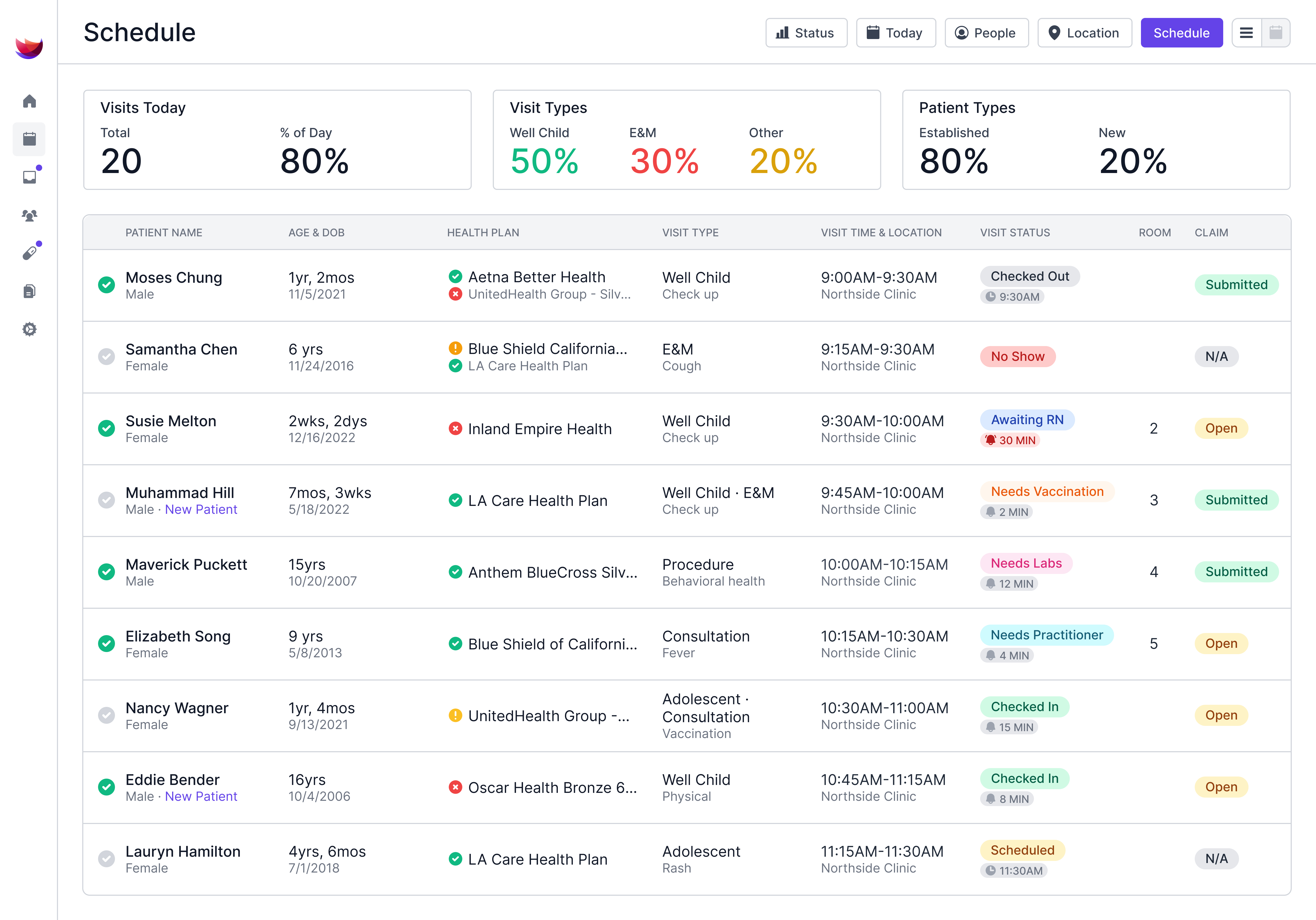
Develo is a modern, web-based EMR built from the ground up for independent pediatric clinics. It covers front desk, clinical documentation, billing, and patient engagement on a single platform, with no third-party patchwork.
Unlike NextGen, Develo's workflows are designed specifically around how pediatric practices run. That means family relationship management, automated charge capture, age-based digital screeners, and vaccination workflows that match a pediatrician's actual day.
Here’s where Develo stands out:
- Pediatric-specific charting and documentation with templates built for well child visits, sick visits, and developmental assessments
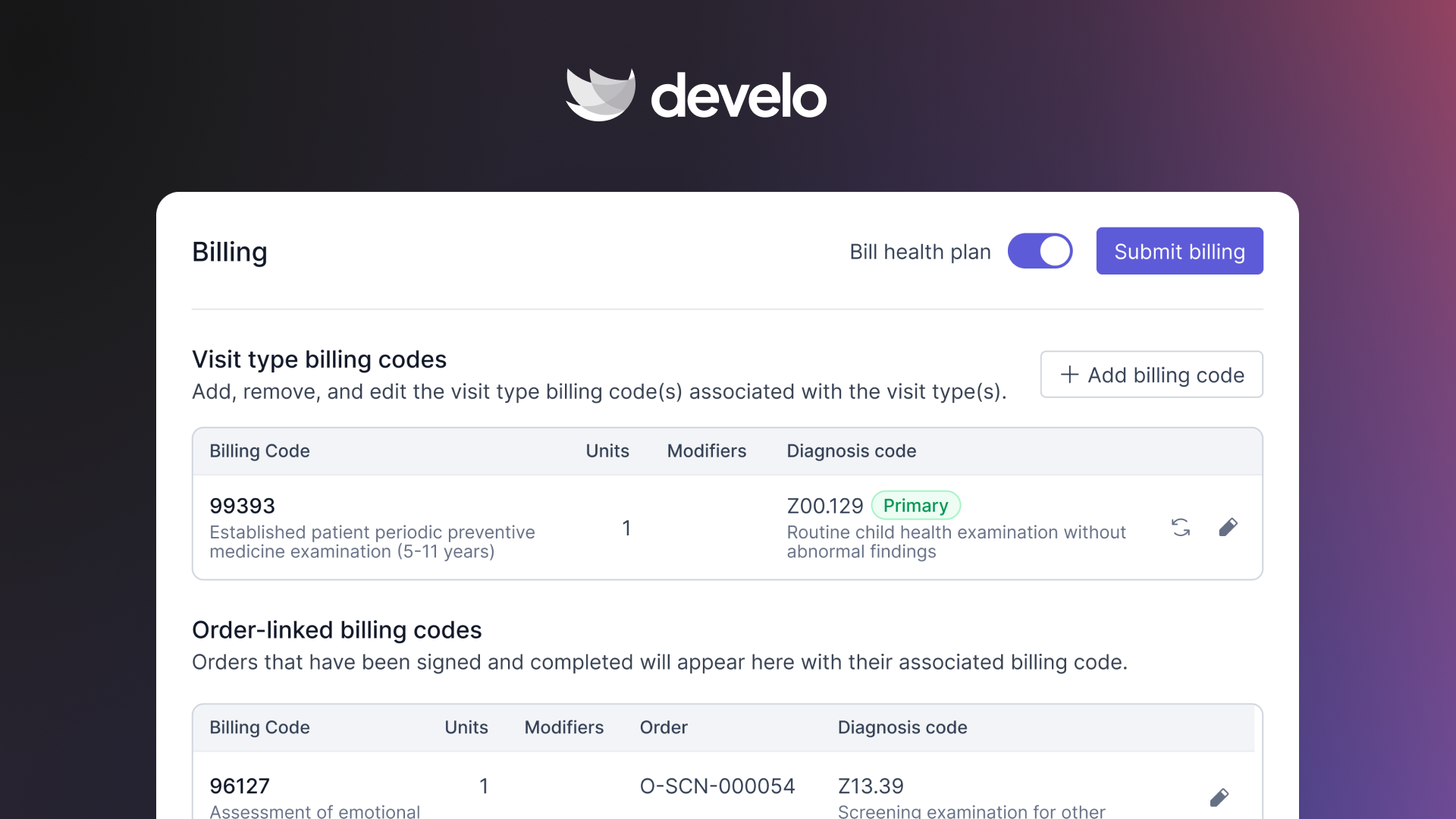
- Automated billing and charge capture that reduces manual claim review and increases reimbursements
- Built-in AI Scribe that eliminates the need for separate transcription tools
- Family-centered design that handles siblings, blended families, multiple guardians, and caregiver communications without workarounds
- Digital clinical screeners (M-CHAT, PHQ-A, and more) that auto-populate by patient age, score automatically, and flow into billing
- Comprehensive pricing that includes the full platform with no surprise add-on fees
- A modern family portal for scheduling, digital check-in, documents, and payments from their phones
- Connect to all 50 state immunization registries and track vaccination workflows built around the AAP schedule
Final Verdict
NextGen is a solid multi-specialty EHR with flexible charting and integrated billing. If you run a general practice across multiple specialties, it can work.
But if you run a pediatric clinic, the gaps show up fast. Pediatrics has different nuances: high patient volume, family-driven workflows, vaccination schedules, and developmental screeners. NextGen treats these as afterthoughts.
For pediatric practices, a purpose-built system saves more time, captures more revenue, and reduces the workarounds that burn out your staff.
You don't need five different tools to run your pediatric practice. You need one system designed for it.
Book a free demo and see how Develo helps pediatric clinics work smarter from check-in to claim.
Frequently Asked Questions
1. Is NextGen Good for Pediatric Clinics?
Yes, NextGen supports pediatrics through specialty content packs, including growth charts and immunization tracking. But it's a general ambulatory EHR, not a pediatric-specific platform.
Clinics that need family management, age-based screeners, and vaccination-focused workflows often find it lacking compared to dedicated pediatric software.
2. How Much Does NextGen Cost per Month?
NextGen Office doesn’t publicly publish pricing. Many NextGen reviews mention unexpected fees as a common frustration. Costs increase with add-on features, implementation, training, and third-party integrations.
3. What Do Most NextGen Reviews Say About Customer Support?
NextGen reviews are split on support. Many users praise individual account reps for their responsiveness and knowledge. But others report slow ticket resolution, inconsistent follow-through, and difficulty reaching someone who can fix the actual problem.
4. Does NextGen Have an AI Scribe?
Yes, NextGen's Ambient Assist uses AI to listen to patient-provider conversations and auto-generate SOAP notes. Providers report it saves up to 2 hours per day on documentation. Notes are placed directly into the patient's chart for review.
5. What Are the Biggest Complaints in NextGen Reviews?
Common complaints in NextGen reviews include system glitches, a steep learning curve, slow support response times, data duplication issues, and a patient portal that feels outdated. High-volume pediatric clinics also flag the number of clicks required to complete routine tasks.
.png)

.avif)
.avif)